Move the deal on the Negotiation Agent
The Negotiation Agent now gives you two levers, a discount to settle at and a term to settle on, and the whole reading column recalculates against your deal while the documents argue for the exact numbers you set.
Here is a problem every procurement buyer recognises. You have a target discount in your head, maybe 22 percent, maybe a two year term instead of three, and you have a stack of analysis that argues for something slightly different. The benchmark says one thing, the strategy memo says another, the talking points quote a number nobody updated after the last exchange. By the time you walk into the room, the file and the plan disagree with each other, and the vendor's rep can hear it. The gap between what you decided to settle at and what your documents actually argue for is where leverage quietly leaks out.
We shipped a change to the Negotiation Agent that closes that gap. There are now two levers in the reading column, the discount to settle at and the term to settle on. Move either one and every figure beside them follows on your own deal, live. Your position against the peer midpoint, your rank, the net a year, the total over the term, and what it saves against the offer on the table. Then the same settle point and term travel into the strategy, the talking points, and the options report. This is the same principle behind the decode window that works the deal, not just the paper, extended to the moment where you actually pick a number.
The named problem: the plan drifts from the number
Most negotiation prep is a static snapshot. You benchmark the deal, you write the strategy, you draft the talking points, and each of those artefacts freezes a discount assumption at the moment it was created. Then reality moves. The vendor comes back with a longer term for a better headline rate. Your CFO asks what a two year commitment actually costs versus three. You change your mind about where you will land. Every one of those moves used to mean re-reading the benchmark, re-editing the memo, and hoping the talking points still hold.
The cost is not just time. It is that your own documents stop being trustworthy. A talking point that quotes a saving you no longer believe in is worse than no talking point, because you will hesitate on it in the room, and hesitation is legible across the table.
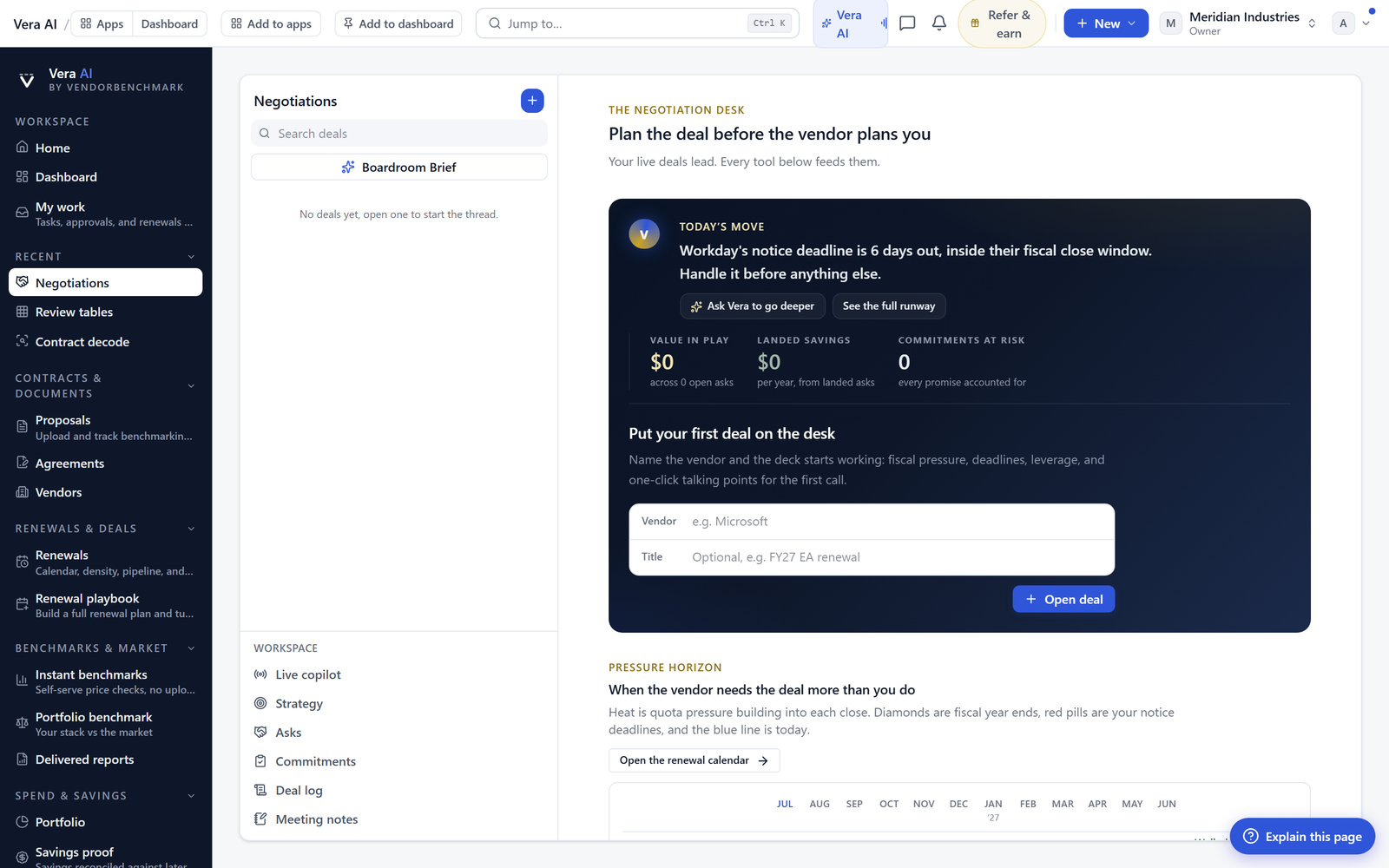
The two levers, and what follows them
The discount lever and the term lever sit in the reading column so you are never far from the analysis while you move them. Set the discount to settle at and you immediately see where that lands you against the peer midpoint, drawn from the benchmark library that covers 1,483 vendors, and where it puts your rank in the peer set. Set the term and the net a year, the total over the term, and the saving against the current offer all recompute on your figures.
This matters because term and discount trade against each other, and the trade is rarely intuitive. A deeper headline discount on a three year commitment can cost more in total than a shallower one on two years once the uplift compounds. If you want the full picture on that mechanic, negotiating the uplift, caps, floors, and what compounding does to three years walks through it. The levers let you feel that trade in the numbers instead of arguing it in the abstract.
The settle point travels into the documents
The second half of this release is the one that changes how prep feels. Whatever you set on the levers travels into the strategy, the talking points, and the options report. The documents argue for the number you chose, not for a stale default. This is the same idea we built into the Negotiation Dossier, where the counter offer is a document rather than a note, and you can read the full account in the counter offer is a document, inside the Negotiation Dossier.
So the options report presents the settle point you actually intend to land, framed against the offer. The talking points quote the saving you believe in. The strategy is built around the term you decided on. When the vendor moves and you move the lever in response, the file moves with you. Prep stops being a thing you finish and starts being a thing you steer, which is closer to how the negotiation war room already handles mandate and landing zones.
What changes for a buyer
The honest limits
This is a decision aid, not a decision. The levers compute what a settle point does against the peer midpoint and against the offer, but they do not know your internal budget ceiling, your appetite for a multiyear lock, or the political cost of walking away. The rank and the midpoint come from the benchmark, and a benchmark is a guide to where the market sits, not a guarantee that a given vendor will meet it. Some vendors sit above midpoint for defensible reasons, and the tool will not talk you out of paying that if the value is real.
The document generation follows your settle point, which means it will faithfully argue for a bad number if you set one. The levers make it easy to model, and easy to model wrong. Timing is not in the levers either. A perfectly modelled settle point pushed in the wrong quarter still leaves money on the table, which is why timing is leverage, vendor fiscal calendars and when discounts actually move remains required reading alongside this. Use the levers to know your ground, then use judgement to choose when to stand on it. If you want to see it against a live deal, open the deal studio and set the two levers yourself.
Want to be updated when major licensing and pricing changes land? One analyst brief a week: the price rises, metric changes and audit campaigns that move software costs. Work email only.
Morten brings two decades of enterprise and software procurement, with stints across Oracle, IBM, SAP, and Salesforce shaping how he reads a deal. He has led sourcing through hundreds of renewals, from mid market order forms to nine figure global agreements, and learned that the buyers who win are the ones who walk in knowing the market. He built VendorBenchmark to make that pattern recognition repeatable.


