One question, five hundred contracts: review tables.
The answer to "which of our contracts is missing a price cap?" is usually a week of somebody opening PDFs. It should be a column. Here is how a review table asks one question across the whole estate and answers every cell with a citation.
Somewhere in your organization is a question that nobody can answer quickly. "Which of our contracts auto renew in the next ninety days without a price cap?" "Where did we agree to unlimited liability?" "How many vendors can raise prices mid term with no notice?" The information exists. It is sitting in three hundred PDFs across four shared drives and two inboxes, and getting it out means a person opening documents one at a time until they lose the will.
This is the real state of most contract estates. Not disorganized exactly, just illegible at scale. Any single contract is readable. The portfolio is not, because there is no way to ask it a question. A review table fixes that by turning the estate into something you can query like a spreadsheet, where the columns are your questions and the rows are your contracts.
Columns are questions, cells are answers
The idea is deliberately plain. You pick a set of contracts, a whole vendor category, everything expiring this quarter, or the entire estate. Then you add columns, and each column is a question in plain English. What is the liability cap? Is there an uplift cap, and at what percentage? What is the notice window for termination? Does this contract permit a benchmark reprice?
The agents read every contract and fill the grid, and crucially, each cell carries a citation back to the clause it came from. You are not trusting a summary. You are looking at an answer with a receipt, one click from the exact page and paragraph it was drawn from. A blank or a flagged cell is its own signal: this contract is silent on a protection the others have.
Scale is the whole point. Running one of these questions by hand does not really get harder as the estate grows, it just gets longer, until the honest answer to "have we checked all of them?" becomes "no, we checked the ones we had time for." A review table does not tire on the four hundredth contract. It reads the whole estate with the same attention it gave the first, which is precisely the part a human reviewer cannot promise at three in the afternoon.
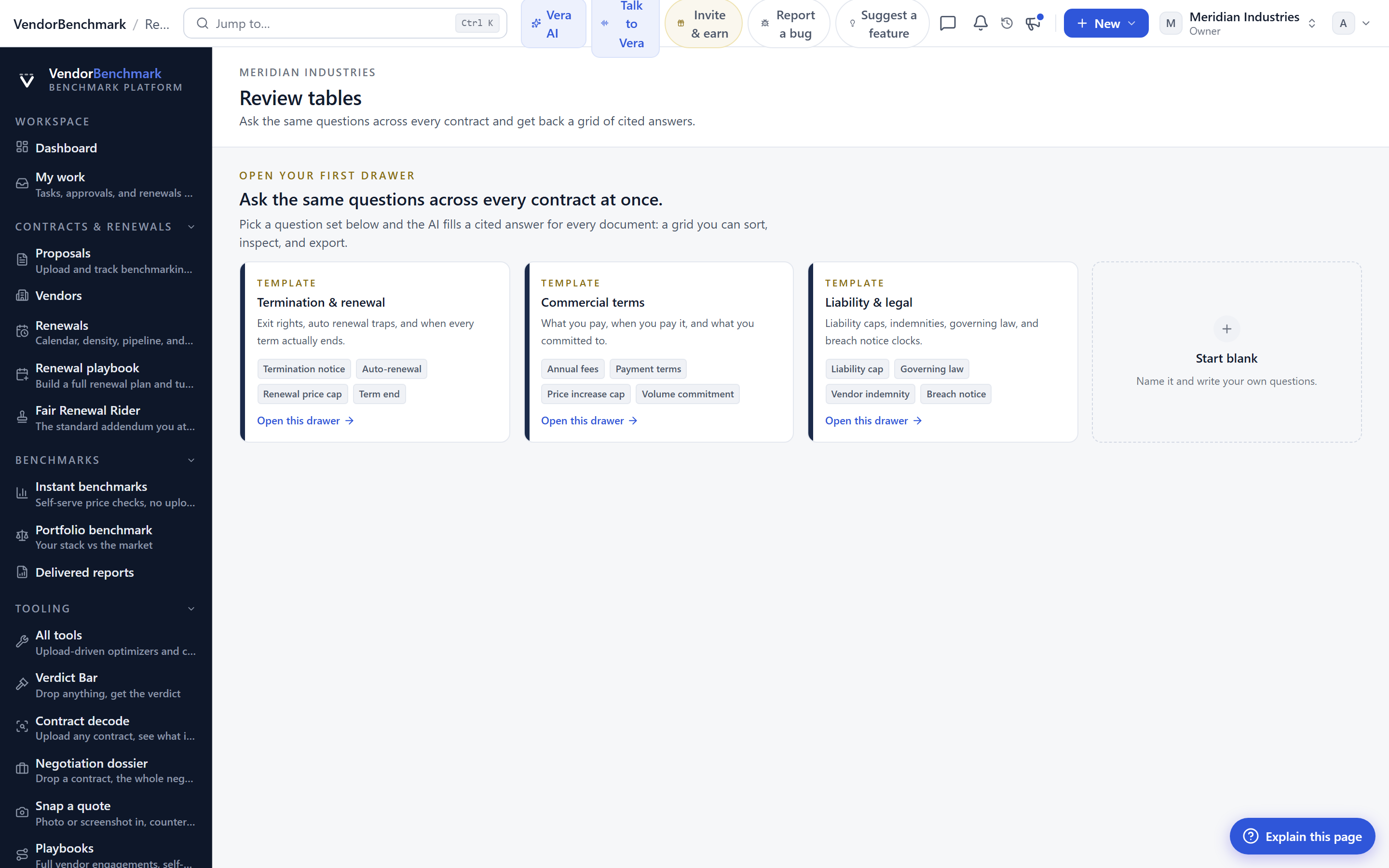
The shift is from reading contracts to interrogating them. A liability review that used to mean a paralegal opening files for a week becomes a column you add before lunch. And because the answer set is a table, you can sort it, filter it, and act on the exceptions instead of the whole pile.
Grounded answers, not confident guesses
The danger with running AI over legal text is a fluent answer that is quietly wrong. On a contract, a hallucinated liability cap is not an inconvenience, it is a decision you will make badly. So review tables sit on the same rule as everything else here: no answer without a source. Every cell is grounded in a specific clause, and when a contract genuinely does not address a question, the honest output is a flagged gap, not an invented number.
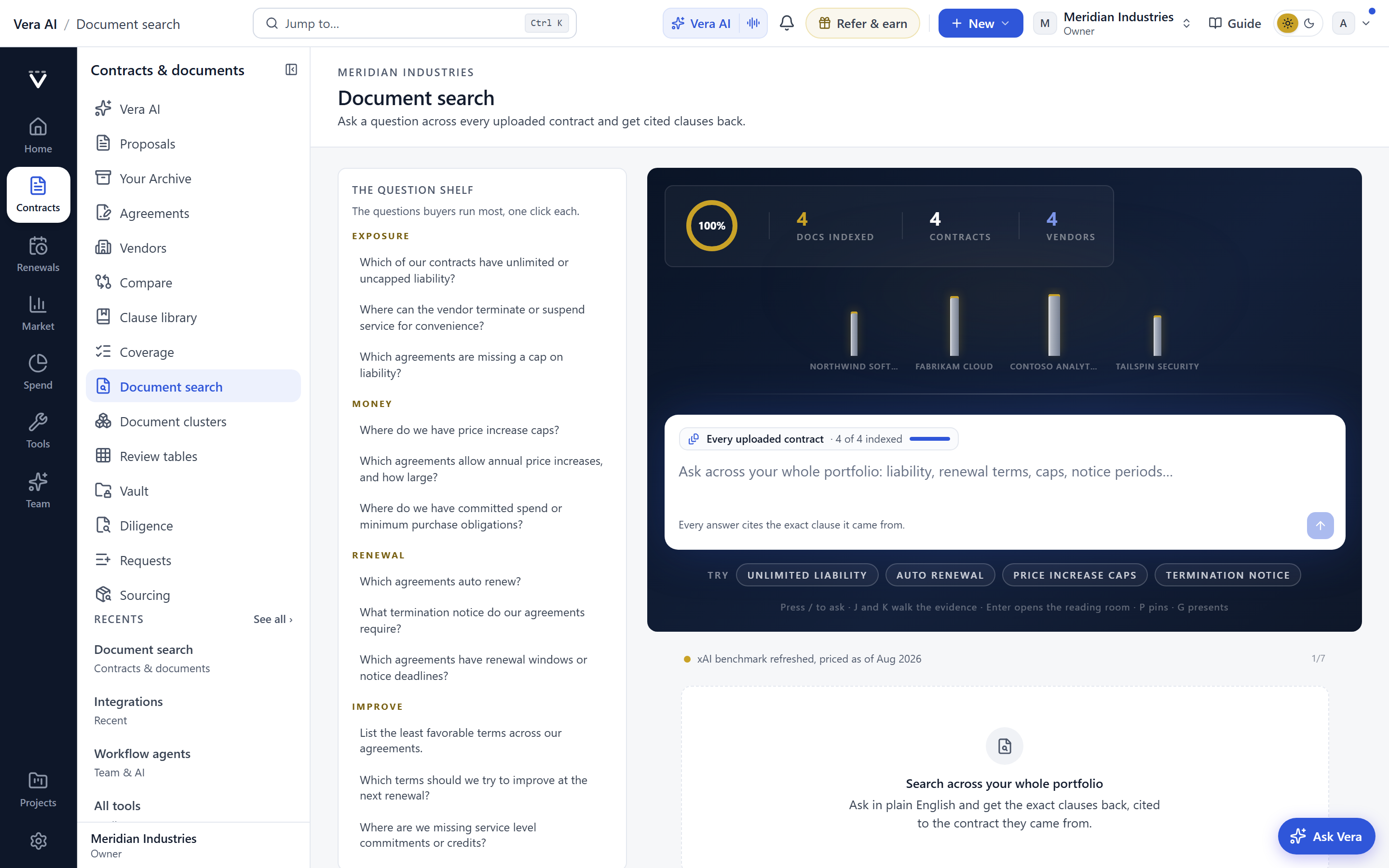
Underneath the table is full document search across the estate, so you can also go the other way. Instead of asking a fixed column, you can search for a concept, indemnification, data residency, most favored nation, and see every contract that touches it, ranked and quoted. The table is for the questions you ask often. The search is for the one you did not see coming.
The two together turn the estate from a liability you hope about into one you can actually report on. When the board asks how exposed you are on a given risk, the answer stops being "let us come back to you" and becomes a filtered view you can share in the meeting, every figure in it traceable to the contract it came from.
Want to be updated when major licensing and pricing changes land? One analyst brief a week: the price rises, metric changes and audit campaigns that move software costs. Work email only.
Questions to ask your whole estate
The table finds it, a person decides it
A review table does not give legal advice, and it does not close a gap on its own. What it does is end the excuse that the estate is too large to look at. It turns "we would have to check all of them" into a column you run in minutes, with every answer traceable to the paper it came from.
From there, the judgment is yours. But you are now making it with the whole board in front of you, exceptions sorted to the top, instead of a sample of the contracts someone had time to open. That is the difference between managing an estate and hoping about one.
Fredrik has spent more than twenty years in enterprise software, with time at Oracle, IBM, SAP, and Salesforce before moving to the buy side. He structured and priced the kind of large agreements most buyers only see once or twice in a career, which taught him where the leverage sits and how far a vendor will actually move. He started VendorBenchmark to hand that knowledge to every sourcing team.

The week in enterprise software buying, in one email.
What shipped on the platform, and the pricing and licensing moves worth knowing before your next renewal. One email a week, to your work address. Unsubscribe any time.