Second opinion draws the verdict on the vendor's own curve
The verdict view now starts with a picture. The documented peer range as a band, your offer as the gold dot, the ask as the diamond, and the distance priced in money over the term.
Here is a problem most buyers recognise. You get a quote, you sense it is high, and you have nothing to hold it against except a feeling. The vendor knows their discount curve cold. You are working from memory and a spreadsheet from the last cycle. Second opinion was built to close that gap, and this release changes how it opens and what it leads with. It now runs as the same immersive application window as the three decoders, and when the vendor is covered by the discount curve library, the Verdict view opens on the curve itself. Read more at /tooling/second-opinion.
The named problem: a verdict with no picture
The old failure was not that buyers lacked data. It was that the data arrived as prose. A paragraph telling you an offer sits above the peer range is easy to nod at and hard to negotiate with. The vendor can wave it away because there is nothing to point at. What you needed was the same object the vendor uses internally, the discount curve by deal size, with your position marked on it and the gap between your offer and your ask converted into money over the term. That is now the first thing the Verdict view shows, so the conversation starts from a shared drawing rather than two competing summaries.
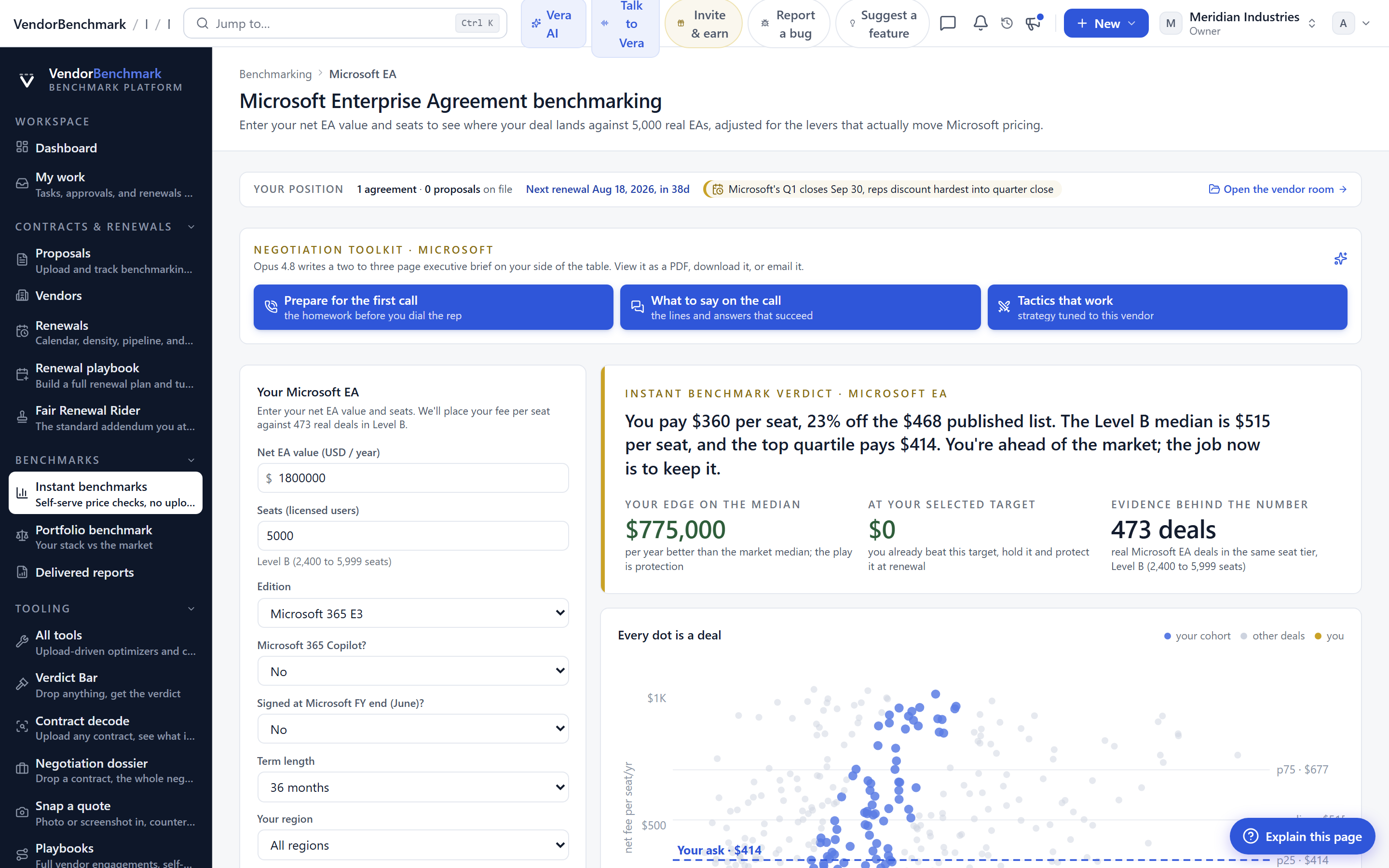
One frame, every entry point
Second opinion now opens as the immersive application window from every entry point, the same frame as the three decoders. That consistency matters more than it sounds. Whether you reach it from a contract record, from a live negotiation, or from the analyst desk, you land in the same environment with the same controls. It is the same pattern we described when coverage began opening on a verdict stage. The verdict is a place you go, not a paragraph you scroll past.
Three levers, all read from the document
The drawing is not static. Three levers move it, and every one of them is read from the curve document rather than invented. The first is the curve line, for example the line with competitive alternatives quoted, so you can see how the range shifts when a credible alternative is on the table. The second is the deal size band, because discount is a function of size and the curve knows it. The third is the ask, bounded to the documented range, so you cannot drag the diamond somewhere the evidence does not support. Bounding the ask is deliberate. A verdict is only useful if the buyer cannot invent a number the peer set never actually paid.
The levers keep their position when you close the window and come back. That is the small feature that changes daily use. A negotiation runs for weeks, and you do not want to reconstruct your framing every time you reopen the view. The state persists, so the drawing you left is the drawing you return to. When you are ready to write the counter, the numbers flow into the Negotiation Dossier without a second act of transcription.
How it fits the workflow
This sits early in a cycle, at the moment a quote arrives and before you commit to a position. Because it opens from every entry point, you can reach it from the contract, from the war room, or from the desk. The output, the priced gap over the term, is the same figure you carry into the counter and, if you are pooling leverage, into a buying bloc without exposing your own numbers. The curve gives you the shape of the market. Your offer and ask give you the specific delta you are negotiating.
The honest limits
Be clear about what this does not do. The curve only leads the Verdict when the vendor is covered by the discount curve library. For a vendor outside that coverage, second opinion still gives you a verdict, but it will not open on a curve, because we will not draw a band we cannot document. The ask is bounded to the documented range on purpose, which means the tool will not endorse an aggressive number the peer set never paid, even if you want it to. And the curve describes a market, not a promise. A specific vendor at a specific quarter end may sit off the line for reasons the drawing cannot see, competitive pressure, an executive relationship, or a strategic loss leader. The curve tells you where the weight of evidence sits. It does not guarantee the individual outcome, and it does not replace the judgement you bring to the room. Used that way, it turns a feeling into a figure, and a figure into a position you can defend.
Fredrik has spent more than twenty years in enterprise software, with time at Oracle, IBM, SAP, and Salesforce before moving to the buy side. He structured and priced the kind of large agreements most buyers only see once or twice in a career, which taught him where the leverage sits and how far a vendor will actually move. He started VendorBenchmark to hand that knowledge to every sourcing team.


