The Contract Agent hands you the clean copy
Some counterparties want the result, not the negotiation. Now you can hand them a clean document that agrees with your redline by construction, and send it under your own name.
There is a small, recurring friction in every negotiation cycle that nobody puts on a slide. You have a redlined document, marked up in the vendor's own margins, and it is exactly what your legal counterpart wants to review. Then the vendor's contracts inbox replies asking for a clean version, because their signatory does not read tracked changes and their document management system rejects marked-up files. You now do the manual work of accepting your own changes into a fresh copy, checking you did not accept the wrong ones, and hoping the two files still say the same thing. We shipped a feature that removes that step. Beside the redlined paper, Send it now offers the clean copy, and the two are built from the same set of approved changes.
The named problem: two documents that must never disagree
The redline and the clean copy are not two drafts. They are two views of one decision. The redline shows the counterparty what you changed and why, so it can be challenged in its own margins. That is the point of the AI redline that challenges the vendor paper. The clean copy shows the result, with the approved changes sitting in the text as final and nothing marked. Both are legitimate. The danger is that they drift apart. If you produce the clean copy by hand, you are re-typing a decision that already exists, and every re-typing is a chance to accept a change the redline did not carry, or to miss one it did. When the vendor signs the clean copy and you file the redline, you now have two documents of record that do not match. That is the exposure procurement carries silently, and it surfaces at the worst possible moment, which is a dispute.
How it is built, and why the two files agree by construction
The clean copy is not a separate export path. It is generated from the same approved changes as the redline, so there is no second decision to keep in sync. When you approve a change in the decode, it feeds both outputs. The redline shows it as a tracked insertion or deletion. The clean copy shows it as final text with no mark. Because they share one source, they cannot say different things. This is the same discipline we apply everywhere the AI touches a document, and it is worth reading what we will not let the AI do on your deals to see where the line sits. The agent does not paraphrase, does not silently rewrite, and does not accept a change you did not approve. It applies your decisions and nothing else.
What happens to the vendor's own tracked changes
A common failure in the manual method is that the vendor's file already carries tracked changes, from their own drafting or a prior round, and the person building the clean copy accepts everything to clear the marks. That collapses the vendor's edits into text without a record of what they proposed. The clean copy here does not do that. It applies your approved changes as final and leaves the vendor's own tracked changes exactly as they are in the file. If the vendor sent you a document with their edits marked, those marks survive into the clean copy untouched. You are handing the counterparty the result of your decisions, not a laundered version of theirs. If you need to find and compare positions across a portfolio of these files, Document Agent 2.0 finds the clause in every contract as a crop of the page it sits on.
Where it fits your workflow
The clean copy sits inside the same Send it now step you already use for the redline, so it does not add a stage. When a counterparty asks for the result rather than the negotiation, you choose the clean copy instead of, or alongside, the redline. You can download it and route it through your own process, or email it directly under your own name. That last point matters for buyers who care about attribution. The document goes out from you, not from a tool, so the vendor sees the message from the person they are negotiating with. This keeps the paper trail clean and keeps procurement in control of the relationship.
The honest limits
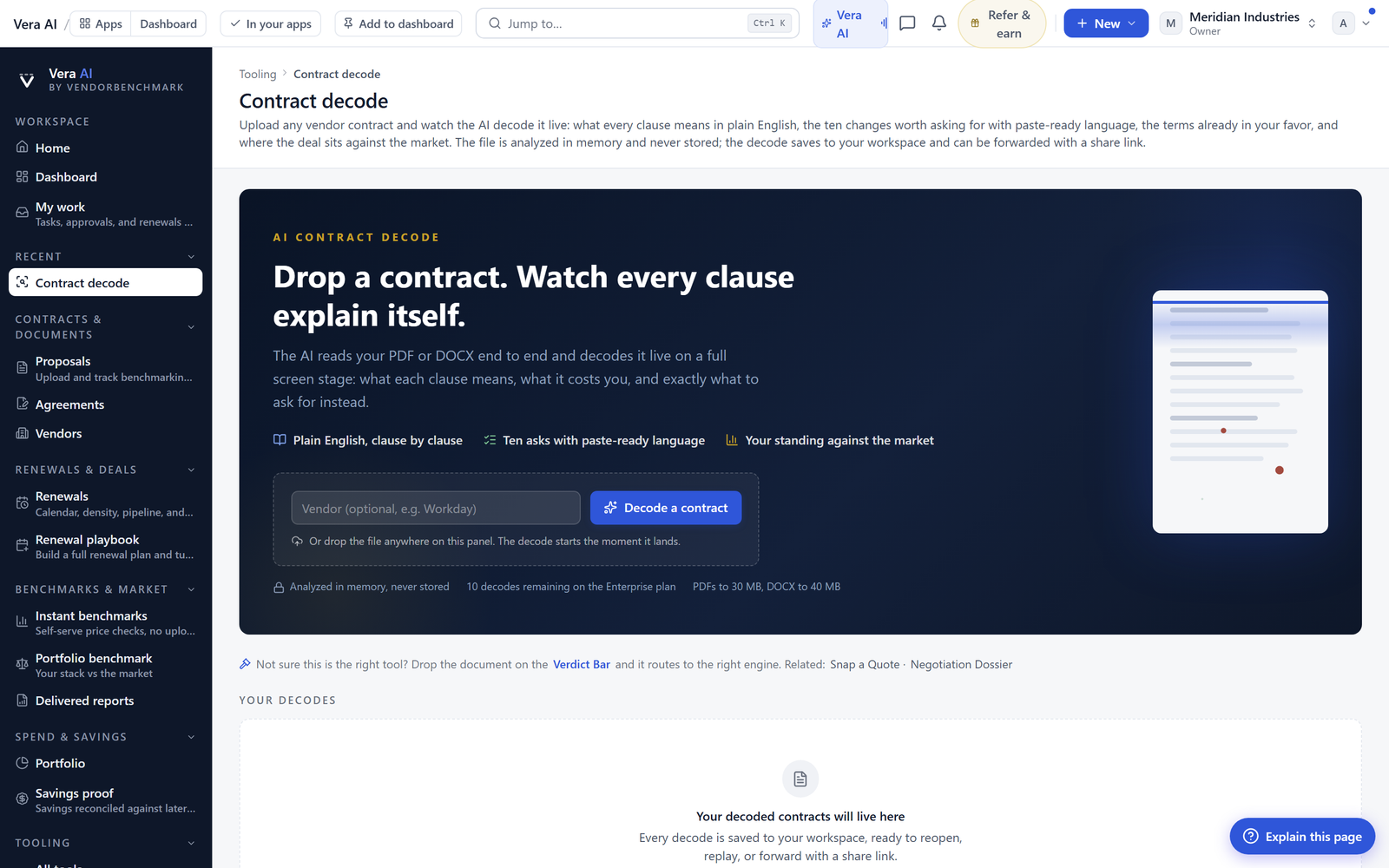
Be clear about what this does and does not do. First, the clean copy reflects the approved changes and only those. If you have not decided on a change, it will not appear as final. The tool applies decisions, it does not make them for you. Second, the fidelity of the clean copy depends on the source Word file. If the original document has unusual formatting, embedded objects, or a corrupted change-tracking layer, the output can inherit those quirks, and you should still open the file before you send it. We do not treat any generated document as unread. Third, the clean copy is a document, not legal advice. It tells you what the approved text says, not whether that text is the right position for your organisation. That judgement stays with your counsel and your procurement lead. Fourth, this is not a signature workflow or a document management system. It hands you a file to route through your own tools. It does not replace your contract lifecycle platform, and it does not archive the executed version for you. Finally, when the negotiation is still live and the counterparty genuinely wants the argument, send the redline, not the clean copy. The clean copy is for the moment the other side wants the result. Judging that moment is your call, and the tool gives you both so you are never forced to guess. You can see the full picture at the contract decode.
Fredrik has spent more than twenty years in enterprise software, with time at Oracle, IBM, SAP, and Salesforce before moving to the buy side. He structured and priced the kind of large agreements most buyers only see once or twice in a career, which taught him where the leverage sits and how far a vendor will actually move. He started VendorBenchmark to hand that knowledge to every sourcing team.


