The decode reads on the page, with your next steps beside it
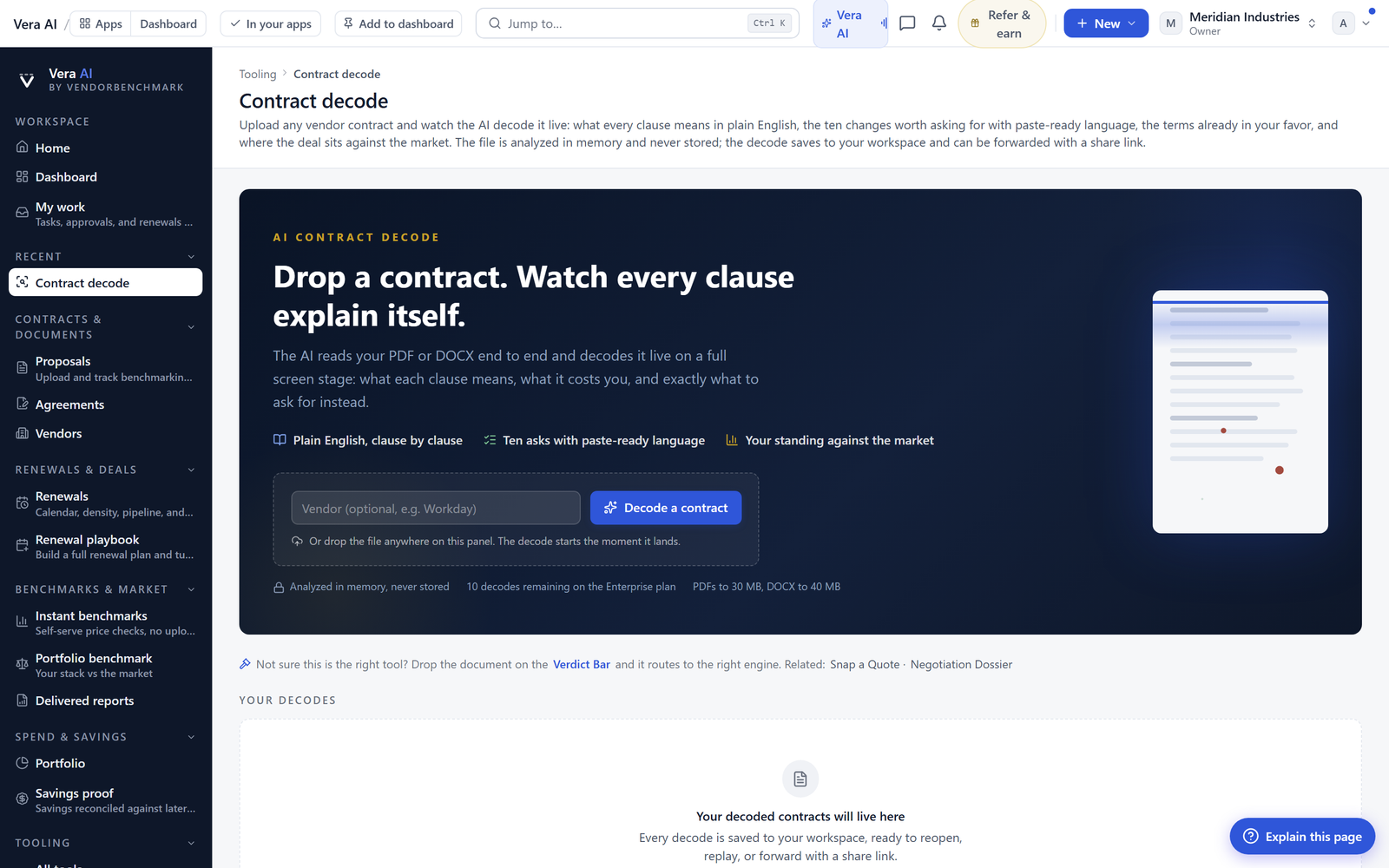
A finished decode no longer sends you to a separate theatre. The working report, the priced findings, the paste-ready language and the next press all live on one page.
A finished decode used to open a theatre. You pressed through from the decode page into a separate full screen reader, the report played out there, and everything you wanted to do next lived back where you came from. It presented well. It worked badly. We have been calling the thing we just removed the second window tax, and if you have ever read a verdict in one place, written your asks in a notepad file, then hunted for the negotiation room in a third tab, you have paid it.
The tax is not the clicking. It is the loss of context. A decode produces a set of findings that only make sense together: the indexation clause matters less if the term is twelve months, the liability cap matters more if the data processing addendum is thin. When the report lives behind a curtain and the actions live in front of it, buyers do what buyers always do under time pressure. They screenshot the three findings they remember, paste them into an email to legal, and quietly abandon the other nine. We watched enough sessions end that way to treat it as a product defect rather than a user habit.
The verdict opens as a balance, not an alarm
The whole working report now sits on the decode page itself, directly under the cover sheet. Scroll and it is there. The first thing you meet is the verdict, and the verdict is written in bullets with a pros and cons read: what already works for you on one side, the strongest open findings on the other, priced. That ordering is deliberate. A decode that returns eighteen red flags and nothing else is a document you cannot take into a room. The vendor's account team knows which of your protections are already market standard, and if your opening position implies you think everything is broken, you spend the first twenty minutes of the negotiation losing credibility rather than trading.
The pricing on the open findings is the part that changes the conversation internally. A finance approver does not act on the phrase unlimited liability exposure. They act on a number and a probability. Each open finding carries an indicative value drawn from comparable deals, so the verdict reads as an exposure figure rather than a mood. And because you triage on the same page, those figures are live: accept an ask, dismiss a finding, and the verdict totals recompute in front of you. By the time you reach the bottom of the report you are looking at your position, not the machine's first draft of it.
Every finding carries the clause, the read, and the language you paste
Each finding now shows three layers in one card. The clause as it is actually written, quoted from your document. The plain English read, which says what that wording does to you in practice and under what circumstances. And the replacement language, drafted to be pasted straight into a redline. Under all three sit two buttons, Add to my asks and Dismiss, in the same scroll position as the finding they belong to.
The replacement language is the piece buyers under-rate until they have used it twice. Most contract analysis stops at diagnosis, which leaves the hardest ten minutes of the job untouched: converting a concern into wording a vendor's counsel will accept without a two week round trip. Having the substitute clause already drafted means the ask you send is specific, and specific asks close faster than directional ones. If you want the background on how the decode reaches those findings in the first place, we covered the method in decode any contract in a minute, and what to look for first.
The rail beside the report, and where the decode goes next
A decode is not a destination. It is an input to something else, and until now the buyer had to remember what that something else was. The next steps rail sits beside the report and carries the work forward in one press: into negotiation, into the vendor room, into a second opinion, into the Deal Room, into renewals, or into the vendor's research file. Each of those receives the decode's findings rather than making you restate them. If the agreement is renewing, the renewals path matters more than it sounds, because the clause that decides your leverage is usually the notice window rather than the price, a point we made in the auto-renewal clause: the trap, the window, and the fix.
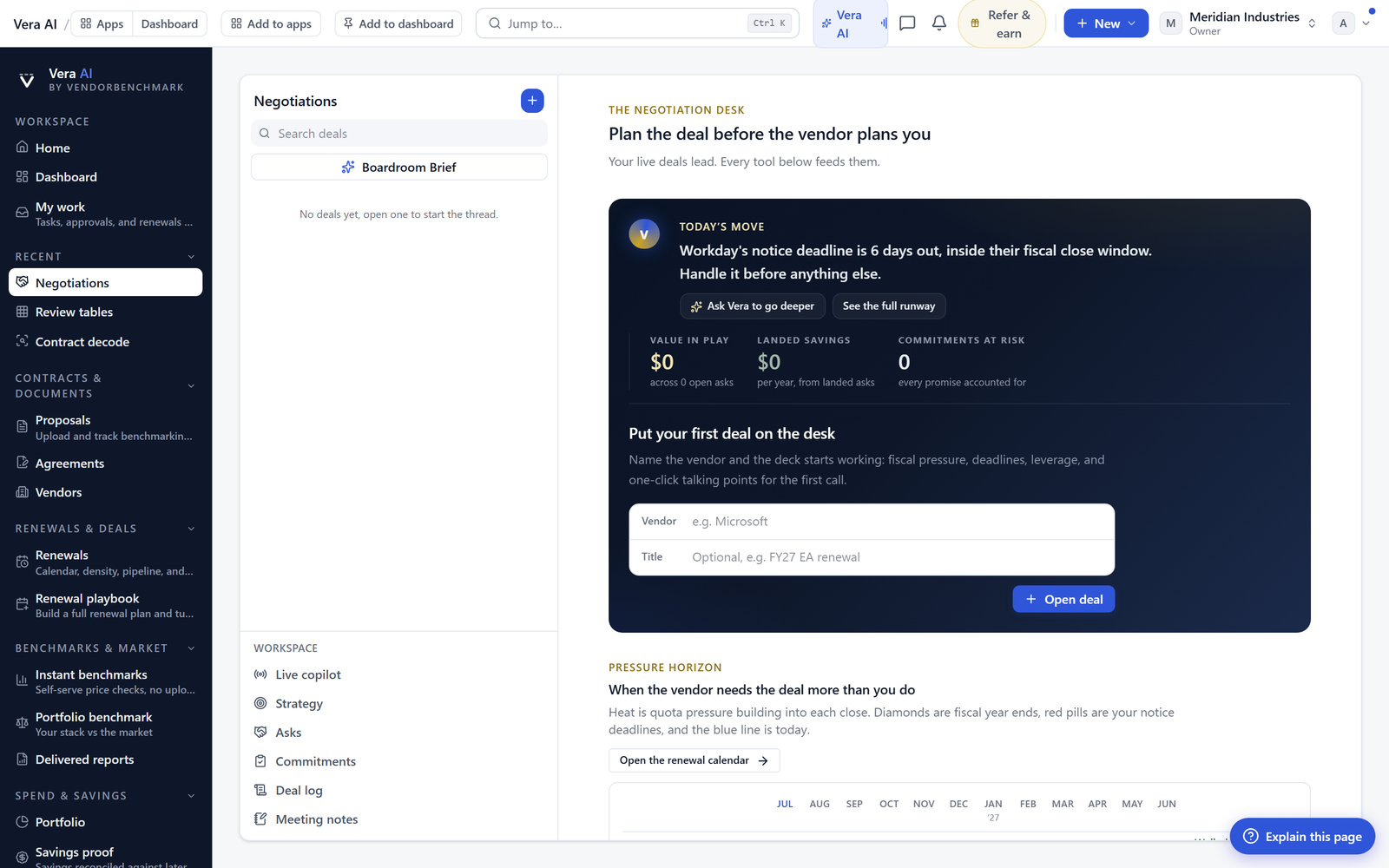
The rail also carries three email drafts composed from the findings themselves, so the analysis ends with the correspondence written rather than pending. That is the same principle behind the What Next desk, now applied at the decode level. Alongside the drafts you can invite a teammate, share the link, or send the report by email. And the ask sheet builds itself from the asks you accepted during triage, then goes to your own inbox on request, which is where most buyers actually keep their working list.
The run bar, the exports, and the thread under the report
The run bar at the top of the page now carries a Favorite star, so the decodes you return to during a live negotiation stop getting lost in run history, plus PDF and Word exports. Word matters more than PDF here, because the ask sheet and the replacement clauses usually need to survive one round of internal editing before they leave the building. Under the report sits a Team discussion thread with @mentions, which is where the argument about whether to trade the liability cap for the indexation cap should happen, next to the evidence, rather than in a mail chain nobody can find in March. All of this ships across Contract decode, the SOW Decoder and the MSA Decoder, with the same layout in each.
Honest limits
The decode reads what you give it. If you upload the master agreement without the order form, the price list or the relevant addenda, the findings will be accurate about the document and incomplete about the deal. The most expensive terms in enterprise software are frequently not in the MSA at all. They are in the ordering document, in a support schedule, or in a product terms page incorporated by reference. Upload everything, or accept that the exposure figure is a floor rather than a total.
The prices attached to findings are indicative, derived from comparable deals and from the spend inputs you have provided. They are a sizing exercise for prioritisation, not a quotation and not a forecast. If your spend record in the platform is stale, the values will inherit that staleness. Treat any figure that would change your negotiating mandate as something to confirm before you commit to it in front of the CFO. If you need the full argued version with sourcing, that is the job of the Negotiation Dossier, not of a decode card.
The replacement language is a competent starting draft, not legal advice, and it does not know your organisation's standing positions unless you have loaded them. Counsel still reviews. Dismiss is a judgement call that the recompute takes at face value, so a decode triaged carelessly will produce a confident and wrong total. The rail hands the decode to other rooms, but those rooms still need their own inputs, most obviously a mandate and a walk-away position before a negotiation room is useful. Exports are snapshots of the report at the moment you press them, so if you re-triage afterwards, export again.
None of this makes the reading disappear. It moves the reading to the place where you can act on it, which is the only structural change that has ever reliably shortened a contract review. The measure we care about is not how many findings a decode returns. It is how many of them make it into the ask sheet, and then into the counter, and then into the signed document. That number should now be materially higher, because nothing between the finding and the ask requires you to leave the page.
Morten brings two decades of enterprise and software procurement, with stints across Oracle, IBM, SAP, and Salesforce shaping how he reads a deal. He has led sourcing through hundreds of renewals, from mid market order forms to nine figure global agreements, and learned that the buyers who win are the ones who walk in knowing the market. He built VendorBenchmark to make that pattern recognition repeatable.


