Compare: what the vendor quietly changed since last year.
A renewal contract that looks like last year's gets read like last year's, which is to say barely. But the vendor did not send you the same paper. They sent a revised one, and the revisions are never in your favor. A side-by-side scan finds every change and tells you who it helps.
A renewal is the easiest contract to sign badly, because it does not feel like a new contract at all. It looks like the paper you already agreed to, the same vendor, the same product, the same familiar structure, so it gets the review a familiar document gets, which is a glance and a signature. That reflex is exactly what a vendor's legal team counts on. The renewal is not the same paper. It is last year's paper, revised, and the revisions were not made to help you.
The changes are usually small, individually defensible, and collectively meaningful: an uplift cap that quietly disappeared, a notice window that shortened, an auto-renewal that crept in, a liability term that shifted a few words in the vendor's direction. Spread across forty pages that otherwise read as last year's, they are almost impossible to catch by eye. A side-by-side comparison exists to catch them anyway, by reading this year's paper against last year's and surfacing every difference that matters.
Two versions, read against each other
The comparison puts the two documents side by side and runs a difference scan across them, but it is not a naive text diff that flags every reworded sentence. It reads for the changes that carry meaning: the term that moved, the price mechanism that changed, the obligation that was added or removed. A rephrasing that means the same thing is noise; a rephrasing that shifts a cap is a finding. The scan is built to tell those apart, so you get the handful of substantive changes rather than a wall of formatting differences.
That focus is what makes it usable on a real renewal. Comparing two forty-page contracts by hand is a task nobody has time for, so in practice it does not happen, and the changes ride through unexamined. A scan that reads both versions and returns only the material differences turns an afternoon of squinting into a short list you can actually act on, which is the difference between catching the change and signing it.
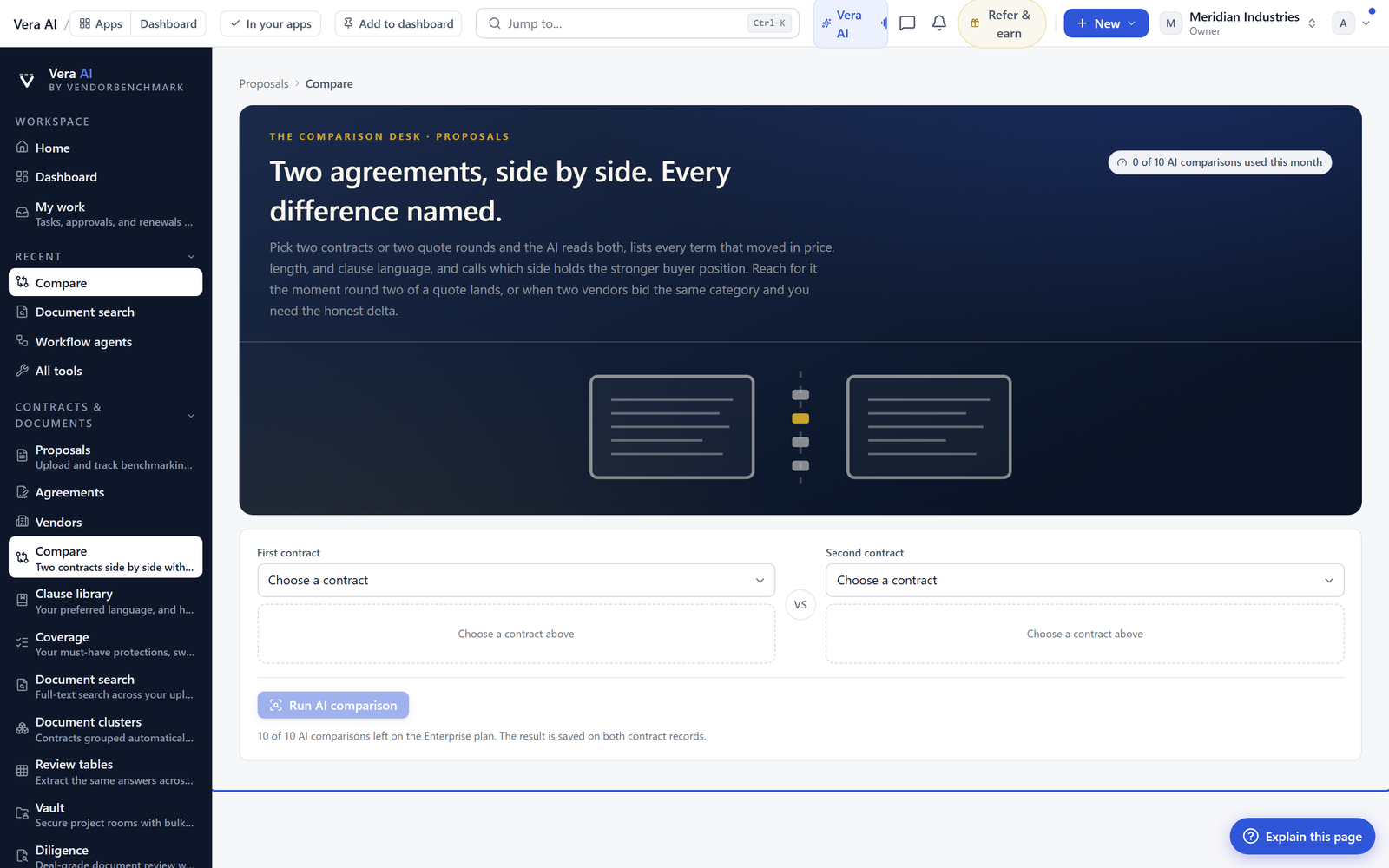
Every change marked for who it favors
Finding a difference is only half the value. The half that matters is knowing which side it helps, and the scan judges each change from the buyer's perspective: does this edit favor you, favor the vendor, or is it neutral? A shortened notice window and a vanished uplift cap are marked as favoring the vendor. A concession you won and they wrote in is marked as favoring you. A genuine wash is called neutral. What you get is not just a list of what changed, but a read on the direction of every change, which is the thing a buyer actually needs to prioritise the response.
That perspective is the point. A neutral diff tool tells you the text is different and leaves you to work out whether that is good or bad, which on dense legal language is most of the work. By taking the buyer's side explicitly and labelling each finding accordingly, the scan turns raw differences into a prioritised list: here are the three changes that quietly moved against you, deal with these first. The cosmetic and the favorable can wait; the adverse edits are surfaced to the top.
A shared record, not a private catch
A change you catch is only useful if it survives into the negotiation and the approval, so the comparison is not a throwaway. The scan is saved against the contract, an analyst can add commentary that carries forward, and your team can annotate it, so the catch becomes a shared record rather than one person's fleeting observation. When the renewal goes to the approver or back to the vendor, the list of what changed and who it favors goes with it, exported or shared as its own document.
This matters because catching the change is worthless if it is lost by the time it could be acted on. A vanished uplift cap spotted and then forgotten in an inbox is the same as never spotting it. By turning the comparison into a durable, shareable artifact, the adverse edits stay in front of the people who can push back on them, all the way through to signature, which is the only point at which catching them actually pays off.
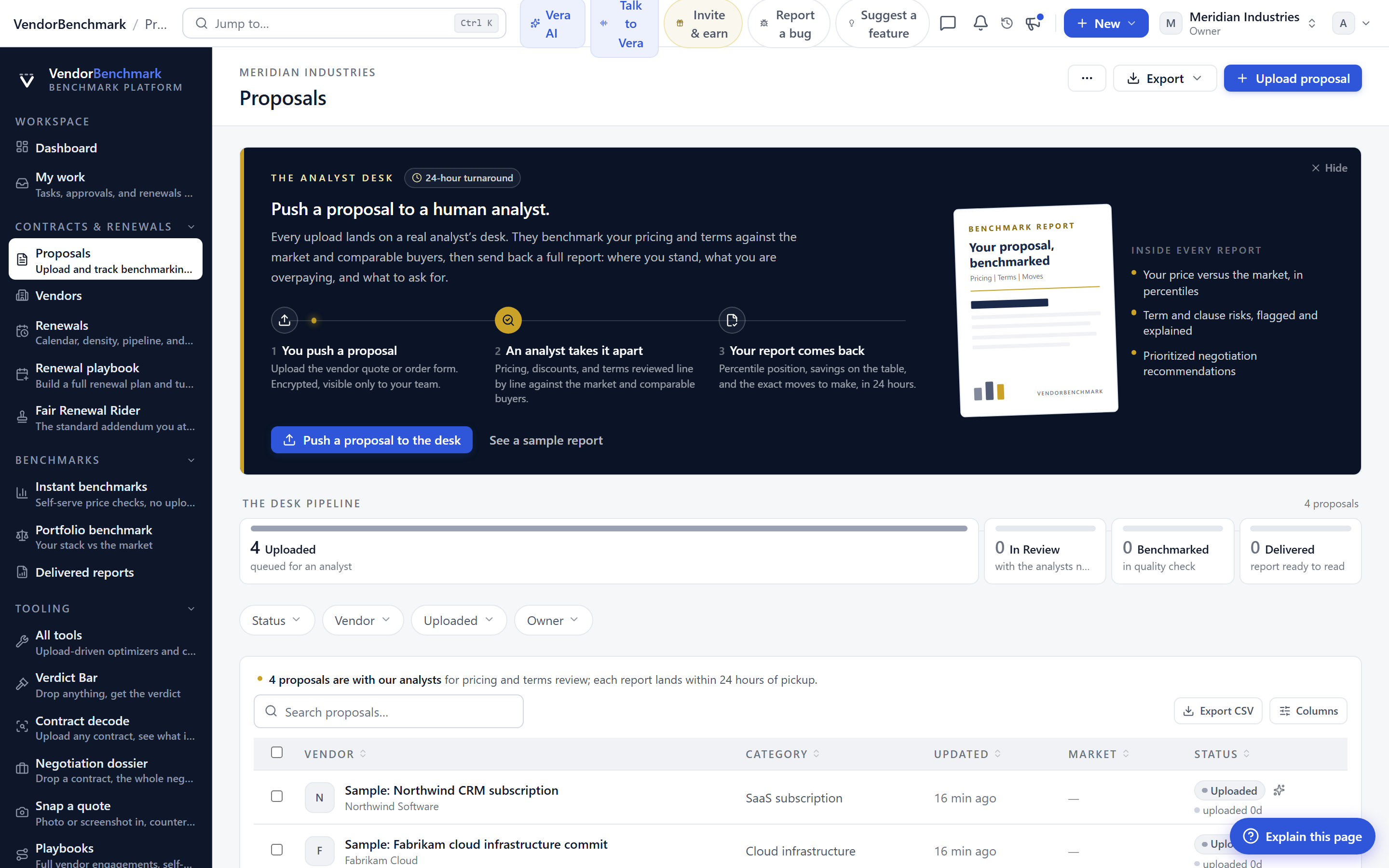
What a difference scan catches
The scan finds it, a person decides it
A difference scan surfaces what changed and reads the direction, but it does not decide which changes are worth fighting, and some vendor-favoring edits are minor enough to concede in exchange for something you want more. Its perspective is the buyer's, which is the right default, but a change it marks as adverse might be one your legal team is happy to accept for reasons the scan cannot see. The judgment about which battles to pick stays yours.
What it removes is the failure mode that costs the most, which is not knowing the paper changed at all. A renewal signed as if it were identical to last year's is a renewal where every quiet edit the vendor made became yours by default. Reading the two versions against each other, with a read on who each change favors, turns the renewal back into what it always was, a new negotiation, and makes sure you are the one who opened it.
Fredrik has spent more than twenty years in enterprise software, with time at Oracle, IBM, SAP, and Salesforce before moving to the buy side. He structured and priced the kind of large agreements most buyers only see once or twice in a career, which taught him where the leverage sits and how far a vendor will actually move. He started VendorBenchmark to hand that knowledge to every sourcing team.
The week in enterprise software buying, in one email.
What shipped on the platform, and the pricing and licensing moves worth knowing before your next renewal. One email a week, to your work address. Unsubscribe any time.