The morning brief can now send your approved escalation at 09:00, behind five hard rules
Vendor sending is live for one narrow case. Here is what the five rules block, what they allow, and where a buyer still has to do the work.
There is a failure mode that shows up in almost every renewal postmortem we read on the buy side. The move was right. The timing was right. The approver said yes. And then the email sat in a clipboard, a draft folder or a Slack thread for four days, and by the time it left, the vendor's quarter had turned and the leverage went with it. Nobody made a bad decision. The decision simply never became an action. This release closes that gap for one narrow, high value case: the escalation email your morning brief already drafts, and that you already approve, can now leave at the next 09:00 window instead of waiting for you to remember it.
The gap between approve and send
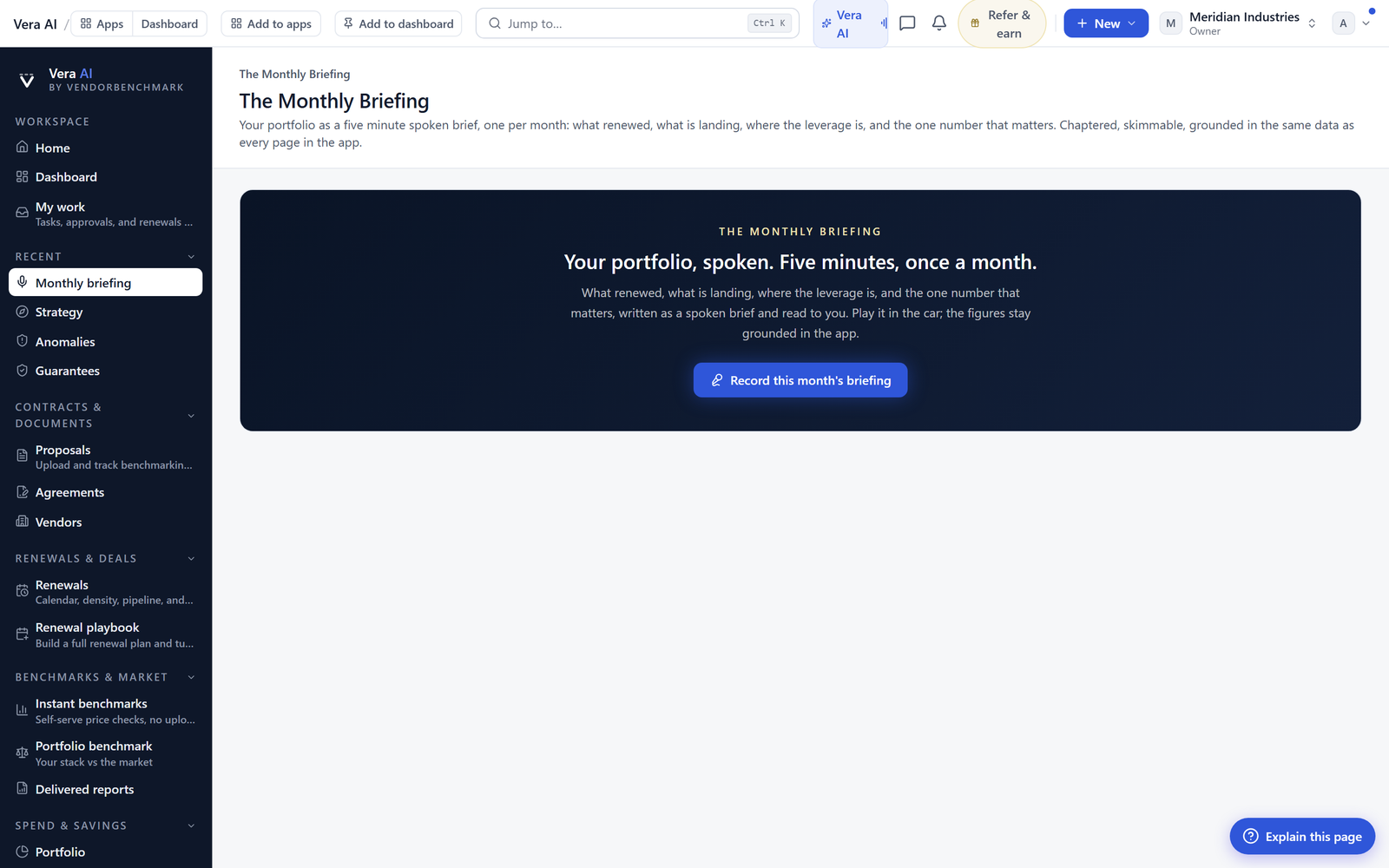
Nothing about the overnight work changes. The desk still runs its background jobs while you sleep, the six specialist agents still assemble the case documents, and the brief still lands with the evidence in front of the recommendation rather than behind it. That machinery is described in the What Next desk, where every analysis ends with the emails drafted, and it has been the most used part of the product for a reason. The analysis arrives finished.
What was not finished was the last hundred metres. Approving a recommended move copied the drafted email to your clipboard. From there you switched tools, found the right vendor contact, checked whether the account manager had changed since the last thread, rebuilt the CC list, pasted, re read, sent, and then pasted a copy back into the deal record so the file stayed honest. Six small steps, each of them trivial, and collectively the reason a meaningful share of approved moves land late or not at all. The ghost writer solved the wording problem. It did not solve the leaving the building problem.
Five rules, enforced by the product rather than by policy
Software that sends email on your behalf earns trust in exactly one way, which is by being visibly incapable of the thing you are afraid of. So the constraints are not settings buried three screens deep. They are the shape of the feature, they are stated on the brief where you approve, and there are five of them.
Want to be updated when major licensing and pricing changes land? One analyst brief a week: the price rises, metric changes and audit campaigns that move software costs. Work email only.
Why 09:00, and where it sits in the workflow
The window is the point. An approval made at 16:20 on a Tuesday does not fire at 16:21. It fires at the next 09:00 window, which gives you an evening to reconsider, a colleague a chance to object, and the vendor an email that arrives at the start of a working day rather than at the end of one. Batching also keeps the cadence legible to the other side. Escalations that arrive at unpredictable hours read as automated. Escalations that arrive with the morning post read as a desk.
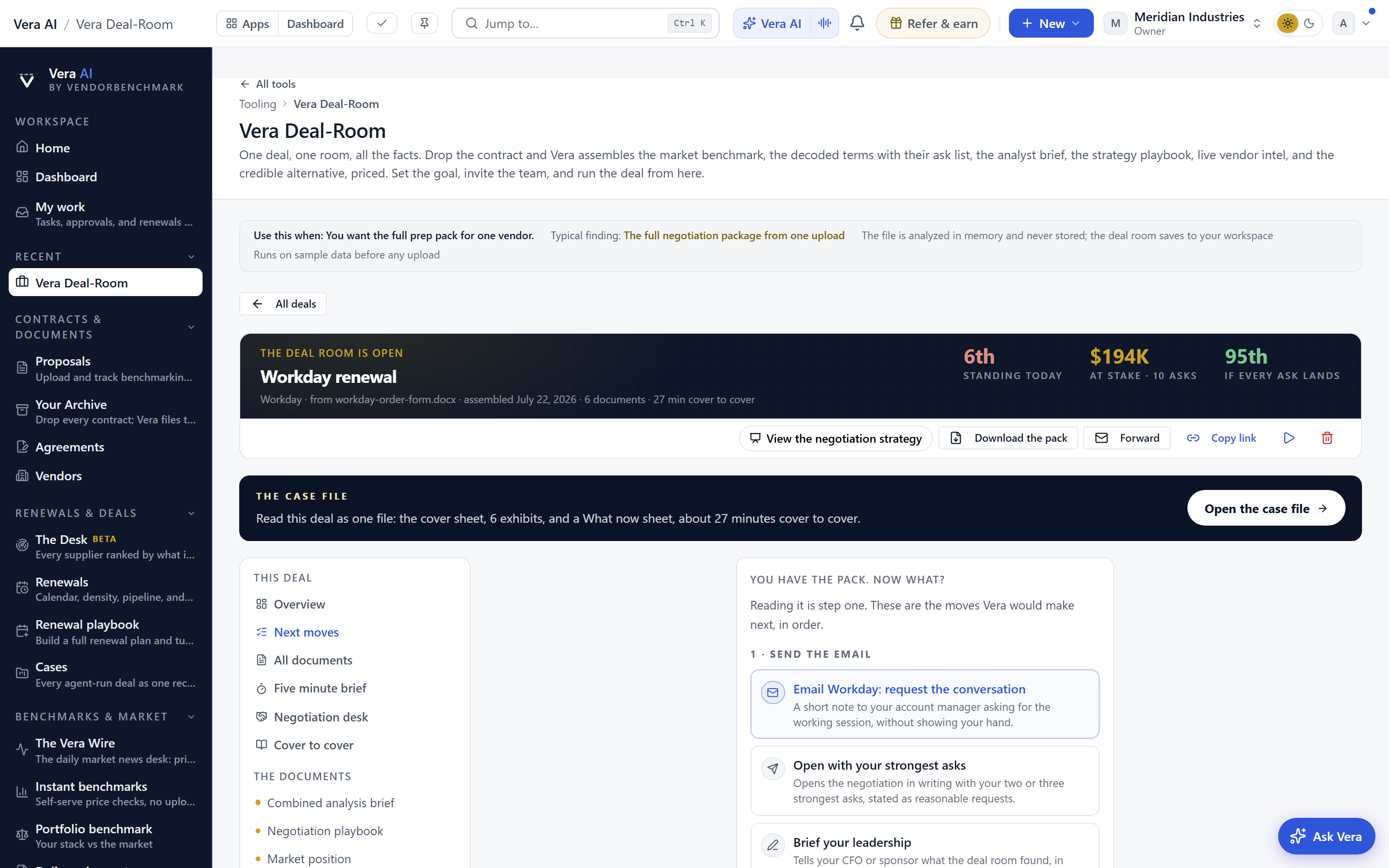
In sequence it works like this. Overnight the jobs run and the case document is built. At 09:00 the brief arrives with the recommendation and the evidence. You read, you approve, and the email is queued for the following window. Everything upstream of the approve control is unchanged, including the approval routing described in approvals before signature, with a brief for every approver. If the escalation needs a second signature before it goes, that chain still runs first. The send is the last link, not a shortcut around the others. And the strategy behind the move still lives in the negotiation war room, where the position, the concession ladder and the walk away price are set.
Honest limits
This is a narrow feature and it should be judged narrowly. It does not make your escalation a good idea. The brief will tell you what comparable deals settled at and what the vendor's pattern looks like, drawing on comparable deals where the cohort supports it, but the judgement about whether to apply pressure this week or next remains yours. A well sent bad move is still a bad move.
It is also not a same hour tool. One window a day means genuinely urgent sends still go from your own mail, and that is the correct answer rather than a gap we intend to close. If a message cannot wait until 09:00, it probably needs a human reading it twice, not a queue. Similarly, only the escalation category is in scope. Notices, terminations, anything with a legal consequence attached, all of it leaves from you.
The recipient rule cuts both ways. If your contact records are stale, queued sends will cancel and you will discover the staleness at 09:00 rather than at your convenience. Teams with tidy deal records will barely notice. Teams whose contacts were last touched two renewals ago will spend a week cleaning up, and the cleanup is worth doing anyway for the reasons set out in measuring switching costs before the vendor prices them for you. Beyond that: the queue makes no claims about deliverability, read receipts or whether anyone at the vendor actually opens the thing. Replies come to you, which means the follow through, the call, the counter and the close are all still human work. Thirteen inbox agents can answer your questions by email. None of them will negotiate for you.
One more limit worth stating plainly. The paper trail is only as complete as the deal thread it files onto. If half your vendor conversation happens on a phone call that nobody logs, automatic filing improves the record without completing it.
What changes for you on Monday
The measure of this feature is not how many emails it sends. It is how much shorter the distance becomes between a decision your team already made and the moment the vendor learns about it. Most procurement teams lose more value to delay than to bad positions. This closes a few days of that delay, for one category of email, behind five rules you can read on the screen before you switch it on.
Morten brings two decades of enterprise and software procurement, with stints across Oracle, IBM, SAP, and Salesforce shaping how he reads a deal. He has led sourcing through hundreds of renewals, from mid market order forms to nine figure global agreements, and learned that the buyers who win are the ones who walk in knowing the market. He built VendorBenchmark to make that pattern recognition repeatable.


