Present the benchmark, do not just forward it.
Delivered benchmark reports now carry a Present button. The report walks screen by screen on the shared stage: the verdict, the market position, the metrics that argue it, and the recommendations, with a print packet at the end. A forwarded PDF informs; a presented benchmark persuades.
A benchmark report does its real work in a meeting: with the CFO deciding whether to fight the renewal, or across the table making the vendor defend a number. Forwarding the report as an attachment surrenders that moment, because an attachment is read alone, skimmed, and half remembered. Delivered benchmark reports now present themselves instead.
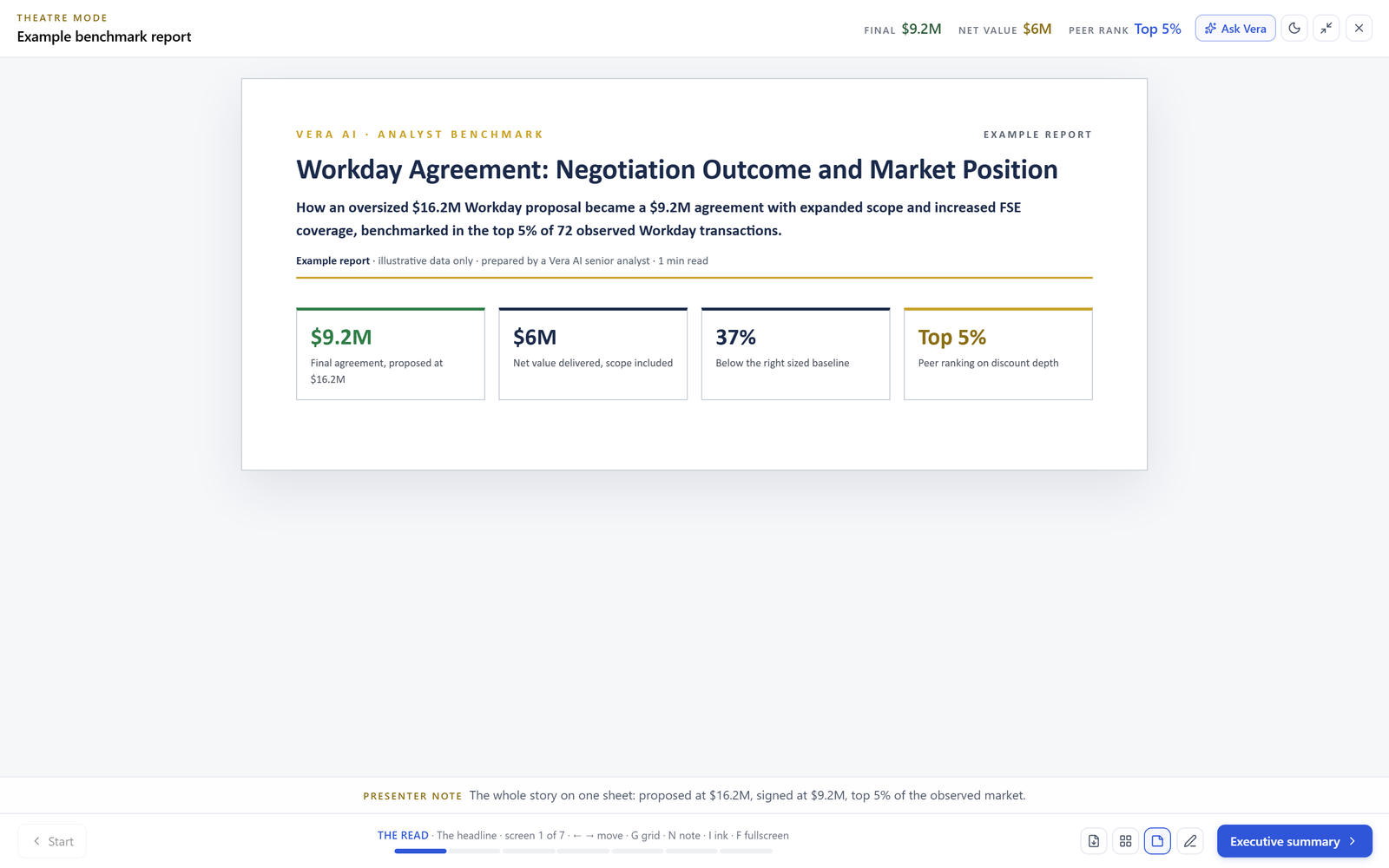
Open any delivered benchmark and press Present. The narrative that leads the report, the analyst's argument about where you stand and what to do, walks the stage screen by screen: the verdict first, then the market position, then the evidence metric by metric, then the recommendations in priority order. The supporting table is still there below the narrative on the page; the stage exists so the argument gets heard in the order it was built.
The argument, in the order it was built
Every VendorBenchmark report is written to a standard: an executive summary, the market position, section by section analysis, prioritized recommendations, and a bottom line, with every figure grounded in stored data. The report show respects that structure instead of flattening it. Each screen makes one claim, the number that supports it is printed at the data, and the percentile bars land with the same weight in the room as they do on the page.
Because the stage grammar is shared, presenting a benchmark feels identical to presenting a playbook or the QBR: arrows to walk, G for the overview grid when the room wants to revisit the pricing section, presenter notes on N, a stage relit for the room. If you have not received a delivered benchmark yet, the example report presents the same way, which is also the fastest way to judge what the deliverable is like before you commission one.
The packet is the same document, not a second one
When the meeting ends, print the leave behind. The packet renders the show's screens as a static document with the verdicts stated, in the same executive brief look as the report itself, so what the room keeps matches what the room saw. There is no second version of the truth generated for the meeting, which is exactly the failure mode that makes benchmark numbers argue with themselves a week later.
The report page keeps its downloads: the exports carry the same shared theme, so the on screen report, the staged presentation, and the exported document are three renderings of one artifact. Whichever one your stakeholder holds, the numbers agree.
Want to be updated when major licensing and pricing changes land? One analyst brief a week: the price rises, metric changes and audit campaigns that move software costs. Work email only.
What you can do when the report presents
The stage does not editorialize the report
Only published, delivered benchmarks present; drafts stay internal until the analyst publishes, exactly as before. The show adds no claims: every screen is drawn from the delivered report, and a metric the report did not include does not appear on stage. If the room asks a question outside the report's scope, that is a new benchmark request, not a slide to improvise.
And a benchmark is evidence, not a strategy. The report tells you where you stand and what a strong outcome looks like; turning that into a negotiation sequence is what the playbooks and the workup theatre are for. The three are designed to hand off to each other, in that order.
Fredrik has spent more than twenty years in enterprise software, with time at Oracle, IBM, SAP, and Salesforce before moving to the buy side. He structured and priced the kind of large agreements most buyers only see once or twice in a career, which taught him where the leverage sits and how far a vendor will actually move. He started VendorBenchmark to hand that knowledge to every sourcing team.

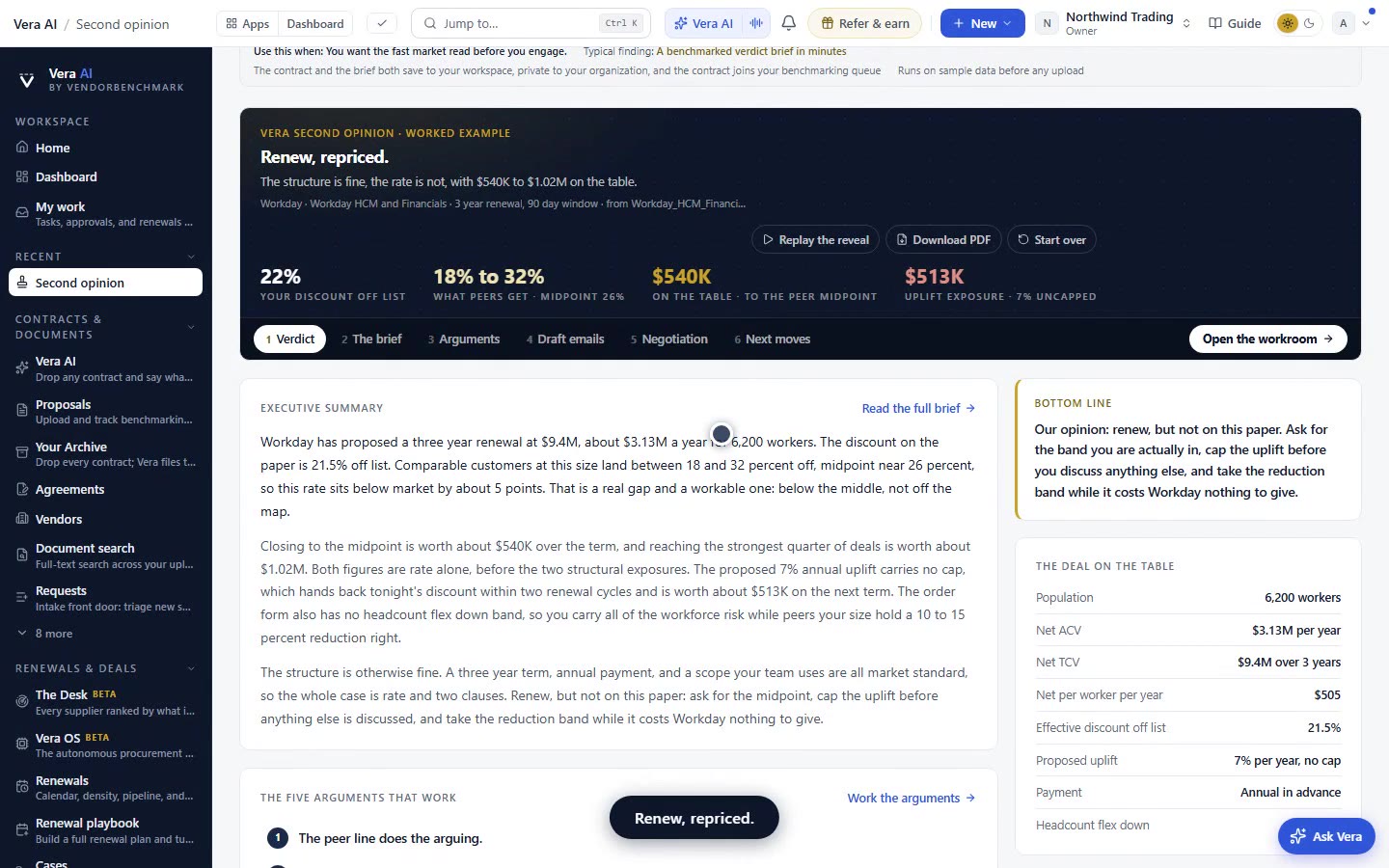

The week in enterprise software buying, in one email.
What shipped on the platform, and the pricing and licensing moves worth knowing before your next renewal. One email a week, to your work address. Unsubscribe any time.