Estate visibility
Connect your IT. See the whole estate.
Connect the tools that know what is installed and used, or drop their exports. Vera AI sets them against what your contracts entitle, so you see what you own, what you use and what it costs, in one place.
- Connected sources sync daily, up to hourly
- Every deployment matched to your contracts
- Credentials encrypted at rest
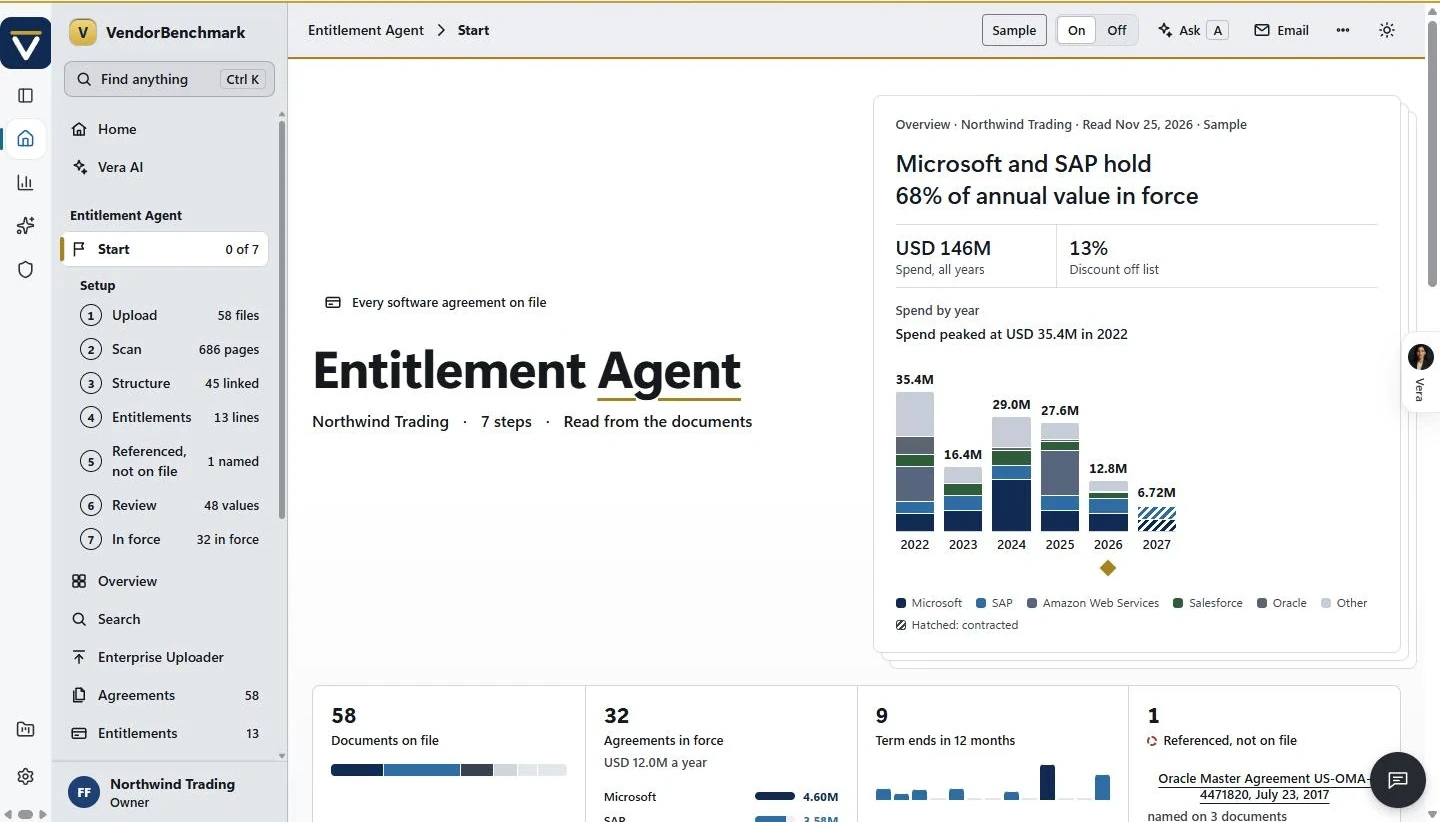
The Entitlement Agent, on sample data.
How it works
Connect, scan, see.
Your first view is ready as soon as the first sync or upload is read. After that, connected sources sync daily, or as often as hourly.
- YouConnect your sourcesLicense tools, device management, identity and cloud billing, by API or by export file. An owner adds each one.
- SyncScan what runsInstalls, devices, sign ins and consumption are read in and matched to vendors and products.
- ResultMatch to your contractsEvery deployment is set against the entitlement read from your own paper.
- YouAct on what it showsReclaim idle licenses, close a true up gap and size each renewal on what is used.
What you see
Six reads on every vendor.
Each read is priced, so the conversation starts with money, not install counts.
License position
What you own against what is deployed, line by line.
Shelfware, priced
Entitled, deployed and actually active, with what the idle part costs and a slider to reclaim it.
True up exposure
Where deployment runs ahead of entitlement, and what that could cost at the next true up.
Renewal impact
What each renewal should be sized on, before the vendor sends the quote.
Apps with no contract
Tools people sign in to that nobody bought centrally.
What ends in 12 months
Every entitlement that expires in the next year, read from your contracts.
Sources
Bring in what you already run.
Connect by API where the tool allows it. Every other source works from its export.
| Source | How it connects | What comes in |
|---|---|---|
| ServiceNow SAM Pro and CMDB | API | Software installs, assets and license records |
| Microsoft 365 and Intune | API | Assigned seats, activity and managed devices |
| Jamf Pro | API | Mac devices and the applications installed on them |
| Flexera One and Xensam | API or file | License positions and installs from your SAM tool |
| Snow, USU and Oracle LMS | File | Exports and audit script output, read as uploaded |
| Okta and Entra ID | API | Who signs in to what, so apps with no contract show up |
| AWS, Azure and Google Cloud billing | File | One billing period at a time, set against your commit |
| Salesforce usage | API | Licenses assigned against users who are active |
| Java scan | Script or upload | Every Java install and the commercial features in use |
In the product
Every source, one view.
Software Discovery
What every machine has installed.
Software Discovery holds every install against what you pay for, so the gap between owned and running is a list, not a guess.
See Software Discovery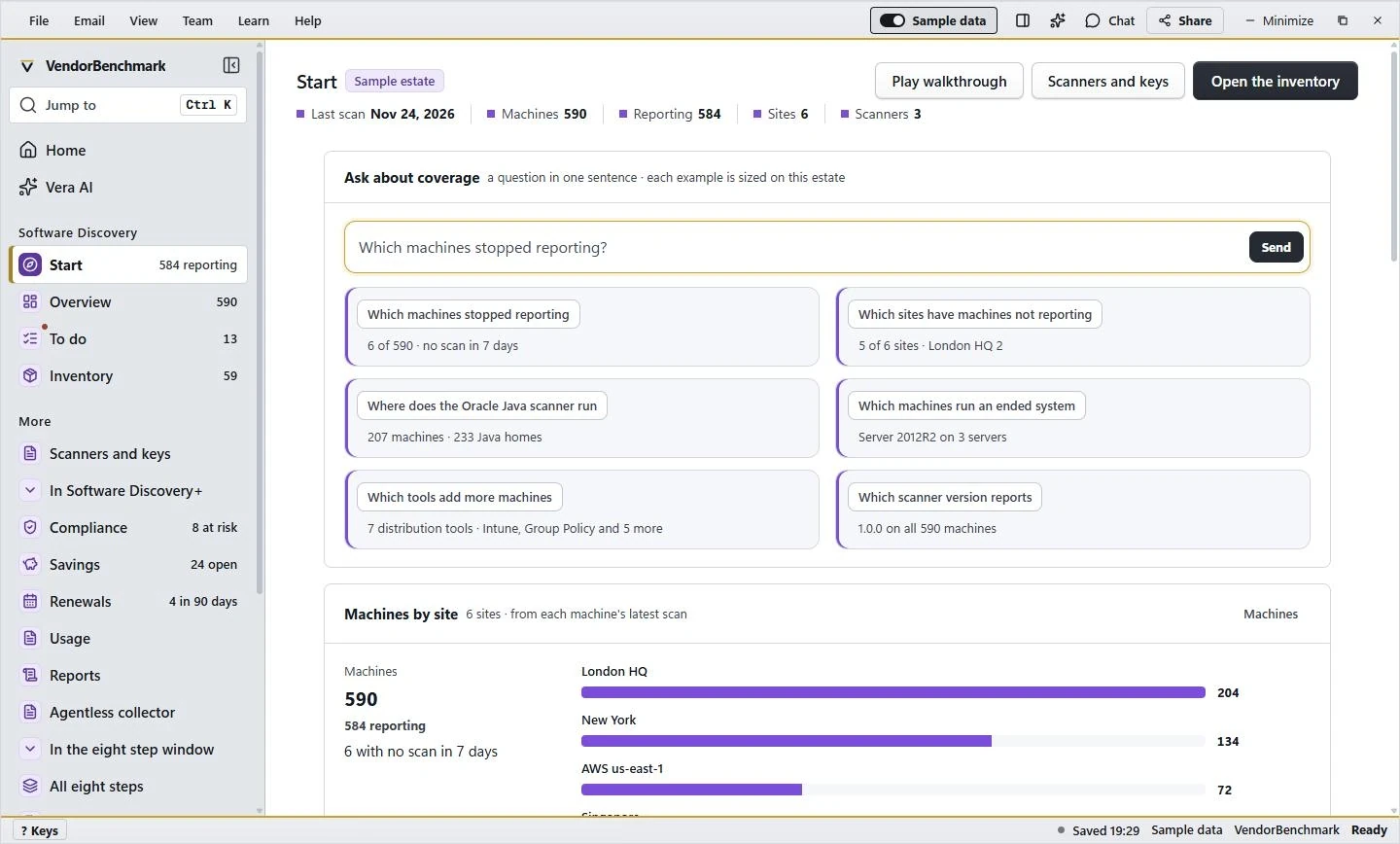
Java Assistant
Every Java install, and the exit plan.
The Java Assistant finds every Java install, shows which ones need a subscription and lays out the plan to leave.
See the Java Assistant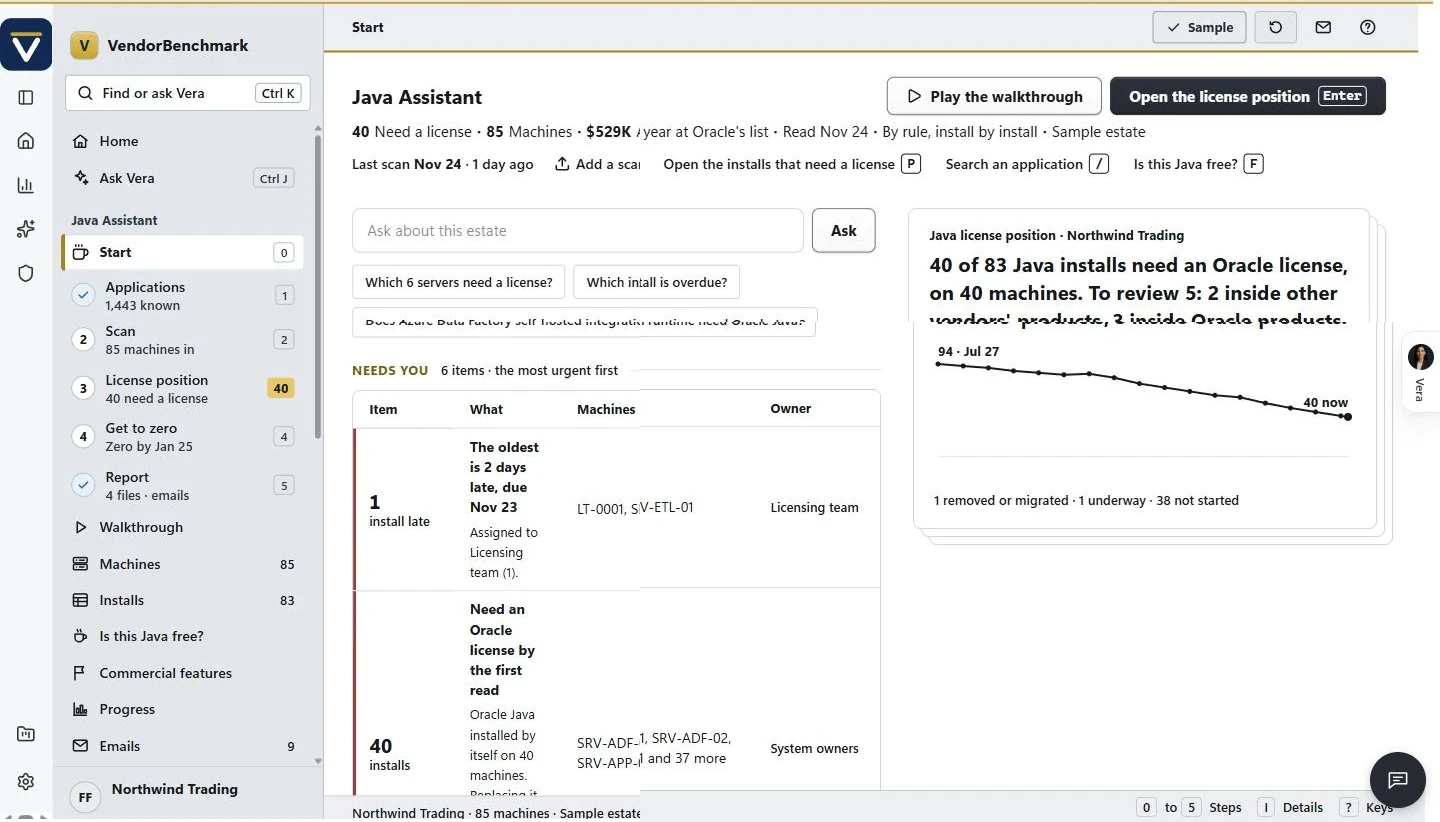
Your control
Connected, and still yours.
Owners connect
Only an org owner can add or change a source.
Encrypted credentials
Keys and tokens are encrypted at rest with AES-256 and only ever shown masked.
Your data only
Every read comes from your own sources and your own contracts.
A signed off position
Send the data to an analyst for a Same Day ELP within 24 hours.

What are you paying for and not using?
Connect one source and find out. Enterprise pricing, scoped with sales.
Free trial. Every app opens populated on a sample company. No card required. Or speak to sales