Vera Licensing: your license reports land here, and Vera reads them
License management tools have long produced reports nobody consumed. Vera Licensing takes them three ways, files every arrival into a ledger, and returns four exec reads computed from your own rows.
Most procurement teams already own a license management tool. Flexera, Snow, Xensam, ServiceNow SAM. The problem was never collecting the data. The problem was that the reports these tools produce had nowhere useful to go. A SAM manager exports a CSV, emails it to procurement, and the file dies in an inbox until a renewal or an audit forces someone to reopen it. By then the numbers are stale and nobody trusts the reconciliation. We shipped Vera Licensing to close that gap. License reports now have a destination, and once they arrive, Vera reads them into the four answers a buyer actually needs. If you have ever had to normalize the license soup before a negotiation, you know why this matters.
The named problem: entitlement data that never becomes a position
The recurring failure is not measurement, it is translation. Your SAM tool tells you how many entitlements you hold and how many installs it discovered. It rarely tells you, in one place your CFO will read, what that means in money. What is shelfware you can reclaim this year. What your true up exposure looks like before the vendor prices it for you. Which upcoming renewals are oversized against real usage. Those are procurement questions, and they live one translation step past where most license tools stop.
So the data arrives as raw rows and sits there. The manual bridge, someone in a spreadsheet joining entitlements to usage to renewal dates, is slow, error prone, and out of date the moment a new export lands. Vera Licensing removes that bridge. Every report that arrives updates your live license position, so shelfware and audit exposure move as the underlying data moves rather than waiting for a quarterly cleanup.
Three ways in, one ledger
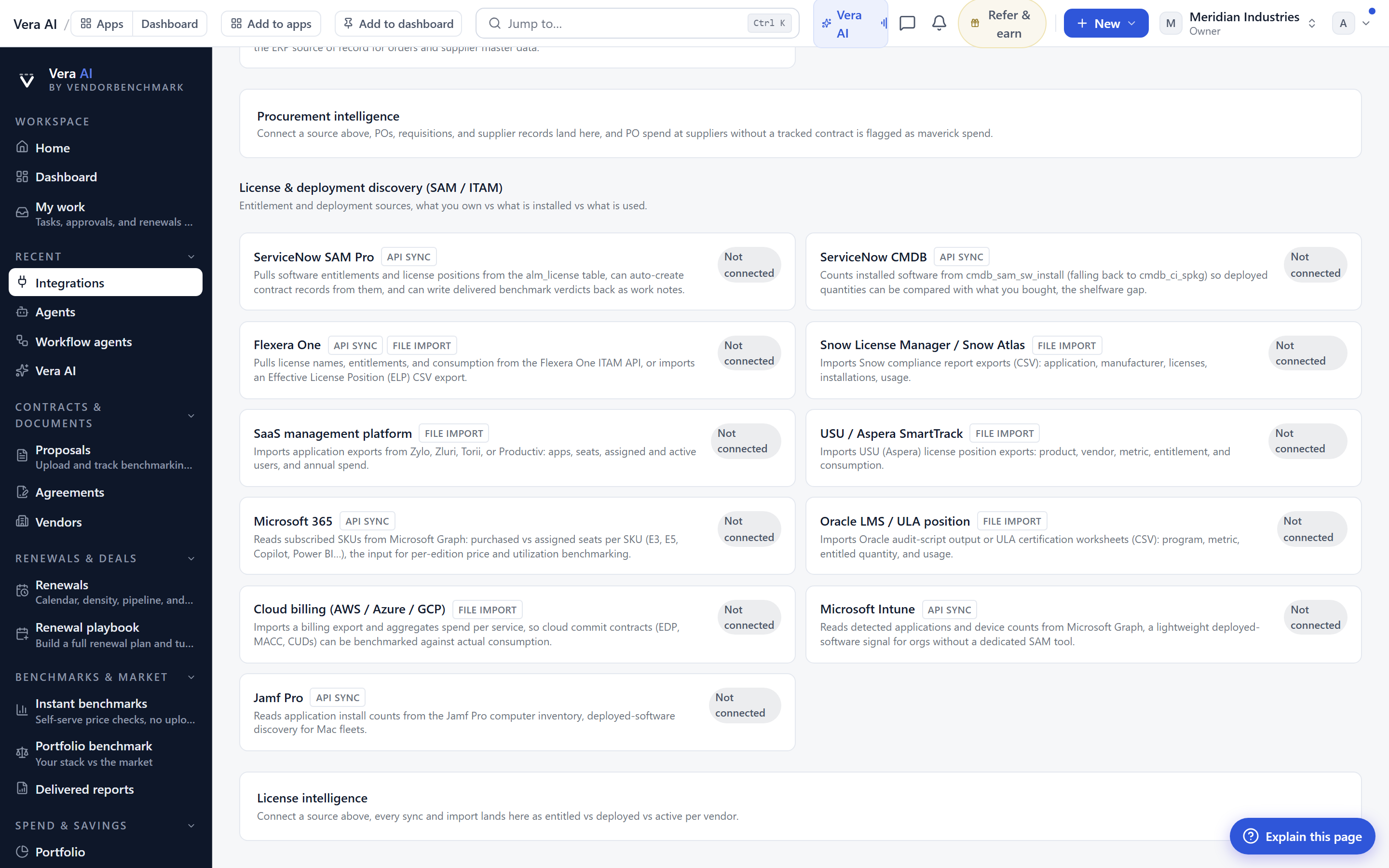
Vera Licensing accepts reports three ways so that no team is forced to change how it already works. First, the push API. Point your SAM tool at it and send one POST with an API key. Second, connectors. Connect ServiceNow SAM, Flexera One, Snow, or Xensam on the connectors page and pull on a schedule. Third, a manual CSV upload, where column names are matched automatically so you are not hand mapping fields every time.
Whichever route, the arrival files into the ledger with its rows preserved and a computed summary attached. That distinction matters to a buyer. The rows are the evidence you can point an auditor at. The summary is what you scan. Because every arrival is timestamped and kept, you get a running record of how your position moved, which is the same discipline we recommend when you track what a vendor quietly changed since last year.
Four reads, computed from your own rows
Once a report is in the ledger, you ask Vera for one of four reads. Each lands as an exec brief in your reports, and each figure is computed from your own rows rather than a model or an estimate.
Where it sits in the workflow
Vera Licensing is not a replacement for your SAM tool. It is the layer that turns what your SAM tool measures into a buyer decision. The natural rhythm is: reports land continuously through the API or a connector, and you pull a read when you need it. Before a renewal, run the rightsizing brief and carry it into the renewal calendar so you can present the next four quarters straight from the calendar. Before an audit season, run the true up review and hold the number. Quarterly, run the shelfware plan and reclaim what you can before the next invoice.
Because the reads are exec briefs, they are meant to leave the tool. They go to the CFO, to a finance partner, to the vendor across the table. The point of computing from your own rows is that when someone challenges a figure, you can open the ledger and show the source. Full detail lives at /vera-licensing.
The honest limits
Vera Licensing is only as good as the data you send it. If your SAM tool undercounts installs, or your entitlement records are incomplete, the reads inherit those gaps. Vera computes from your rows, it does not audit your rows. Garbage in is still garbage out, just faster and better formatted.
Second, the four reads cover the common commercial questions well, but complex license metrics, processor value units, virtualization rights, sub capacity rules, still require judgment on top of the numbers. The brief gives you a defensible starting figure, not a legal opinion on your entitlement terms. Read those terms alongside it, and if a contract is dense, decode it first.
Third, connector coverage is currently the four sources named above plus the push API and manual CSV. If your license tool is not on that list, the API or a CSV export is your route in until we add it. Finally, the pricing on the shelfware and true up reads reflects your rows and our benchmark context. It is a strong opening position for negotiation, not a promise of what a vendor will accept. What it does buy you is entering that conversation with a number you can trace, which is the whole point.
Want to be updated when major licensing and pricing changes land? One analyst brief a week: the price rises, metric changes and audit campaigns that move software costs. Work email only.
Morten brings two decades of enterprise and software procurement, with stints across Oracle, IBM, SAP, and Salesforce shaping how he reads a deal. He has led sourcing through hundreds of renewals, from mid market order forms to nine figure global agreements, and learned that the buyers who win are the ones who walk in knowing the market. He built VendorBenchmark to make that pattern recognition repeatable.


