Ask your meetings what was said
The library stopped being a search box. Ask it what a vendor committed to, and it answers from every meeting your workspace has filed, with citations you can walk back to the conversation.
Every procurement team keeps two records of a negotiation, and they never agree. The first is the contract, precise and signed. The second is the pile of calls that produced it, where the real commitments were made, the uplift was softened, the migration credit was hinted at, and the scope was quietly widened. That second record has always been the weak one. It lives in recordings nobody rewatches and minutes nobody trusts. When a vendor later says we never agreed to that, you are usually reduced to memory and a hunch. This release closes that gap. Second Chair's meeting library now answers questions from everything your workspace has filed, and it cites each answer back to the vendor and date so any claim can be walked back to the conversation that produced it.
The problem is not that you lack the recording
You have the recording. You have twelve of them across a nine month cycle. The problem is that the thing you need to know, what did this vendor commit to on the uplift cap, is scattered across three of those calls, phrased differently each time, and buried in forty minutes of pleasantries. Search boxes made this worse, not better. Keyword search returns transcripts, not answers. It finds the word uplift in nine places and leaves you to read all nine. So most buyers stopped trying, and the vendor's version of events won by default, because the vendor's account manager remembered and you did not.
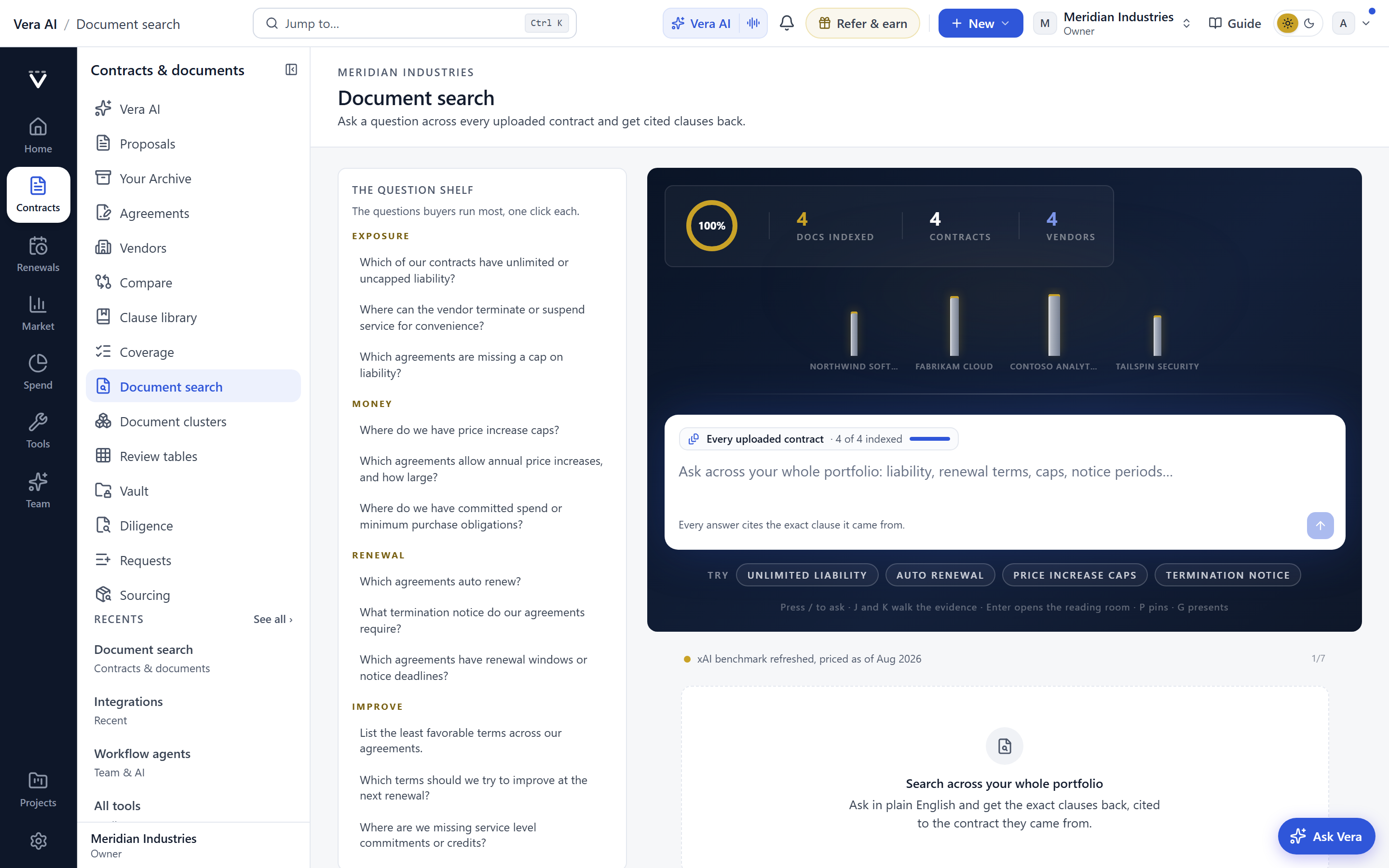
The change here is that you can now ask the library a question in the terms you actually think in. What did this vendor commit to. What did we agree about the uplift. Did anyone mention a floor on the discount. It answers from every meeting filed in the workspace, and each sentence of the answer carries the vendor name and the date of the call it came from. Where the minutes are silent, it says so rather than guessing, which is the part that matters most. A tool that invents a commitment is worse than no tool, because you will act on it in a room and lose credibility when the vendor asks for the timestamp. This one declines to fill the gap. If the calls never covered the renewal true up, it tells you the calls never covered it.
Calls nobody scheduled now get caught
A commitment made on an unscheduled call is still a commitment. The problem is that ad hoc calls, the ones spun up in the moment, rarely make it into any record, and those are often the ones where the real movement happens. In this release the app notices a call nobody scheduled, whether it is on Zoom, Teams, Meet, Webex or a Slack huddle, and brings it into the same library as everything else. That means the quick huddle where the account manager conceded on the migration credit is captured alongside the formal quarterly review, and both are answerable to the same question.
If you already run our live copilot, this fits the same posture. The call copilot puts an analyst in your ear during the conversation, and now the record of that conversation is fully queryable afterward. The two are complementary. One helps you in the room, the other helps you three months later when the vendor's memory has conveniently drifted. Turning on capture across your calling platforms is a setting, and you control which surfaces are watched from the desktop app settings.
Meeting recipes decide the shape the minutes take
Not every call needs the same write up. A pricing negotiation wants commitments, numbers and open items flagged. A security review wants controls discussed and evidence promised. A renewal kickoff wants dates and owners. Meeting recipes let you decide the shape the minutes take, so the record comes out structured the way that meeting type deserves rather than as one undifferentiated blob of notes.
This matters because the library's answers are only as good as the structure underneath them. When a call is minuted as a pricing negotiation, the commitment you ask about later is already labelled as a commitment, not lost in prose. Recipes are the difference between a searchable pile and an answerable record. If you already lean on our reporting, the logic is the same one we make in why AI reports beat AI answers. Structure at capture time is what lets you trust the output at question time.
Your recording comes home
There is a quieter change in this release that legal and security teams will care about more than anyone. A seat's recording now comes back into your own storage instead of staying with the provider. That is a custody shift. The evidence you may one day need to rely on in a dispute sits inside your tenant, under your retention rules, not on a third party platform you do not govern. For buyers who negotiate data residency and deletion clauses into their own supplier contracts, holding your meeting record to the same standard is simply consistent.
Where this sits in the buying workflow
The meeting library is not a standalone note tool bolted on the side. It feeds the same negotiation you are already running against market data. When you ask what the vendor committed to on the uplift, the honest answer from the calls sits next to what the market actually pays, and the two together are what you carry into the room. If your negotiation reaches across a peer group, the same discipline applies to shared leverage, which is the point we make in pooling leverage without exposing your numbers. Your commitments stay yours, evidenced and dated.
The honest limits
Be clear about what this does not do. It answers from what was captured. If a call was never filed, or capture was off for that platform, the commitment made on it does not exist as far as the library is concerned, and it will correctly tell you it has nothing. Coverage is your responsibility, which is why the capture settings are worth configuring deliberately rather than left half on.
Second, a spoken commitment is not a contractual one. The library will faithfully surface that an account manager said the credit would apply, but a call is not a signature. Use the citation to press for the term in writing, not as a substitute for the term. The value is in the pressure it lets you apply, not in a false sense that the deal is already closed. Transcription is also imperfect on cross talk, heavy accents and poor audio, so treat a surprising answer as a prompt to open the cited call and confirm the words yourself before you quote them.
Third, this is one input among several. The meeting record tells you what was said. It does not tell you whether what was offered is any good against the market, and that judgment still comes from the benchmark library and your playbooks. Used together they are strong. Used alone, the meeting library will tell you exactly what you agreed to overpay for, in the vendor's own words, on a date you can cite.
Fredrik has spent more than twenty years in enterprise software, with time at Oracle, IBM, SAP, and Salesforce before moving to the buy side. He structured and priced the kind of large agreements most buyers only see once or twice in a career, which taught him where the leverage sits and how far a vendor will actually move. He started VendorBenchmark to hand that knowledge to every sourcing team.


