The Document Agent finishes as an application: one command table, undo, a search language, and a desk that talks beside the clause
We shipped the finished shape of the Document Agent. One command table behind every menu, real Undo, a token search language, and comments that sit beside the clause they concern.
Most buyers do not lose negotiations on price. They lose the thread. A clause you flagged three weeks ago is now buried under a redline nobody labelled, the comment you left is stranded in an email, and the version you approved is one of six PDFs with the same filename. The Document Agent was already the place you read archived contracts without leaving the app. What shipped this week is its finished shape as an application, and the point of it is to stop the thread going cold. If you have followed the Document Desk, this is where it grows a spine.
One command table behind every surface
Every menu, the toolbar, the right click, and Ctrl K now read the same command table. That sounds like plumbing, and it is, but the effect on a buyer is direct. The action you find by right clicking a clause is the exact action you find in the menu and the exact action Ctrl K surfaces when you type its name. There is no drift between how you reached a command and what it does. When you train a colleague, you train one vocabulary, not three.
The Edit menu now carries Undo and Redo, Ctrl Z and Ctrl Y, for every reversible move. Reorder a set of clauses, retag a position, fold a pane, and you can walk it back without hunting for the previous state. This matters most when you are working fast under a deadline and need the freedom to try a structure, see it, and reverse it. The cost of a wrong move drops to nothing, which is the condition under which people actually explore.
The question line learned a language
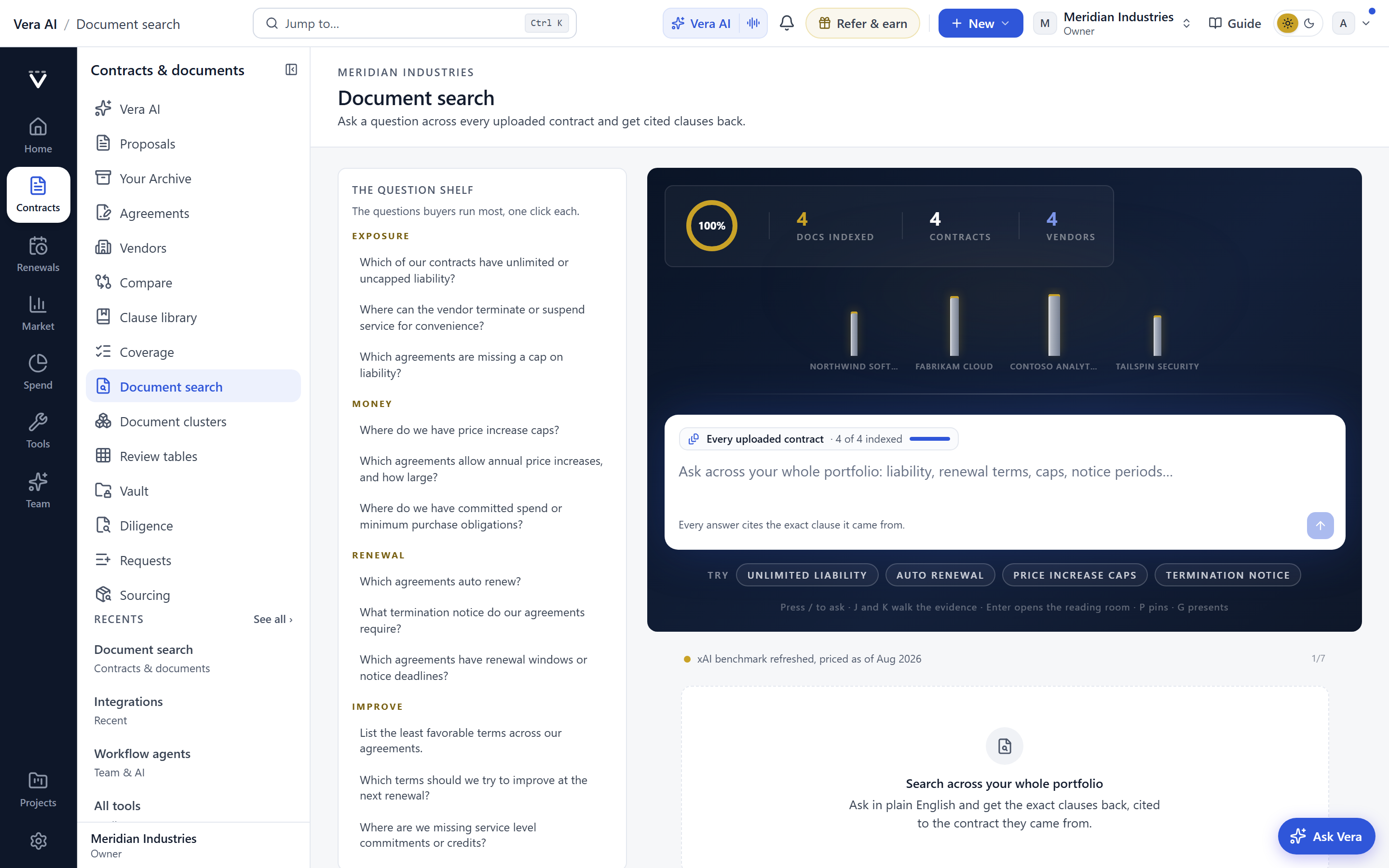
The biggest change for daily use is the search language. As you type, vendor:, signed:, before:, after:, and clause: become tokens, and a quoted phrase becomes a token too. So vendor: Acme after: 2023-01-01 clause: indemnity finds you exactly that, and "most favoured nation" pulls every document carrying the phrase. You are no longer describing what you want to a box that guesses. You are constructing a filter that means one thing. Buyers who work across a large estate will recognise the difference between a search that is fuzzy and a search that is deterministic. This one is deterministic.
The foot of the window is now a status bar of doors, so the places you move to are always visible at the edge. The rail and the evidence pane fold to strips when you want the clause to have the room, and unfold when you want the context back. The ledger and the Library carry a Columns chooser with grips and groups, so you decide which fields sit where and in what order. The question tabs drag, which means the way you arrange your open queries is yours to set. None of this is decoration. It is the difference between a tool you bend to your work and a tool you bend your work around.
A desk that talks beside the clause
Comments now sit beside the clause they concern, not in a separate thread you have to correlate by memory. When your legal reviewer questions an uplift, the question lives next to the words it questions. The desk composer mentions papers and clauses directly, so a note you send carries its references rather than a paraphrase of them. The titlebar shows who else is in the window, which removes the small but real risk of two people editing the same brief blind to each other.
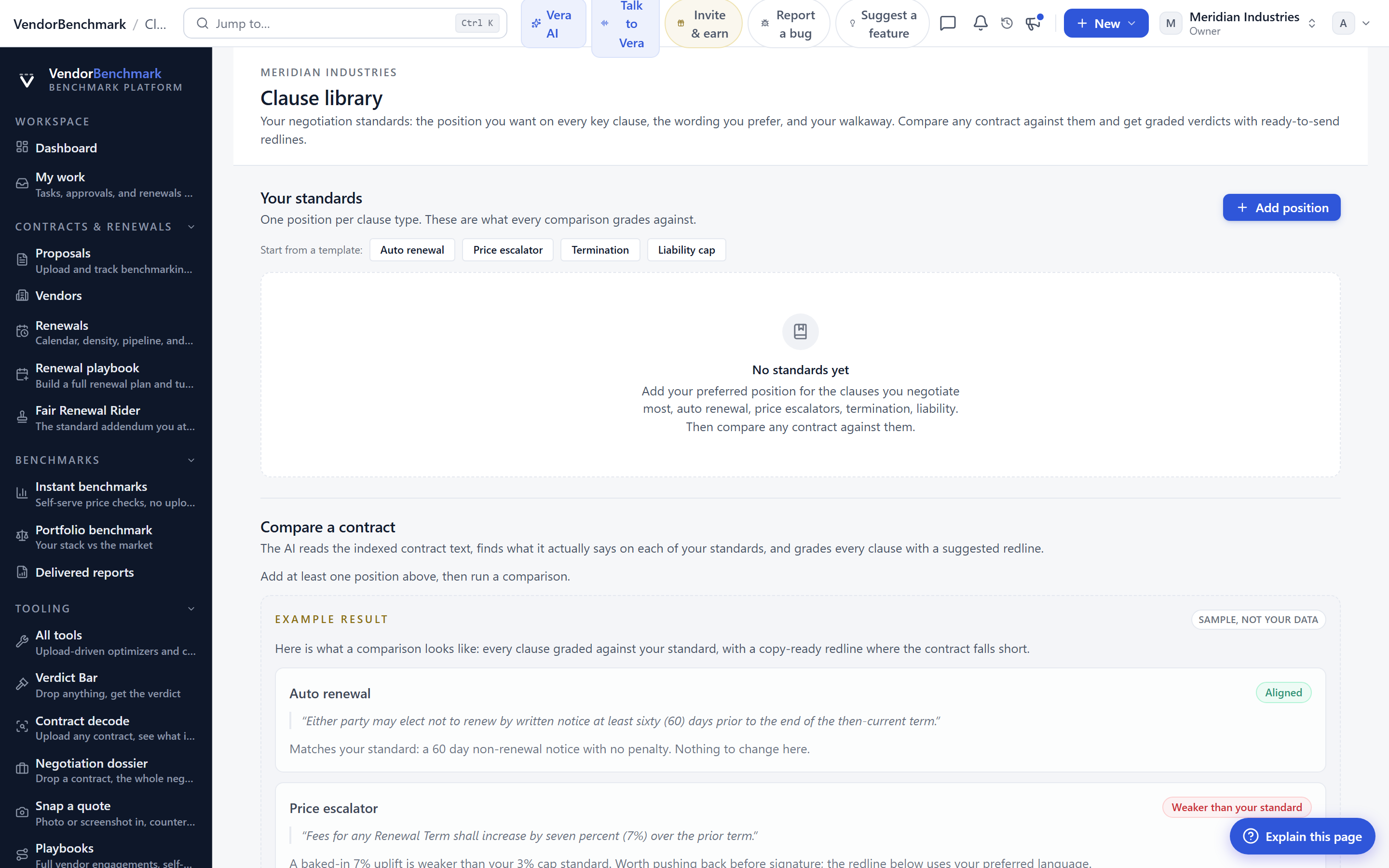
The cap line prices the uplift above the cap you hold out for, so you can see, in the moment, what a proposed increase costs relative to the ceiling you set. That connects the reading directly to the position, which is the part buyers usually have to do in a second spreadsheet. If you want the arithmetic of switching costs alongside it, that pairs naturally with measuring lock-in before the vendor prices it for you. The brief edits in place, and every version of a brief sits on a timeline, so the history of a position is visible rather than reconstructed from filenames. Help walks you through the window when you need it, which lowers the cost of handing this to someone new.
Where it fits, and where it does not
This sits at the reading and drafting end of the deal. It does not approve anything, and it is not the sign off chain. When a brief is ready for signatures, that hands to the sign off chain, which carries approvals before signature with a brief for every approver. The Document Agent gets the brief right. The chain gets it signed. Keep the two jobs separate in your head and the workflow stays clean.
Be clear about the limits. The search language is exact, which is its strength and also its edge. If a document uses different words for the same idea, a clause: filter finds the tagged clause, not every synonym in the prose, so quoted phrase search remains your fallback for language you know is there but is not classified. The cap line prices the uplift against the cap you set, and it is only as good as the cap you set, so a poorly chosen ceiling produces a confident but wrong number. Undo covers reversible moves, and a few actions, sending a note from the desk among them, leave the window and are not reversible from the Edit menu. And presence in the titlebar tells you who else is in the window, not what they are about to change, so coordination on a shared brief is still a conversation, not a lock. Used with those limits in mind, this is the fastest path we have shipped from a folder of PDFs to a brief you can defend.
Want to be updated when major licensing and pricing changes land? One analyst brief a week: the price rises, metric changes and audit campaigns that move software costs. Work email only.
Morten brings two decades of enterprise and software procurement, with stints across Oracle, IBM, SAP, and Salesforce shaping how he reads a deal. He has led sourcing through hundreds of renewals, from mid market order forms to nine figure global agreements, and learned that the buyers who win are the ones who walk in knowing the market. He built VendorBenchmark to make that pattern recognition repeatable.


