Give the Desk a folder and it files what lands there
Point The Desk at your scanner output, your legal shared drive, or your downloads folder. Signed contracts arrive on the platform on their own, deduplicated by content, with the nearest notice deadline kept in view.
There is a quiet gap in almost every procurement operation, and it lives between the moment a contract is signed and the moment anyone records that it exists. The signature happens on a Tuesday. The countersigned PDF lands in someone's downloads folder, or in a shared drive legal maintains, or in the output tray of a scanner in a mailroom. Then it waits. It waits for the person who owns the upload step to have a free hour, and that hour arrives sometime after the auto-renewal has already ticked. The new folder watch in The Desk closes that gap. Give the desktop app a folder to watch, and every PDF or DOCX that arrives in it is filed and benchmarked without anyone opening the app.
The named problem: contracts arrive when someone remembers
Ask any procurement lead where the delay sits, and the honest answer is rarely the negotiation. It is the administration after the win. A deal closes, and the paperwork enters a holding pattern. Nobody is negligent. The upload is just one more manual step competing with live sourcing, and manual steps lose to live work every time. The cost is not abstract. A contract the platform cannot see is a contract whose notice window it cannot count, which is the exact failure mode we described in 300 vendors, 52 weeks, one team: the renewal calendar problem. You cannot warn on a deadline you never ingested.
The folder watch removes the human from the ingestion path. You choose a folder once, and from then on the files that land there become contract records on their own. If your scanner writes to a network path, point The Desk at it. If legal saves countersigned copies to a shared drive, point it there. If you are the person who receives the final PDFs by email and saves them to downloads, point it at downloads. Contracts arrive on the platform as they are signed rather than when somebody remembers to upload them.

It knows a file by its contents, not its name
The obvious risk with any auto-ingest is duplication. The same agreement gets saved twice, once by the scanner and once by the person who downloaded the email attachment, and now you have two contract records for one deal. The folder watch avoids this by identifying a file by its contents rather than its filename. The same agreement saved twice stays one contract. Rename it, move it, save a second copy in a second watched folder, and the platform still recognises it as the document it already holds.
This matters more than it sounds. Deduplication by content means you can be generous with the folders you watch. You do not have to nominate one canonical source and police everything else. Watch the scanner output and the shared drive and your downloads, and let the platform reconcile the overlap. The clean single record is what feeds the clause library and the review tables, so the discipline pays off downstream every time you ask a question across all contracts at once.
The nearest deadline, kept above your other windows
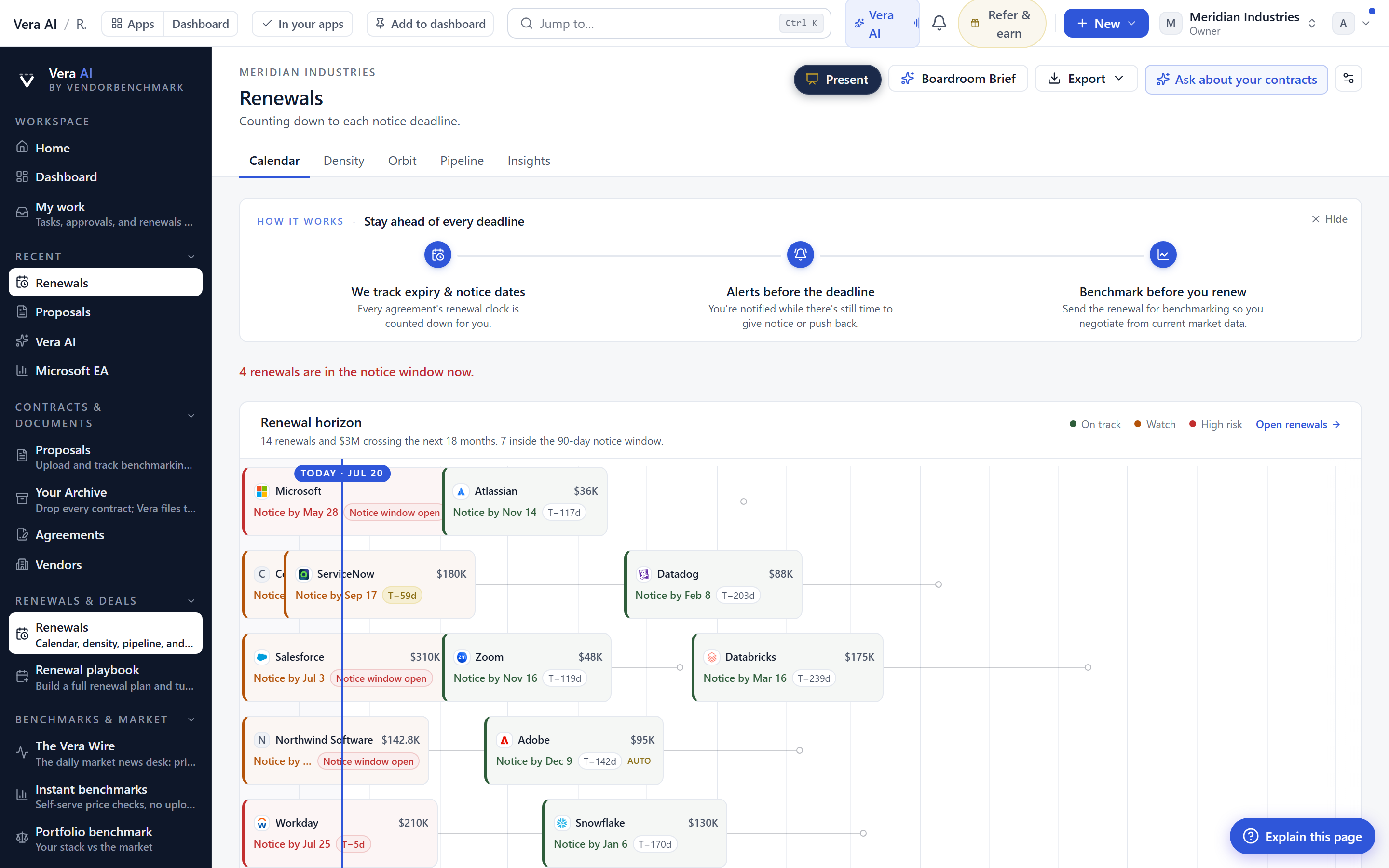
Filing contracts on time only helps if the deadlines they carry surface before they lapse. The Desk can now keep the nearest notice deadline on a small strip above your other windows. It is deliberately quiet. The strip appears only when something is inside ninety days, so it is silent for most of the year and visible precisely when a window is opening. You do not have to have the app in front of you, and you do not have to check a calendar. The one deadline that can hurt you sits above whatever you are working on.
Ninety days is the threshold on purpose. It is enough runway to decide, to benchmark, and to open a conversation on your terms rather than the vendor's. If the strip shows an Oracle certification window closing, you have time to work the exit calmly rather than in the panic we walked through in Oracle ULA exit: certify without the panic. The strip is a nudge, not a workflow. What it buys you is the thing a missed notice date never gives back, which is time.
Locking the desk, and one shortcut set across platforms
Two smaller changes ship alongside the folder watch, and both reduce friction rather than add features. On the same screen as the deadline strip, Windows Hello can now stand in front of the desk. If you step away, the desk is behind your face or fingerprint rather than left open on a laptop that holds signed contracts and benchmark figures. For anyone who has worried about what sits on the machine, this is the local complement to the tenant isolation we describe in the security view.
Second, the Mac build now answers the same keyboard shortcuts as Windows. If your team runs a mix of machines, and most do, the muscle memory transfers. Nobody has to relearn the app because they switched laptops. It is a small thing that removes a small daily tax, and small daily taxes are what erode adoption of any desktop tool over time. You can configure the folder watch, the deadline strip, and the lock behaviour from the desktop app settings.
The honest limits
Be clear about what this does not do. The folder watch reads PDF and DOCX. It does not watch email inboxes directly, so if your final contracts only ever live as attachments, someone still saves them to a watched folder first, or you route them through the inbox agents instead. It watches folders on your own machine and the network paths that machine can reach. It is not a cloud connector to a document management system, and if your contracts live behind an application rather than in a file share, the file watch alone will not reach them.
It files and benchmarks the contract, but it does not read your intent. The deadline strip tells you a window is open. It does not decide whether you renew, renegotiate, or walk. That judgement is still yours, informed by the benchmarks and the peer outcomes, and often sharpened by tools like Billing watch: the invoice checked against the contract, every day once the record exists. And a scanned image with no text layer is filed as a document, but the extraction is only as good as the scan. Feed it clean digital copies where you can. The feature earns its keep by removing the forget step, not by removing the think step. Point it at the folders your contracts already land in, and let the arithmetic of returned hours accumulate quietly in the background.
Want to be updated when major licensing and pricing changes land? One analyst brief a week: the price rises, metric changes and audit campaigns that move software costs. Work email only.
Morten brings two decades of enterprise and software procurement, with stints across Oracle, IBM, SAP, and Salesforce shaping how he reads a deal. He has led sourcing through hundreds of renewals, from mid market order forms to nine figure global agreements, and learned that the buyers who win are the ones who walk in knowing the market. He built VendorBenchmark to make that pattern recognition repeatable.


