Microsoft EA renewal
Run a Microsoft EA renewal on your own estate. 32 screens in four phases: Prepare, Analyze, Execute and Deliver. A discovery interview tailors every screen to your answers: savings moves re-rank, levers arrive pre-set with the reasoning, and the negotiation plan prepares counters for the tactics Microsoft has used on you.
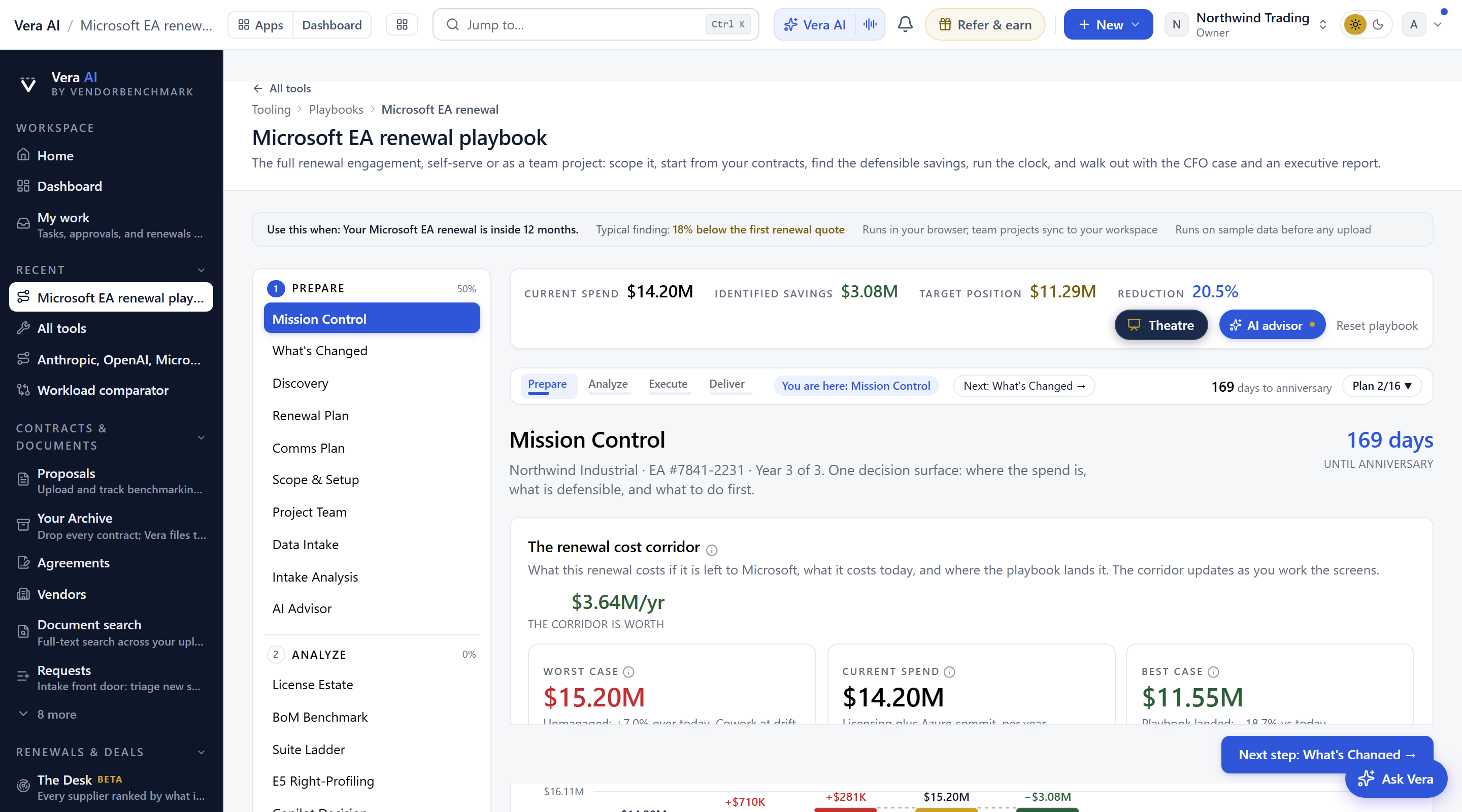
Open it in your workspace with your own Microsoft agreement, or read a finished benchmark report first to see what the playbook argues from. VendorBenchmark has Enterprise pricing only, scoped to your team and contract estate.
Interview questions with the why behind each. A live “what I’m hearing” panel plays the strategy back and commits to a posture, and every screen after carries that read.
Segments the E5 base by who actually touches an E5-exclusive workload, and prices the move to E3 plus E5 Security with zero capability loss for the security-only population.
Adoption bands, the defensible true-down, the go or no-go banks, and the new Cowork credit meter: what agent tasks cost on top of every seat, and the five checks before any credit commitment.
Burn against the straight line, the shortfall landing, and the consumption-based next-term commit, with the play spelled out: commit to actuals, not aspiration.
Peer discount corridors by category, a position ladder with opening, fallback, and walk-away, and questions and counterplays tailored to the tactics you report.
A waterfall from current spend to target position where every line traces to evidence, and an executive report that renders live from everything you did.
Now run it on your real EA.
Your workspace loads your own estate into this same playbook, adds the AI advisor and the generated executive reports, and benchmarks your position against what comparable customers pay. The Microsoft 365 Agent reads your tenant beside it: what you pay, what is unused, Copilot and the renewal.