Make a seat of your own: a specialist you name, taught on what you choose
Under Specialists, Make a seat lets you build a named analyst taught on the vendors, papers and documents you choose. It takes calls like any house seat, and remembers its own.
Every procurement team ends up with a gap between the analyst it has and the analyst its category needs. The house seats are strong on breadth. They read across the benchmark library, they hold positions on clauses, they answer with cited figures. But the buyer working a hairball of legacy MSAs, a private set of statements of work, and three vendors nobody else in the market cares much about keeps having to re-explain the situation on every call. You brief the seat, get an answer, then brief it again next week. Make a seat closes that gap. It lets you put a colleague of your own on the bench: a specialist you name, seated where you want, taught on exactly the vendors, research and documents you choose. This is a product update, and below is what actually changes for the buyer.
The problem you already recognise
The six specialist agents the house ships are generalists by design. They cover the whole field so that any buyer can pick one up and get value on the first call. That is the right default. It is also the reason a category owner spends the first ten minutes of every session setting context: which vendors are in scope, which contracts govern them, which of your own documents the answer has to respect. Multiply that by a category with a dozen active suppliers and the context-setting tax becomes real. Worse, the seat forgets. The next call starts cold. You are paying re-explanation cost on work you already did, which is the same quiet leak we described in rights you already paid for, only here the thing going unused is your own accumulated context rather than a contract term.
Make a seat treats that context as an asset you configure once and reuse. You are not prompting a chatbot. You are standing up a persistent specialist with a defined remit, a fixed reading list, and a memory of its own calls.
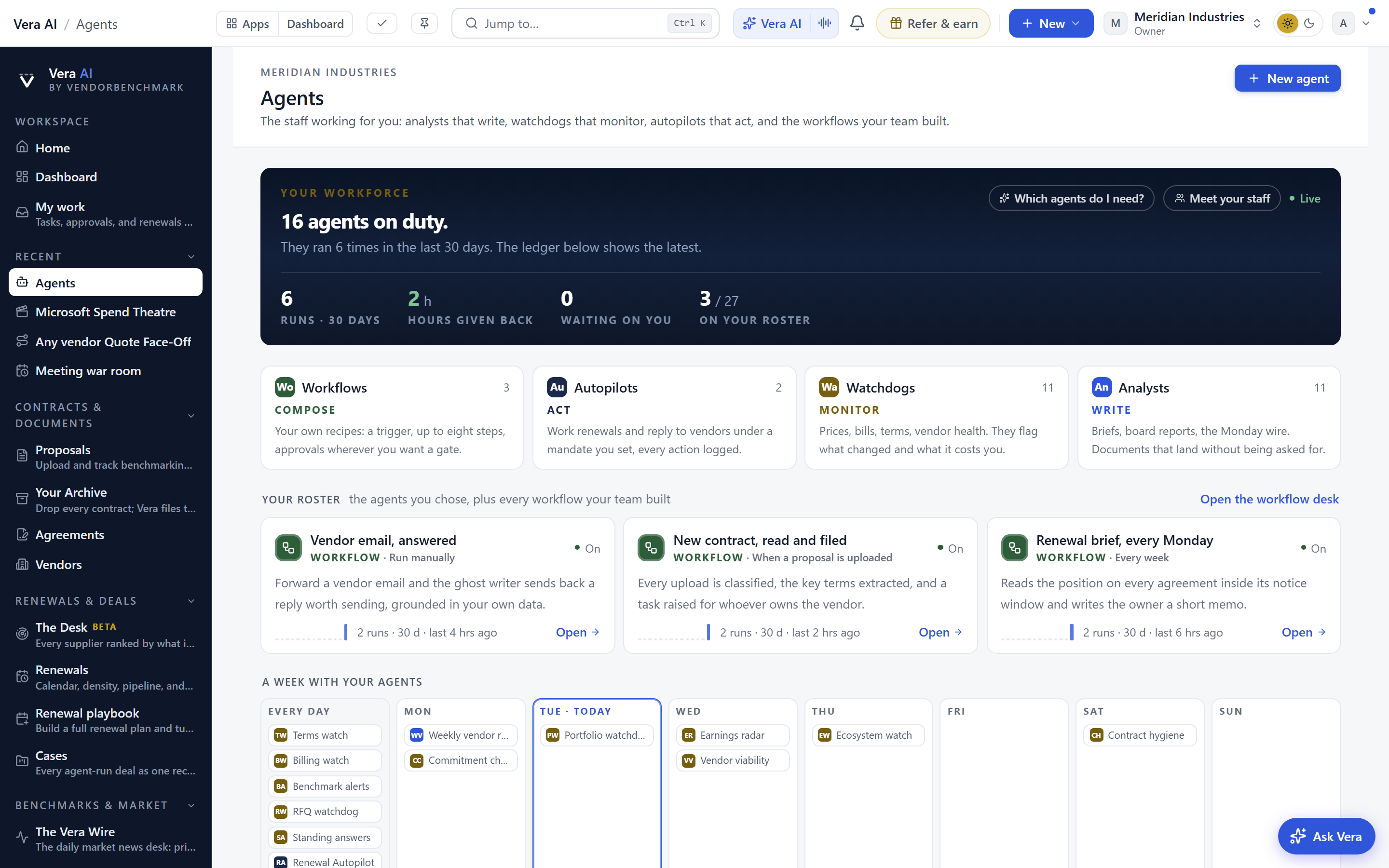
What you configure when you make a seat
There are two halves to the setup. The first is identity. You give the specialist a name, a seat, an opener and a voice, and you say who they are and how they work. That is not decoration. A seat that opens by asking for the renewal date behaves differently from one that opens by summarising the last call. The voice sets the register of the answers you get back. If you have used the voice sparring room, the idea will be familiar: a defined persona makes the interaction predictable, and predictable is what you want from a working analyst.
The second half is the reading list, and this is where the leverage sits. You choose the vendors the specialist holds, and the house's research on those vendors loads before every call automatically. You add papers from the research library, which now read as styled pages rather than embedded files. You attach documents from your own portal, the private SOWs and side letters that no house seat would otherwise see. You decide whether the open web is on or off. And you decide whether the seat may reach your workspace's records. Every one of those is a switch you set, not a default you inherit.
How it fits the workflow
A made seat is a full citizen of the bench. It takes a call from the dock, from the bench, and from the call room, exactly like any house seat. There is no separate mode and no export step. If your team already runs the house's six specialist agents and the ten inbox agents, a seat you make slots in beside them without changing how anyone works. It also remembers its own calls, so the second session with a specialist starts where the first left off rather than from a blank prompt.
That persistence is what makes the seat worth building. A category owner can make one specialist per hairball category, load it on the three or four vendors that category holds, attach the governing contracts and the private documents, and then treat it as the standing analyst for that book of spend. When a price list moves, the pattern is the one from Terms Watch: the change surfaces, and the seat that already holds the vendor can read it in context on the next call rather than being briefed from zero.
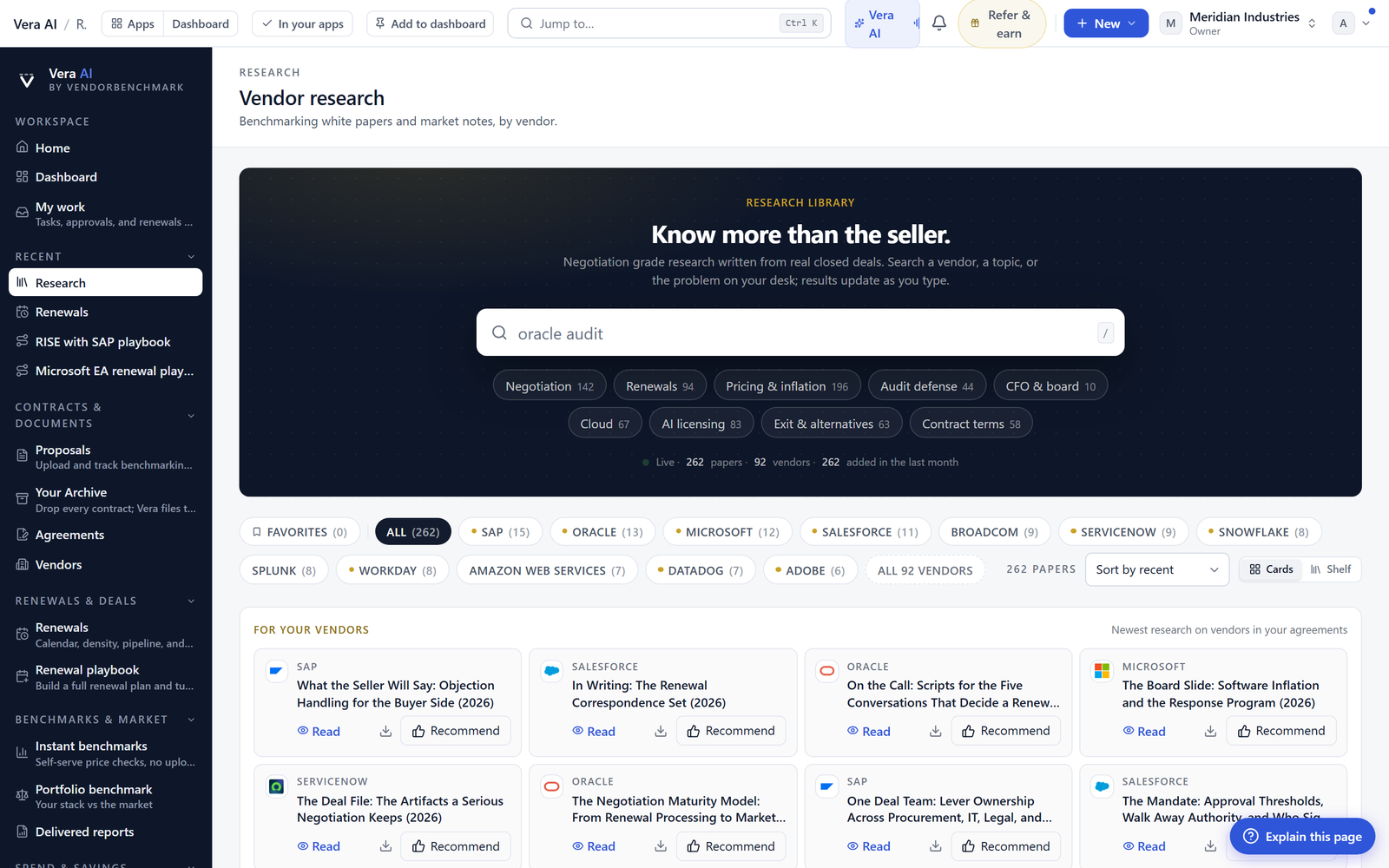
You can build your first seat at specialists/new. The setup takes minutes, and you can revise the reading list any time as the category changes.
What actually changes for the buyer
The honest limits
Be clear about what a made seat is not. It is not a source of new facts about vendors you have not loaded. If a vendor is outside its held list and the web switch is off, it will not conjure market data. The house research it reads before every call is the same benchmark research any seat can reach; making a seat does not deepen the underlying data, it focuses and persists the context around it. So the quality of a made seat tracks the quality of what you teach it. A thin reading list produces a thin analyst.
A made seat also does not replace the approval chain. It can draft, compare and brief, but a person still signs, and the governance around signature belongs in the deal sign-off chain rather than in the seat itself. Records access is a switch you turn on deliberately, and you should treat it that way: grant it where the seat needs your workspace data to be useful, withhold it where it does not. Finally, memory is per seat. A specialist remembers its own calls, not the calls of every other seat on the bench, which is a feature for isolation but means insight does not automatically flow between two seats you build. If you want that overlap, load the shared context into both.
None of this is marketing. It is a scoping tool. Used well, a made seat turns the recurring cost of re-briefing into a one-time setup, and gives a category owner an analyst that holds exactly the vendors, research and documents that category runs on. That is the whole of it, and it is enough.
Want to be updated when major licensing and pricing changes land? One analyst brief a week: the price rises, metric changes and audit campaigns that move software costs. Work email only.
Morten brings two decades of enterprise and software procurement, with stints across Oracle, IBM, SAP, and Salesforce shaping how he reads a deal. He has led sourcing through hundreds of renewals, from mid market order forms to nine figure global agreements, and learned that the buyers who win are the ones who walk in knowing the market. He built VendorBenchmark to make that pattern recognition repeatable.


