The answers sit on the paper
Every answer the reader gives now points at the exact line it came from, on the exact page it sits on. No more taking the tool's word for it.
Here is the problem every buyer knows. A tool reads a contract, hands you a tidy summary, and you still cannot use it. You cannot forward the term date to your CFO, because you do not know which clause it came from. You cannot cite the audit window to a vendor, because the summary paraphrased it. So you open the PDF anyway, scroll for twenty minutes, and read the whole thing yourself. The read cost you nothing and saved you nothing. This update closes that gap. The decode already read on the page, and now the read tab carries the whole deep read with every answer tied to the line it was read from.
Seventeen answers, each with its receipt
The read tab now holds seventeen answers pulled from the deep read. The parties. The term. The renewal mechanics. The audit clause. The price hold. The liability cap. Each answer comes with two things it never had before. First, the verbatim line it was read from, quoted exactly as printed, not paraphrased. Second, the page it sits on. Beside each answer is a door. Press it, and the paper scrolls to that passage and lights it. You are looking at the source, not a claim about the source.
That verbatim line is the difference between a note and evidence. When a vendor tells you the audit clause allows quarterly inspections and your read says annual, you do not argue from memory. You open the door, the paper scrolls to the clause, and the printed words settle it. The same discipline runs through how we read any contract in a minute, and now it reaches every answer on the tab.
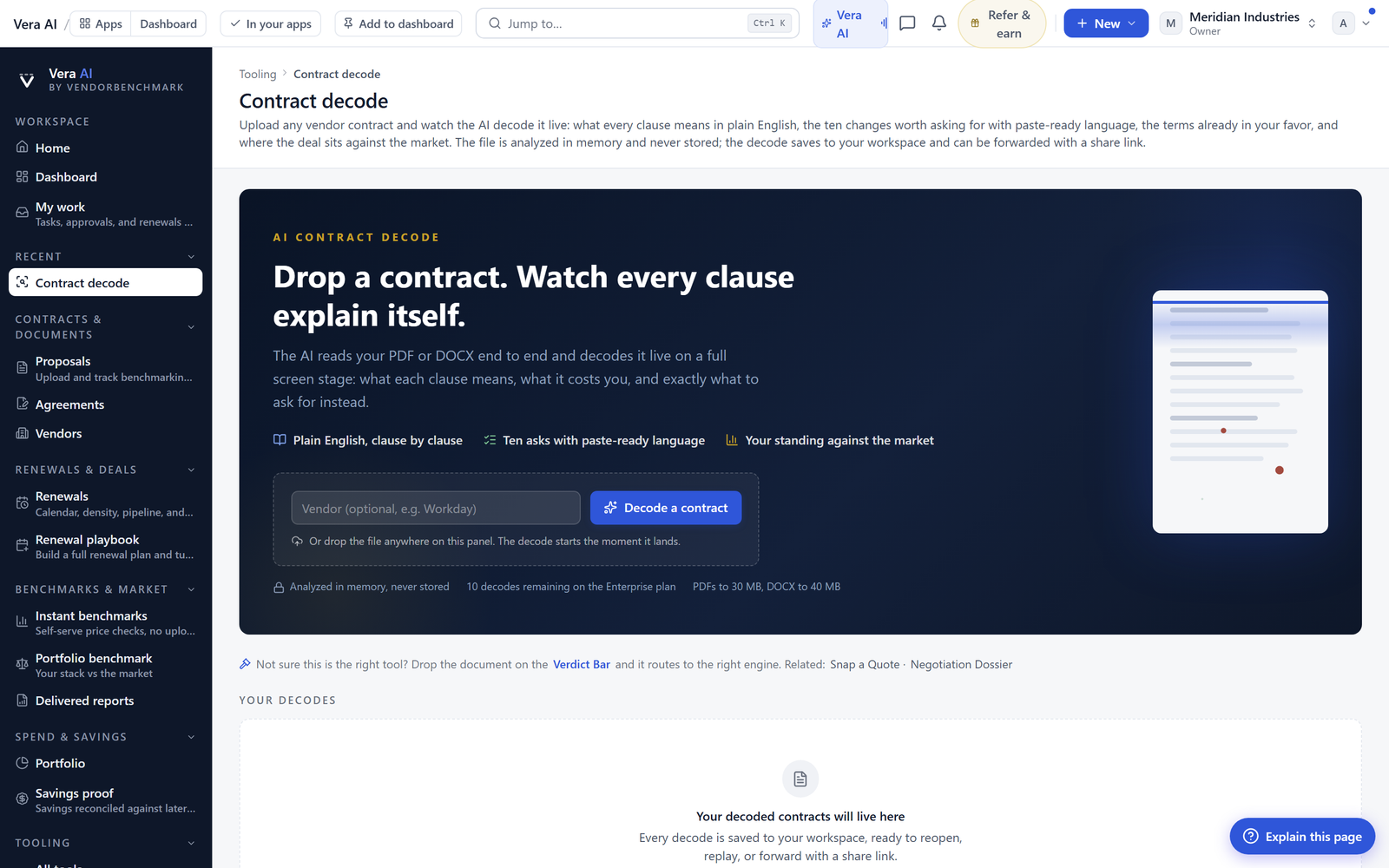
The priced table renders beneath, exactly as printed
Every product line the read priced from the contract's own table now renders beneath the answers. Quantities and unit prices stay intact. This matters because pricing is where paraphrase does the most damage. A summary that rounds a unit price or drops a tier is worse than no summary, because it reads as fact. Here the table is the vendor's own table, and it is one press from its page. You can check the render against the print in a second.
This is the ground you stand on when a vendor tries a mid term price increase. You are not recalling what you think you signed. The read shows the price hold clause with its verbatim line, and the table shows the unit prices it locks. If the increase breaches the hold, the reply cites the line. If the contract is silent, you know that too, before you answer.
The Verified chip travels to the read
A paper verified in the Entitlement Office wears its Verified by a person chip on the read tab as well. That chip tells you a human checked this document is what it claims to be, not an unsigned draft or a stale version. When you are about to cite the audit clause to a supplier, the chip is the difference between quoting the executed agreement and quoting a redline nobody countersigned. The read now states plainly what the estate already promised, that every page is indexed word by word, so you can find answers on anything you have loaded.
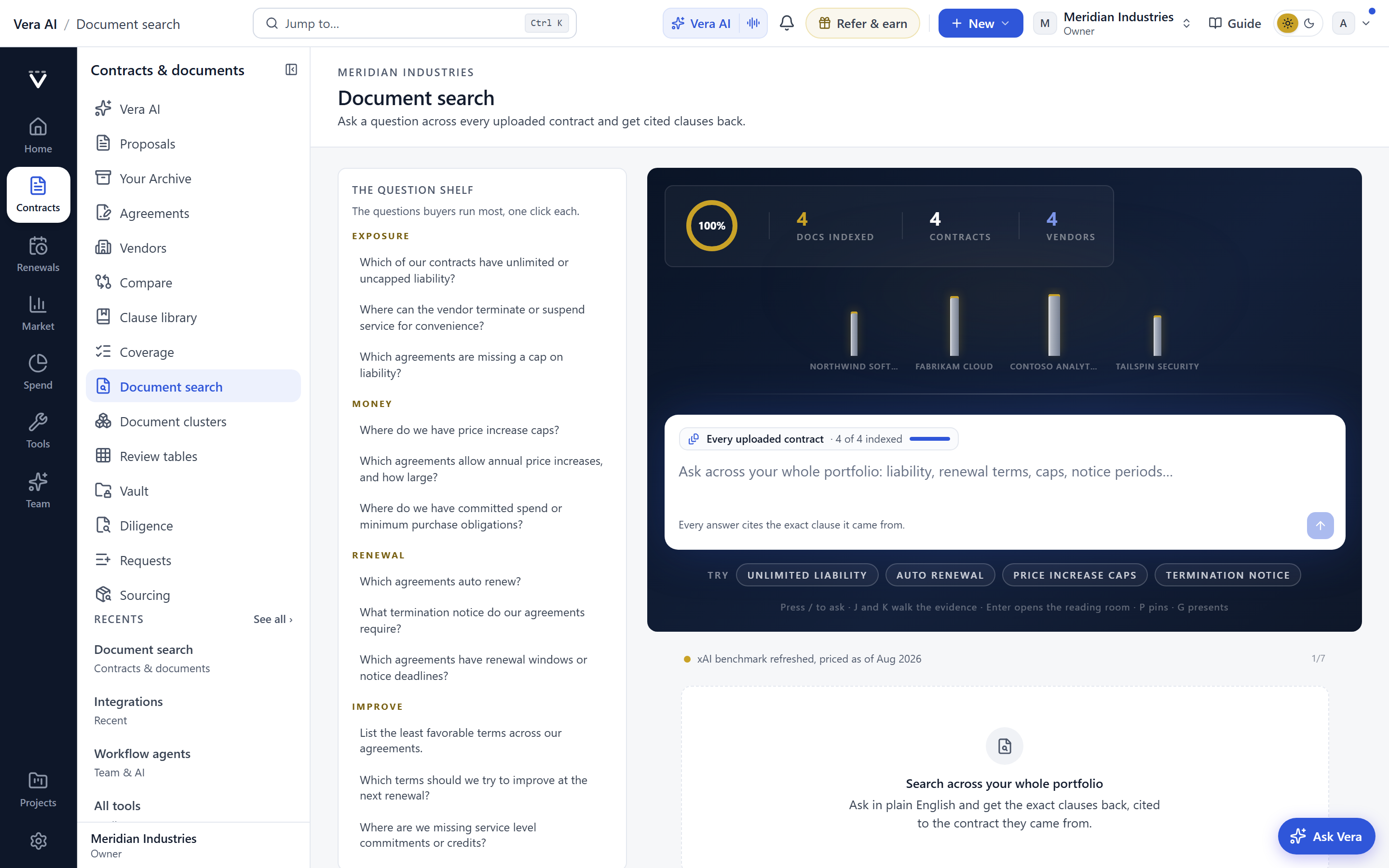
Word level indexing is what makes the door work. The read does not just know the clause exists. It knows the line and the page, so it can scroll you there and light it. That same index is what lets you find rights you already paid for, the true downs, swap windows, and SLA credits that sit unread in signed contracts until you go looking.
How it fits the workflow
Nothing new to learn. The read tab is where you already land after an upload gets its two minute read. The seventeen answers, the priced table, and the doors are simply there now. When you are building a case, you copy the verbatim line into your brief with its page. When you are on a call, you keep the read open and press the door as clauses come up. When a vendor asserts something, you check it against the printed source in the time it takes them to finish the sentence. The point of the feature is that the answer and its proof never separate.
The honest limits
Be clear about what this does not do. The read extracts seventeen answers, not every clause in the document. If your contract buries an obligation outside those seventeen, the read will not surface it as a headline answer, though word level search will still find it if you go looking. Second, the verbatim line is only as good as the source scan. A poor quality PDF, a photographed page, or a heavily marked up redline can produce a line that is faithful to a blur. Read the lit passage yourself when the stakes are high. Third, the Verified chip tells you a person confirmed the document's identity, not that the terms are good for you. That judgement is still yours, and it is the judgement this feature exists to support with evidence rather than replace. Finally, the priced table renders what the contract printed. If the vendor's own table contained an error, the read will faithfully reproduce that error. The tool speeds the reading. The reading still needs you.
Used inside that boundary, this is a plain improvement to a job you do every week. The answers sit on the paper now, each pointing at the line it came from. You spend your attention on the judgement, not the scrolling.
Fredrik has spent more than twenty years in enterprise software, with time at Oracle, IBM, SAP, and Salesforce before moving to the buy side. He structured and priced the kind of large agreements most buyers only see once or twice in a career, which taught him where the leverage sits and how far a vendor will actually move. He started VendorBenchmark to hand that knowledge to every sourcing team.


