The Benchmark Agent is a Windows application, and the report is a room
The report stopped being a popup and became a workspace. Here is what that changes for a procurement buyer, and where the limits still sit.
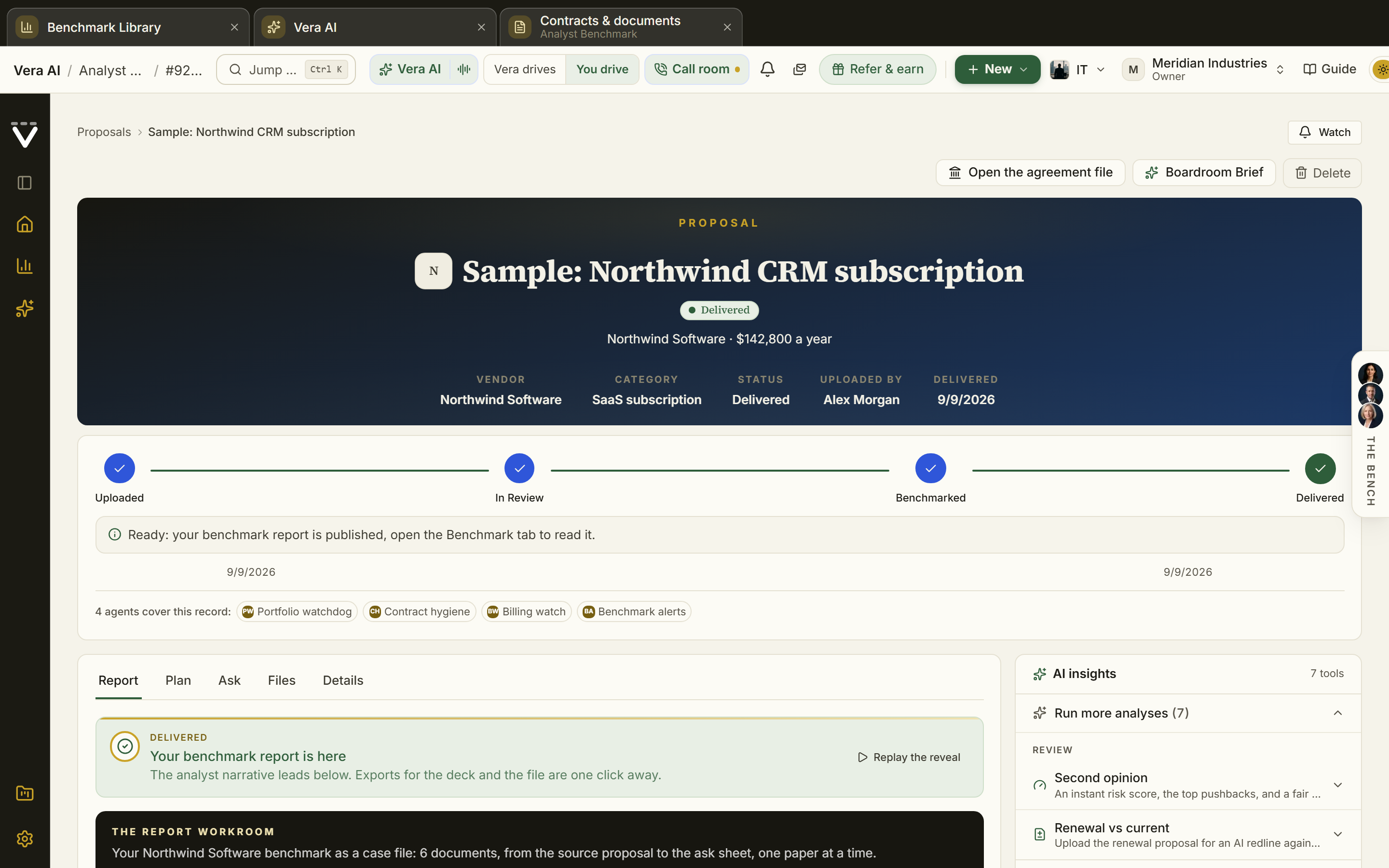
Here is a problem most procurement teams recognise but rarely name. The benchmark itself was never the bottleneck. The friction was everything around the benchmark: a report that opened as a popup you could not keep, figures you had to copy into a slide before they disappeared, and no single place that told you which renewals needed you this week versus which could wait ninety days. You had the analysis. You did not have a place to live inside it. The Benchmark Agent now lands on the same frame as the Contract Management Portal: a caption with search, nine menus, a command bar whose first button follows what you selected, six rooms and a status bar. If you have used the desk before, you already know how to drive this.
The report is a room now, not a popup
The change buyers will feel first is that the report stopped being something that opened and closed. It is a room. The section rail sits beside the paper, the four figures pin as you scroll so the discount, the gap and the days to renewal stay in view when you are three sections deep, and a details pane argues the row. That last part matters. When you select a line, the pane does not just show you the number. It moves the levers, it lets you test what a different term or volume does to the position, and it keeps your note attached to the row so the reasoning survives after you close the window. This is the same shift we described when research papers became styled pages instead of embedded files. Reading and working are the same act now.
Six rooms, and each one has one job
Benchmarks is every report your organization has run, grouped by what it needs from you: act now, inside ninety days, on track, or no dated renewal. Each carries the discount, the gap over the term in whole dollars, and the days to renewal. That grouping is the point. It reads as a work queue, not a filing cabinet. Runs shows every run on its four stations with why a run stopped, and Retry from the stored sheet, so a run that failed on step three does not send you back to step one. Compare shows what moved between two reports in points and money, which is the honest way to read a vendor over time and close cousin to what the vendor quietly changed since last year. Estate names every vendor you hold paper with and, more usefully, what renews without a benchmark, which is the exposure most teams cannot see until it is too late.
Every verb is where your hand already is
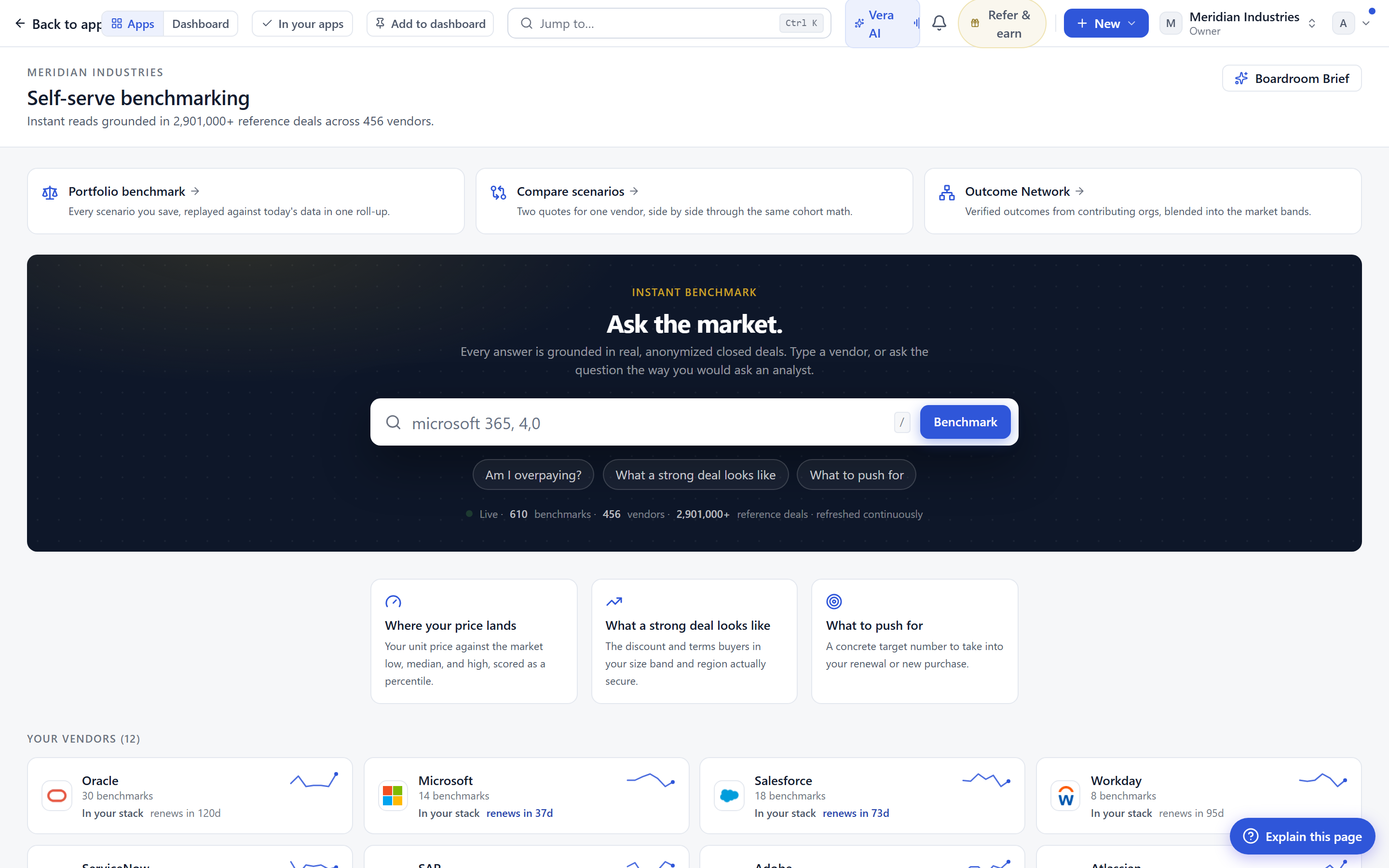
The interaction model is deliberate and it matches the rest of the desk, including the Negotiation Agent. Every verb is on a menu, on the command bar, on the right click, on Ctrl K, and on a key. You do not have to remember one path. Delete can be undone for eight seconds, which removes the small fear that keeps people from tidying their own library. The window remembers your room, your panes and your columns, so you return to the view you left. And the papers you staged follow you to any browser, which is the practical answer to the analyst who starts on a desktop and finishes on a laptop in a meeting room. None of this is decoration. It is the difference between a tool you visit and a tool you work in.
What did not change, on purpose
The engine is unchanged. The same read, research, write and review. The same fact sheet before the run, so you still approve what the analysis is built on. The same Word export and term sheet, so nothing downstream in your process breaks. This is a shell around a proven core, not a new core. We drew on the benchmark library covering 1,471 vendors, the 25+ report types, the 30 background jobs, the six specialist agents and the ten inbox agents that were already there. The Benchmark Agent gives that engine a room to work in. It does not change the answers, and that is intentional.
The honest limits
Be clear about what this update does not do. It does not make a benchmark more accurate than the fact sheet you approve going in, so garbage in still governs garbage out. Compare only reads what moved between two reports you have actually run, so a vendor you benchmarked once has no trend to show. The days to renewal and the no dated renewal band depend on renewal dates being in your records, which means Estate is only as complete as your contract data. The details pane levers model term and volume scenarios, but a modelled position is a starting point for a conversation, not a quote a vendor has agreed to. And staged papers following you across browsers is a convenience, not a substitute for your own document governance. If your renewal calendar is thin, fill it before you lean on the bands. You can open all six rooms today at /benchmarktool and judge them against your own paper.
Fredrik has spent more than twenty years in enterprise software, with time at Oracle, IBM, SAP, and Salesforce before moving to the buy side. He structured and priced the kind of large agreements most buyers only see once or twice in a career, which taught him where the leverage sits and how far a vendor will actually move. He started VendorBenchmark to hand that knowledge to every sourcing team.


