Vendor research. Ranked for your contracts.
The research library ranked for what you hold: briefs, reads and the original documents by vendor, with what to read first and what changed.
- A dossier per vendor
- What to read first
- The note as designed
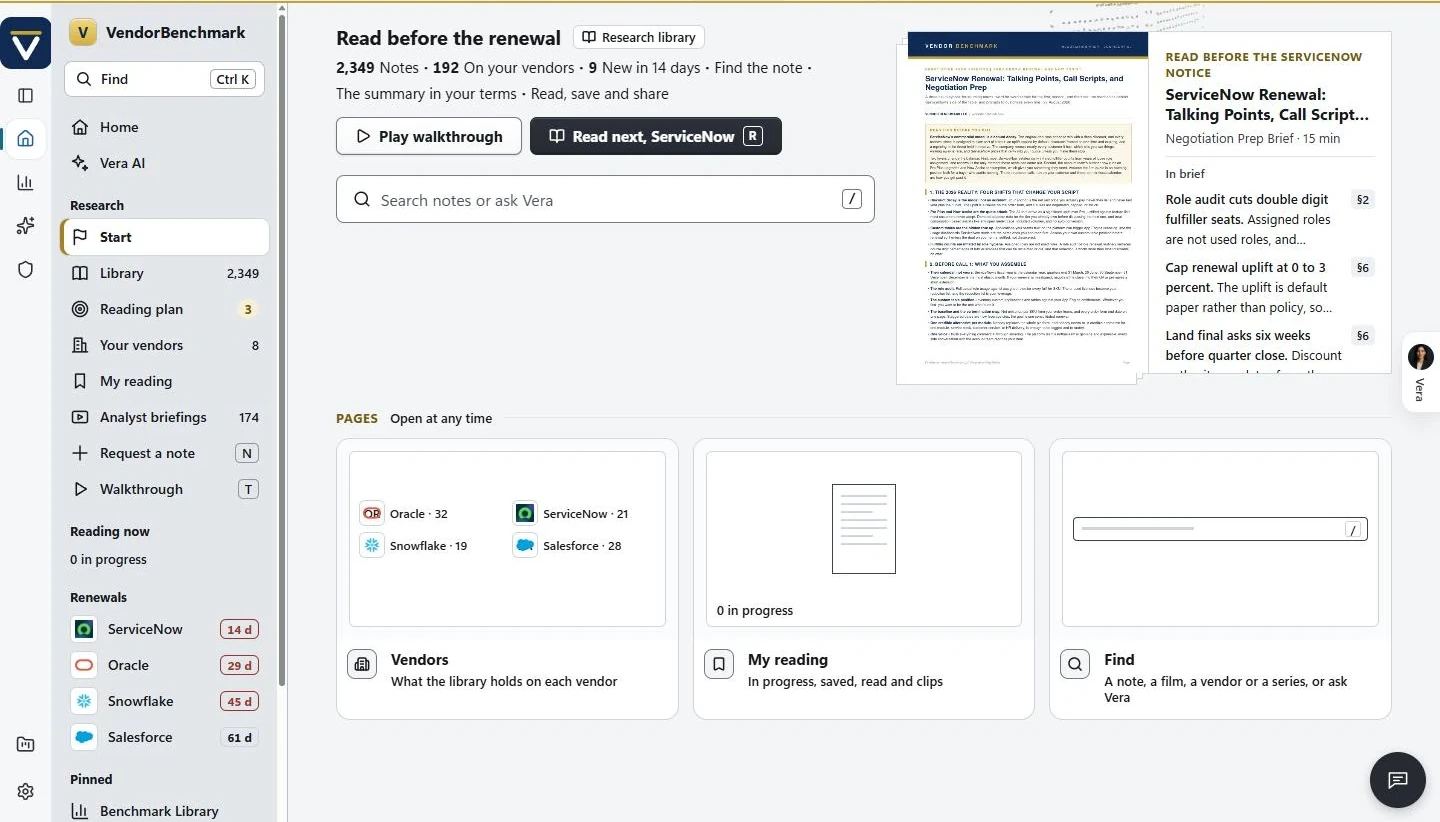
Research Library, on sample data.
What it does
Research that starts from what you hold.
It ranks
Every note ranked for the vendors in your contracts.
It files
A dossier, documents and a calendar for each vendor.
It guides
What to read first, what you started and what changed.
How it works
From the library to the note you need.
One window on the frame every app shares, with Vera beside it.
- The LibraryEvery note, by vendor and topic.
- VendorsA dossier, documents and a calendar per vendor.
- Read and watchWhat to read first, and what you started.
- The readerThe note as designed, with contents and search.
What you get
What teams use it for.
Before a negotiation
Read the vendor's dossier and the latest briefing.
A licensing change
Find the note that explains it and what it costs.
Keep current
A reading list ranked for your vendors.
Questions
The Research Library, answered.
What is in the library?
Briefs, reads and the original documents, filed by vendor and topic.
How do I know what to read first?
The library is ranked for what you hold, and Read and watch shows what to read first and what you started.
How does a note open?
In the reader, as designed, with its contents and a search.
Works with
Apps that share the work.

What should you read before the next call?
Open the library ranked for the vendors you hold.
Free trial. Every app opens populated on a sample company. No card required. Or speak to sales