The application window now holds three workspaces, and keeps them
Comparing a renewal against an intake run used to cost you one of the two. The window now carries three, each named, each closable on its own, and switching between them restarts nothing.
Here is a problem you have probably lived with and stopped noticing, the way you stop noticing a squeaky chair. You open the Deal Studio to work a renewal. Halfway through you need to check something in an intake run, so you open the Intake Desk. The desk opens, and the renewal you had loaded is gone. Not saved to the wrong place, not corrupted, just replaced. The window held one thing at a time, and the second desk took over the first. To get the renewal back you navigated to it again and waited for it to reload. Do that four or five times in a session and you have spent real minutes doing nothing but re-opening what you already had open.
The named problem: one window, one seat
The four full-screen surfaces, the Deal Studio, the Agreement Studio, Agreement Command and the Intake Desk, all open as an application window over whatever you were doing. That part was deliberate and stays. What was wrong was the seating. The window had exactly one seat. Whatever you opened last sat in it, and whatever had been there stood up and left. For a buyer this bit hardest during the two moments when comparison is the whole job: a renewal read against a fresh intake, or an agreement in Command checked against the deal that produced it.
So the workaround was tabs, or two browser windows, or a notepad with figures copied out by hand. None of those keep the two surfaces live at the same time, and copying figures by hand is exactly where a transposed number becomes a negotiating position you cannot defend. The cost was small per instance and constant across the day, which is the worst kind of cost because you never budget for it.

What shipped: a strip of up to three
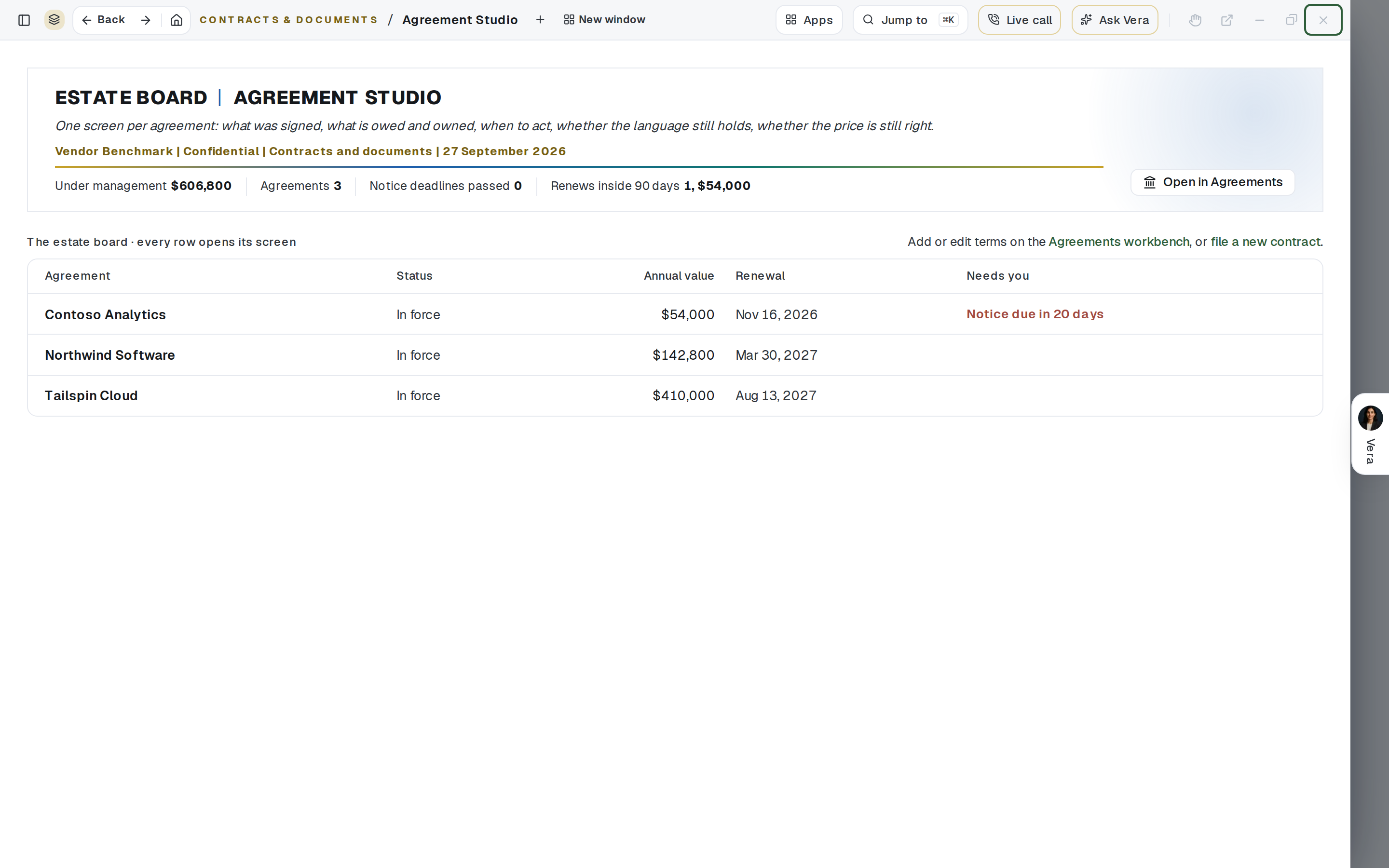
The window now carries a strip. It holds up to three workspaces at once. Each one is named after what is in it, so the strip reads like a short agenda rather than a row of anonymous tabs. Open the Deal Studio on a renewal and the workspace is named for that deal. Open the Intake Desk alongside it and the second workspace is named for that intake. You can see, without clicking, exactly what you have in flight.
Switching between them restarts nothing. The surface you switch away from stays loaded, in the state you left it, with your scroll position and your unsaved edits intact. Switching back is instant because there is nothing to load. This is the whole point. The three workspaces are three live seats, not three shortcuts that reload on arrival.
Each workspace closes on its own. Closing the intake does not touch the renewal. The strip is a set of independent surfaces that happen to share a window, not a stack where closing one collapses the rest.
Closing asks first, and gives you a few seconds back
Two behaviours protect you from the obvious failure mode, which is closing the wrong thing and losing work. First, closing asks first when there is something to lose. If a workspace holds unsaved changes, closing it prompts before it goes. If it holds nothing but a read-only view, it closes cleanly with no interruption, because a prompt you can always dismiss without thinking is a prompt you stop reading.
Second, after a workspace closes, it is offered back for a few seconds. A short undo window sits where the workspace was, so if you closed the intake meaning to close the renewal, you get it back with one click rather than re-opening and reloading from scratch. The two behaviours together mean the destructive action is guarded going in and reversible coming out, which is the right shape for anything that can lose work.
There is a smaller fix in here worth naming. Arriving at one of these routes no longer flashes the studio first. The window is what loads. Previously a direct link to a deal would paint the studio shell, then swap it for the deal, a flicker of a fraction of a second that told you nothing and felt like a stumble. Now the window you asked for is the window that appears.
How it fits the workflow
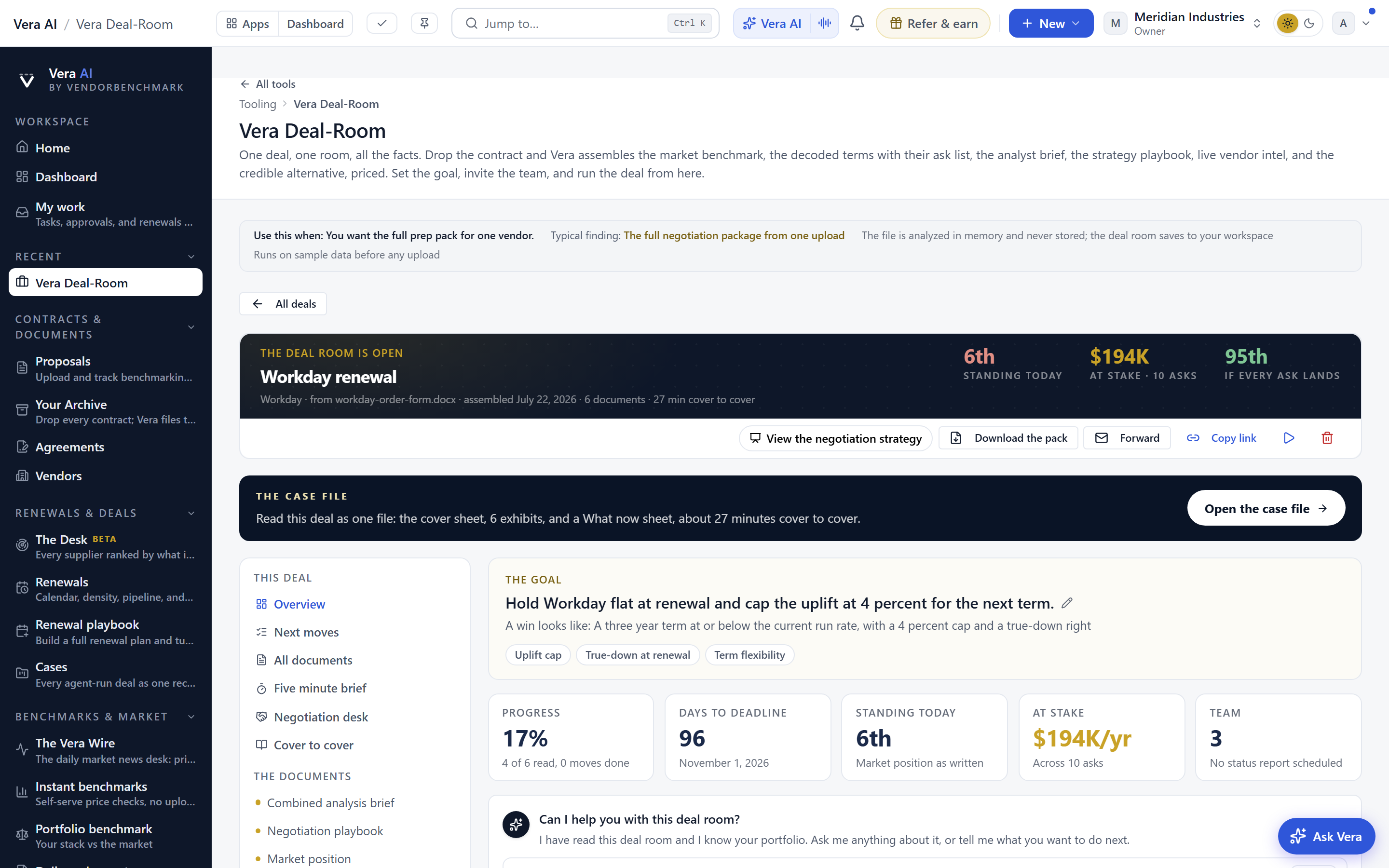
The comparison cases are where this earns its place. A renewal against a fresh intake tells you whether the incumbent is pricing you at market or at habit, and the two need to be side by side to be honest about it. The Salesforce true-down is a good example: the renewal quote in one workspace, the actual seat usage from intake in the other, and the gap between them is your case. An agreement in Command checked against the deal that produced it is the other big one, catching the moment a signed term drifts from the term you negotiated.
It also fits the way the specialist and inbox agents already work in the background. The six specialist agents and thirteen inbox agents keep running regardless of which workspace you are looking at, so switching does not pause the work they are doing on any of the three. If you are building the approval path in one workspace, the sign-off chain keeps assembling while you read a benchmark in another. And for anyone who lives in the command desk, the workspace strip is the same idea applied one level up: named surfaces you can hold open together.
The honest limits
Three is the ceiling, not a suggestion. If you want a fourth workspace, you close one first. We capped it at three deliberately, because a strip of eight named surfaces is not a workspace strip, it is the tab problem you were trying to leave. Three covers the comparison cases we see most and keeps the strip readable. If your work genuinely needs more surfaces at once, that is a signal to split the session, not to widen the strip.
The workspaces live in one window, so they do not span two monitors on their own. If you want the renewal on the left screen and the intake on the right, that is still a browser-window job, and this feature does not replace it. What it replaces is the case where you were on one screen and losing one surface every time you opened another.
The undo window is short, a few seconds by design. It catches the immediate wrong close, not a decision you regret ten minutes later. If you closed a workspace and moved on, it is gone, and you re-open it the normal way. This is a safety net for the slip, not an unlimited history. Finally, the strip does not sync across devices or sessions. Open three workspaces on your laptop, and they are not waiting on your phone. It is a working state for the session in front of you, which is what the comparison job actually needs.
Want to be updated when major licensing and pricing changes land? One analyst brief a week: the price rises, metric changes and audit campaigns that move software costs. Work email only.
Morten brings two decades of enterprise and software procurement, with stints across Oracle, IBM, SAP, and Salesforce shaping how he reads a deal. He has led sourcing through hundreds of renewals, from mid market order forms to nine figure global agreements, and learned that the buyers who win are the ones who walk in knowing the market. He built VendorBenchmark to make that pattern recognition repeatable.


