The Explorer: browse your contract estate like a file library
We shipped an Explorer view inside your Archive. It treats your contract estate the way you already think about it, as folders you can open, tidy, and act on.
Most procurement teams do not have a document problem. They have a whereabouts problem. The MSA is in someone's inbox, the order form is on a shared drive, the renewal notice is a PDF a colleague forwarded in March. You know the documents exist. You just cannot see them in one place, arranged by the thing you actually negotiate against, which is the vendor. Today we shipped the Explorer, a folder view inside your Archive that lays the whole estate out the way you already think about it.
The named problem: a filing cabinet nobody filed
Ask a procurement lead where their contract estate lives and the honest answer is usually a list of places. A CLM that holds the executed masters. A finance folder with the invoices. An email thread with the side letter that never made it into either. When a renewal lands, the first hour goes to assembling the pieces, not reading them. That assembly work is invisible, it repeats for every vendor, and it is the reason people walk into negotiations with the wrong version of the contract open.
The Explorer answers the whereabouts question first, before anything clever happens. One folder per vendor. On the face of each folder you see three numbers that tell you whether the folder is worth your time: how many documents it holds, its annual value, and how much of it Vera has actually indexed. That last figure matters. A folder can hold twelve documents and still be half dark, because Vera has read six and the rest are scanned images or blank shells. The index percentage tells you where the analysis is real and where it is a promise.
What you can do inside a folder
Open a folder and it behaves like a file library, not a read-only report. Three actions are yours by hand. First, refiling. Drag any document from one vendor and drop it onto another, and it moves. This is the fix for the everyday mess where an amendment got attached to the parent company instead of the subsidiary, or a reseller invoice sits under the manufacturer. The tool does not guess your corporate structure for you, so you keep the judgement and the Explorer keeps the record.
Second, adding. Drop files from your desktop onto a folder and they queue for that vendor. Nothing uploads or indexes silently. You confirm first, every time, because an estate you did not curate is not an estate you can trust in a negotiation. Third, deleting. When a document should not be there, a duplicate, a draft that was superseded, a file uploaded to the wrong tenant, you can remove it permanently. Both the stored file and the record go. That is deliberate. A soft delete that leaves ghosts in the index is worse than no delete, because it teaches you to distrust the count on the folder face.
Every document opens on the Document Desk
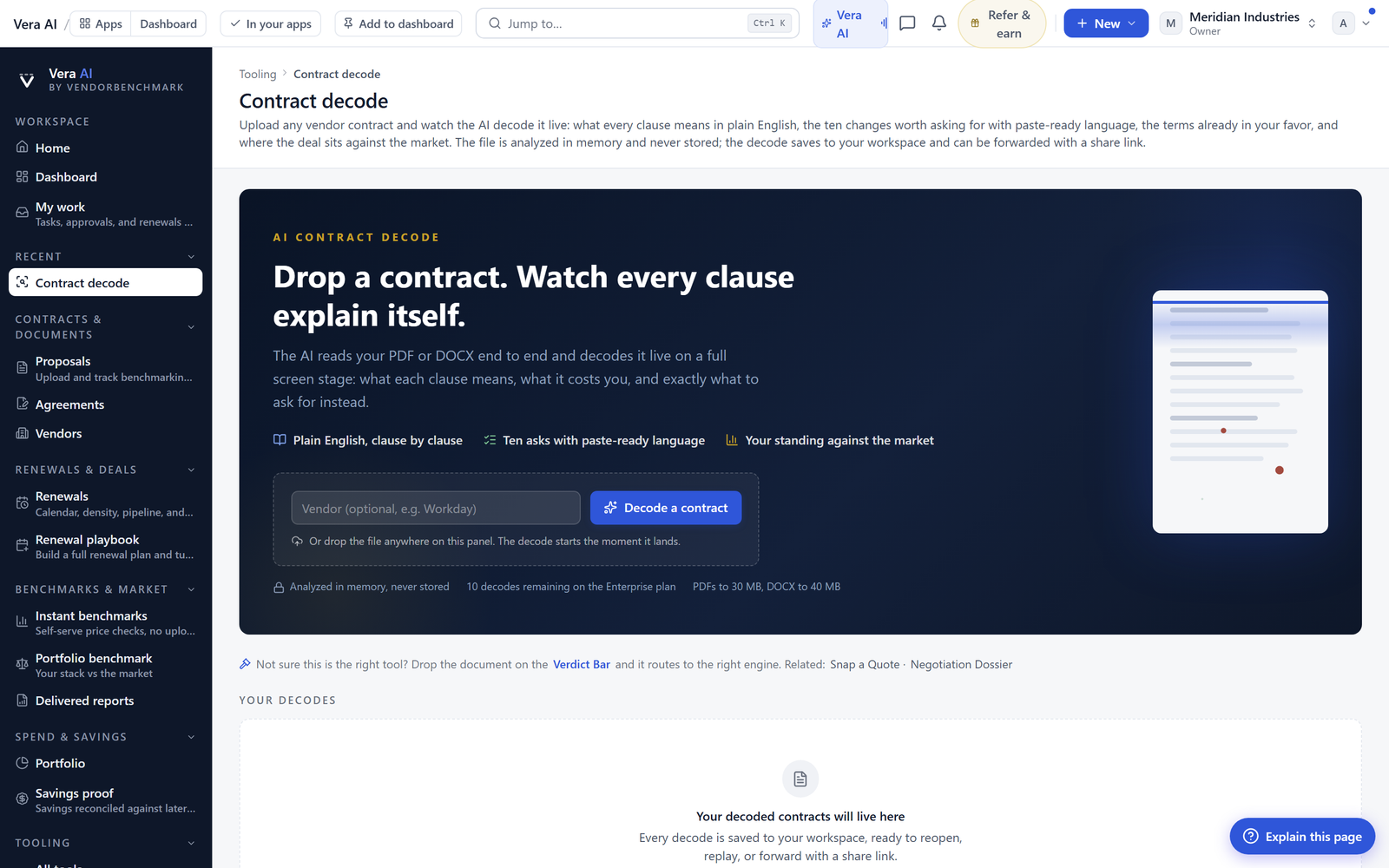
The Explorer is the shelf. The Document Desk is where you read. One click on any document opens it on the Desk, where Vera's reading of the clauses, the dates, and the commercial terms sits alongside the file itself. This is the same surface that powers our clause work, so refiling a document into the right folder is not busywork, it feeds the analysis that shows up when you decode a contract or check what the vendor quietly changed since last year.
The point of tying the shelf to the Desk is momentum. When a folder tells you its index coverage is low, you now have a one click path to fix the thing that matters, which is reading the documents that were never read. That coverage figure climbing from, for example, sixty percent to full is the difference between a folder you can quote in a negotiation and one you can only apologise for. It also feeds the timing work, because a document that is indexed can surface its renewal date on the vendor calendar rather than ambushing you.
What changes for a procurement buyer
Honest limits
The Explorer is a curation tool, not a magic import. It does not reach into your CLM or your finance system and pull documents automatically. You bring the files, from your desktop or from wherever they live, and you confirm each batch. That is a feature for trust and a cost in effort, and we are not pretending otherwise. If your estate is scattered across five systems, the first pass will take real time.
Second, the delete is permanent by design. Stored file and record both go, and there is no waste bin to fish them out of later. Treat it the way you would treat a shred bin, because that is what it is. Third, refiling by drag moves the document, it does not re-derive the corporate relationships for you. If two entities should roll up under one parent, that is still your call to model, not the Explorer's to infer.
Fourth, index coverage reflects what Vera can read. A clean digital PDF indexes well. A photographed page or a heavily redacted scan may sit in the folder counted but not fully read, and the coverage figure will tell you so honestly rather than flattering the number. The Explorer makes the state of your estate visible. It does not pretend the estate is better than it is, and neither should you when you sit down across the table.
Fredrik has spent more than twenty years in enterprise software, with time at Oracle, IBM, SAP, and Salesforce before moving to the buy side. He structured and priced the kind of large agreements most buyers only see once or twice in a career, which taught him where the leverage sits and how far a vendor will actually move. He started VendorBenchmark to hand that knowledge to every sourcing team.


