The Negotiation Agent, on the Wire Desk
We moved the Negotiation Agent onto the shell the Research Agent already wears. The deal opens as an application, states itself in one sentence, and prices four options from the paper.
Here is a problem most buyers recognise. The negotiation lives in seven places at once. The vendor's quote is in one email, last year's paper is in a shared drive, the benchmark is in a browser tab, the renewal date is on a wall calendar, and the actual state of the deal, what you have agreed and what is still open, lives in your head. When the vendor calls, you are reconstructing all of it under time pressure. The Negotiation Agent now opens as a desktop application on the same shell the Research Agent wears, and it holds all seven of those things in one window. This post explains what changes, how it fits your week, and where it does not help.
The deal opens as an application
The old negotiation view was a page. The new one is an application, and the difference is not cosmetic. It carries menus on the title bar, a tree down the left, five sheets across the middle, and an inspector on the right. The tree is the deal itself: the deal record, its documents, the vendor's shelf, and your recent deals. You are never more than one click from the paper that a claim rests on. This is the same move we made when the Agent Center opened as an application, and it is the same reason the benchmark sheet now works like an application. A window with a tree and an inspector is how you read a deal, not how you skim a summary.

The stage states the deal in one sentence
The top of the application is the stage. It states the deal in a single sentence, placed over the peer band so you see where this number sits against comparable outcomes. Not a paragraph, not a dashboard of twelve tiles. One sentence, for example: this renewal is quoted 14 percent above the median for your tier and seat count. The peer band under it is the same cohort logic that powers verified outcomes across the platform, so the sentence is anchored, not asserted. If you want the reading behind it, the Negotiator's Guide sits on the benchmark sheets for the vendor in question.
Four options, priced from the paper
Below the stage, the four options are rows. Each is a position you could take, and each is priced from the paper rather than from a guess. Accept as quoted, counter to the median, restructure the term, or walk to the alternative. The number attached to each row comes from the vendor's own quote and your benchmark, so when you pick one you are picking a costed position, not a feeling. This is the same discipline as the Negotiation Dossier, where the counter offer is a document. The options on the Wire Desk are the fast, live version of that thinking.
The inspector, and the calendar of seven phases
The inspector on the right is where the reasoning lives. It carries the facts the deal rests on, what moving each item is worth in money, the moves available to you, and the levers you can pull. When you select an option or a line, the inspector updates to show why it is priced as it is. The calendar underneath is seven phases, from first contact to signature, with the runway to your notice date drawn against them. Timing is leverage, and a deal that shows you how many days remain before auto renewal is a deal you can pace. If timing is your whole problem, the vendor calendar opens as a dedicated timing desk as well.
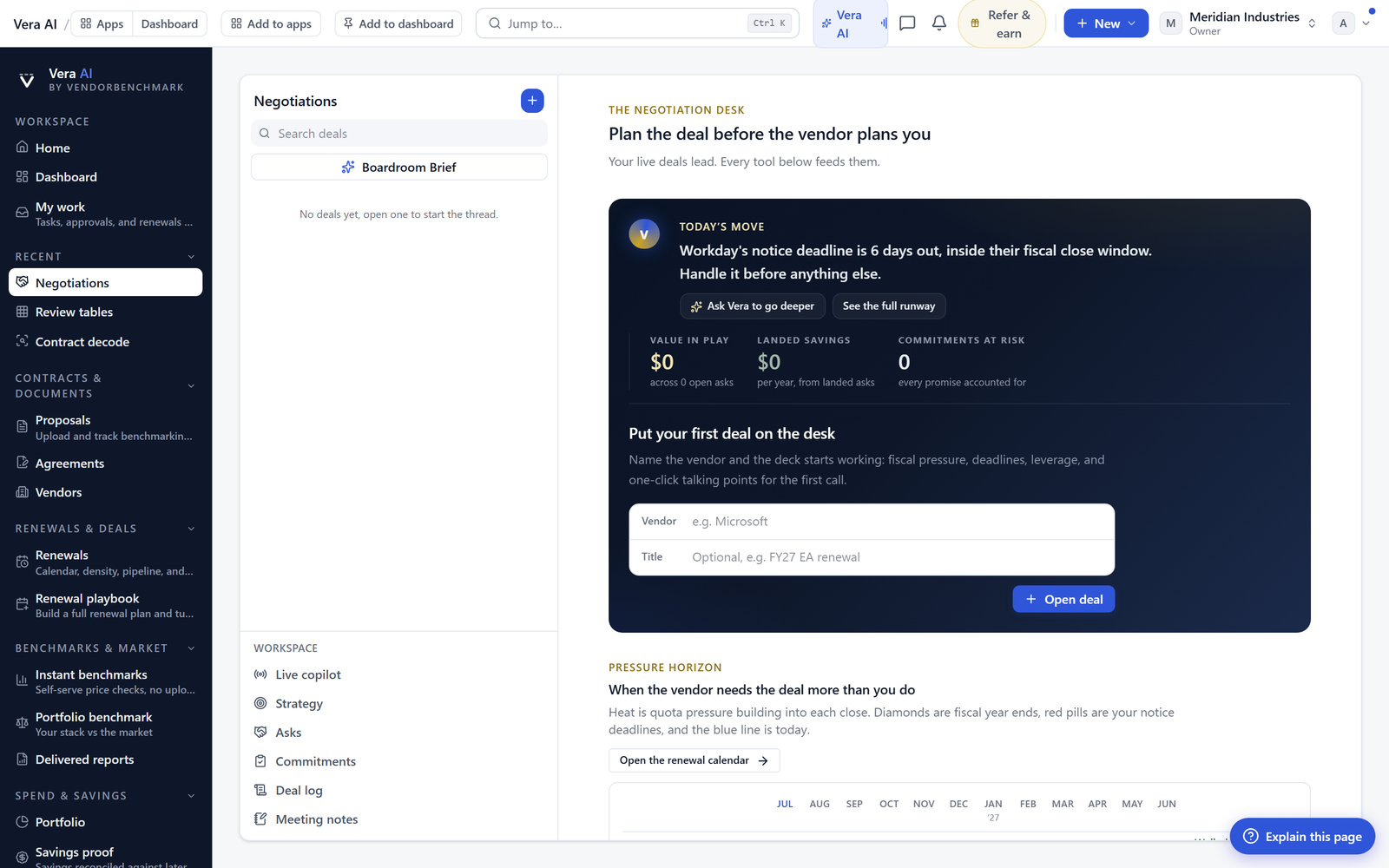
You can reach all of this from Deal Studio, which is where the Wire Desk opens when you start a new negotiation.
What changes for a procurement buyer
What the Wire Desk does not do
Be clear about the edges. The Wire Desk prices options from the paper you give it, so a stale quote or a missing amendment produces a confident, wrong number. Load the current documents first. The peer band is only as useful as the cohort behind it, and for a thinly covered category the band will be wide. It does not negotiate for you. It does not send the email, sit on the call, or read the room when the rep goes quiet. Those are still your job, and they should be. The four options are a frame, not a verdict, and there are deals where the right answer is a fifth thing the frame did not name. Treat the stage sentence as a starting read, confirm the notice date against the actual contract, and use the inspector to check the arithmetic rather than to outsource the decision. The application makes a well prepared buyer faster. It does not make an unprepared one safe.
Fredrik has spent more than twenty years in enterprise software, with time at Oracle, IBM, SAP, and Salesforce before moving to the buy side. He structured and priced the kind of large agreements most buyers only see once or twice in a career, which taught him where the leverage sits and how far a vendor will actually move. He started VendorBenchmark to hand that knowledge to every sourcing team.


