Guide
AI agents turn your ledger into a ranked savings plan.
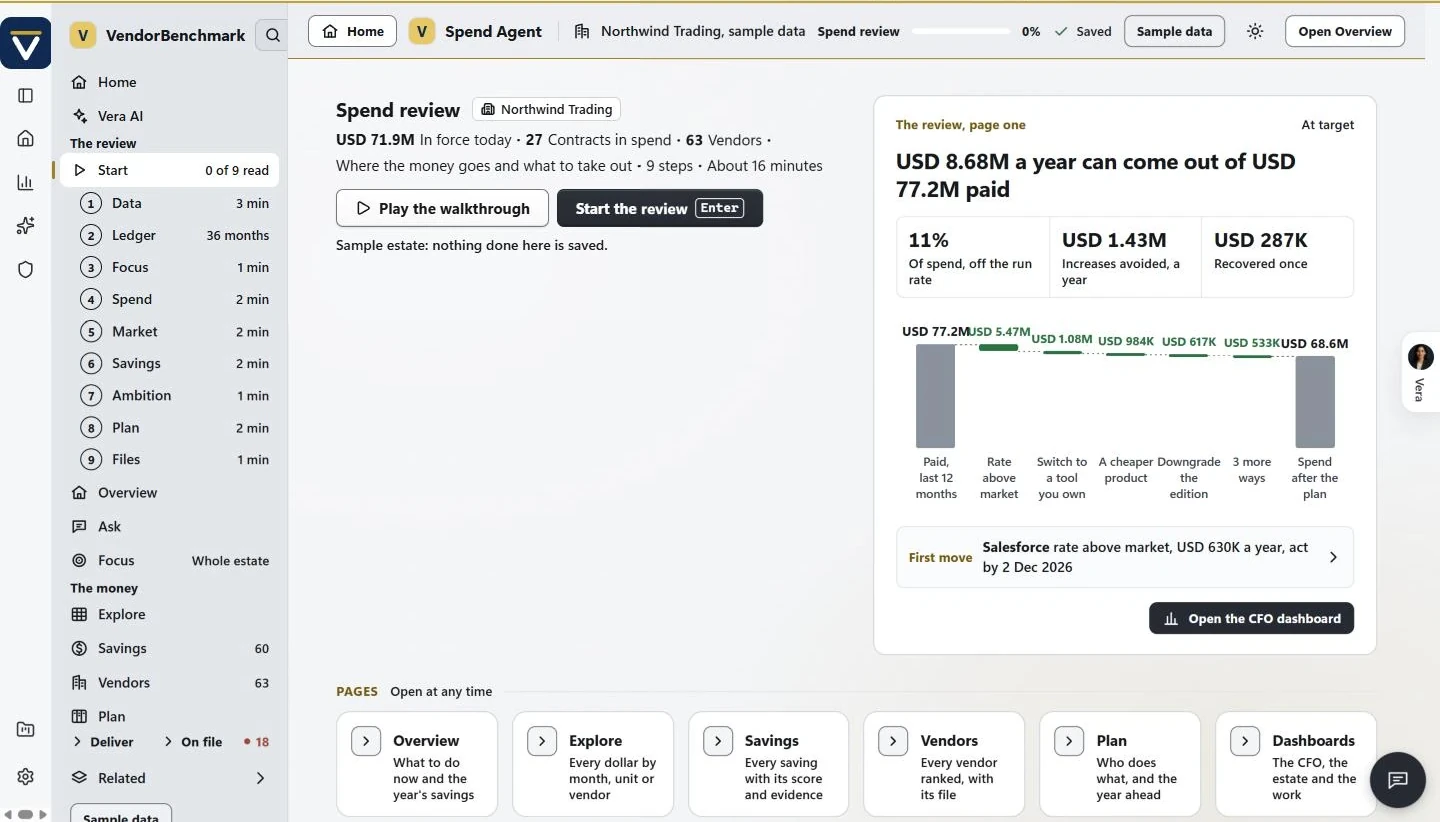
Agents read 36 months of your ledger and every contract, place each line against what comparable customers pay, rank what there is to take out and write the pack for the board. Every step that moves money waits for your press.
- 36 months of AP ledger, by vendor and category
- Fifteen detectors, every saving scored out of 100
- 80 reports as a dashboard, slides or files
The main ideas
Find, price and draft. Approving stays with you.
Every line priced
Each line in the ledger placed against what comparable customers pay, and matched to a vendor.
Every saving scored
Out of 100: how sure, how much effort, how much it is worth, how soon its date is and the way to save.
Every figure opens its evidence
Press a figure and the ledger rows behind it open, each with its date, reference and amount.
Every saving proved
The Savings Proof Statement holds each claimed saving against the invoices that followed it.
How the money moves
From the ledger to the board, in a fixed order.
The decision that matters most is yours: which savings go into the plan. Every message, claim and award is a separate press after that.
- Read and priceThe Spend Agent reads the ledger and the contracts and places each line against comparable customers.
- RankFifteen detectors find the savings. Vera scores each out of 100 and names the date to act by.
- You approveA saving joins the plan when you press Approve. The ambition, floor to stretch, is yours.
- Draft the asksThe email to management, the letters to vendors and the invoice claims are drafted. You send them.
- Report and proveReport Studio writes the board pack; the invoices that follow prove each saving or show it leaking.
In this guide
Six articles, each ending in a decision.
- Spend AgentYour top 10, 25 or 50 savings, ranked by an agentEvery saving scored out of 100, at floor, target and stretch, with its evidence.
- Spend AgentInvoices against what you signedSeven verdicts on every invoice line, and a weekly watch on the estate.
- Report StudioThe board pack the agent writes80 reports from your own agreements, every figure checked before filing.
- Cloud cost optimizerOne cloud export, one savings planAWS, Azure, Google Cloud or Oracle Cloud, read in your browser.
- SaaS ManagerEvery SaaS app you pay for or sign in to, on one listSign ins, bills and contracts joined: shelfware, duplicate apps and renewals.
- SourcingSourcing a new purchase end to end with an agentRequirements, bids, the comparison and the award, in one window.
The agents that do this work
Three agents that work your spend.
Questions
AI spend and savings, answered.
What data does the Spend Agent need?
Contracts, the AP ledger, or both. Upload contracts as PDF, Word or a zip, or import the ledger as a CSV from Coupa, Ariba or NetSuite.
Does an agent approve or send anything on its own?
No. A saving joins the plan when you press Approve, and a claim leaves when you press Send the claim, with you in copy. An award is a confirm press in Sourcing, and at or above your approval line it needs an approval first.
Can we prove a saving to finance?
Yes. The Savings Proof Statement reconciles each claimed saving against the invoices that followed it: confirmed, awaiting an invoice, or leaking above the price you negotiated.

See your own ledger ranked into a savings plan.
Upload the contracts or import the ledger, and press Find more savings.
Free trial. Every app opens populated on a sample company. No card required. Or speak to sales