Every screen you work in now keeps your work
We closed the gap where a refresh, a timeout, or a wrong tab could erase your progress. Your answers, drafts, uploads and edits now persist across every screen.
There is a specific tax that enterprise software imposes on procurement teams, and almost nobody costs it out loud. You are three questions into a renewal wizard, you upload the current contract, you switch to check a clause in another tab, and when you come back the form is blank and the file is gone. You wrote a careful goal for an agent, watched it draft a chain, closed the laptop, and the next morning you are drafting it again. We call this the disappearing work tax, and this release is about paying it off. The last surfaces that used to lose what you typed now keep it.
The problem you already recognise
If you run renewals for a living, you have learned defensive habits. You draft long email in a separate document because you do not trust the in app editor. You avoid uploading a contract into a wizard because you have watched one vanish. You finish an interview with an analyst in a single sitting because you assume an interruption means starting over. These are rational responses to tools that forget. They are also slow, and they quietly move the real work out of the platform and into your inbox and your desktop, which is where knowledge goes to die. This is the same argument we made about team knowledge that survives turnover. Work that lives only in one person's local files is work the team cannot inherit.
The fix here is unglamorous and it is the point. We went surface by surface through the screens that still dropped state and made each one hold what you put into it until you decide to move on. No new feature to learn. The change is that the tools stop punishing you for leaving them.

Renewals, agents, and Vera all keep their place
The renewal playbook wizard now keeps every answer and the exact step you were on, and it no longer orphans a contract you uploaded inside it. That matters because the wizard is where a renewal actually starts, and we have long argued you should start the renewal with an interview, not a blank dashboard. An interview that forgets your answers is worse than a blank dashboard, so this was the surface that needed fixing most.
The agent builder keeps the goal you wrote and the chain Vera drafted. Coming back to it does not mean paying for another draft, which was the old cost of closing the tab too early. Across our six specialist agents and thirteen inbox agents, the drafts you commission now wait for you. The launch list for a Vera run negotiation survives until you launch it, so assembling the list is no longer a race against a timeout. And an interrupted interview with Vera comes back with the conversation intact, which means you can stop mid thought, check a figure, and resume the same conversation rather than a fresh one.
Decoders and benchmarks hold the small inputs too
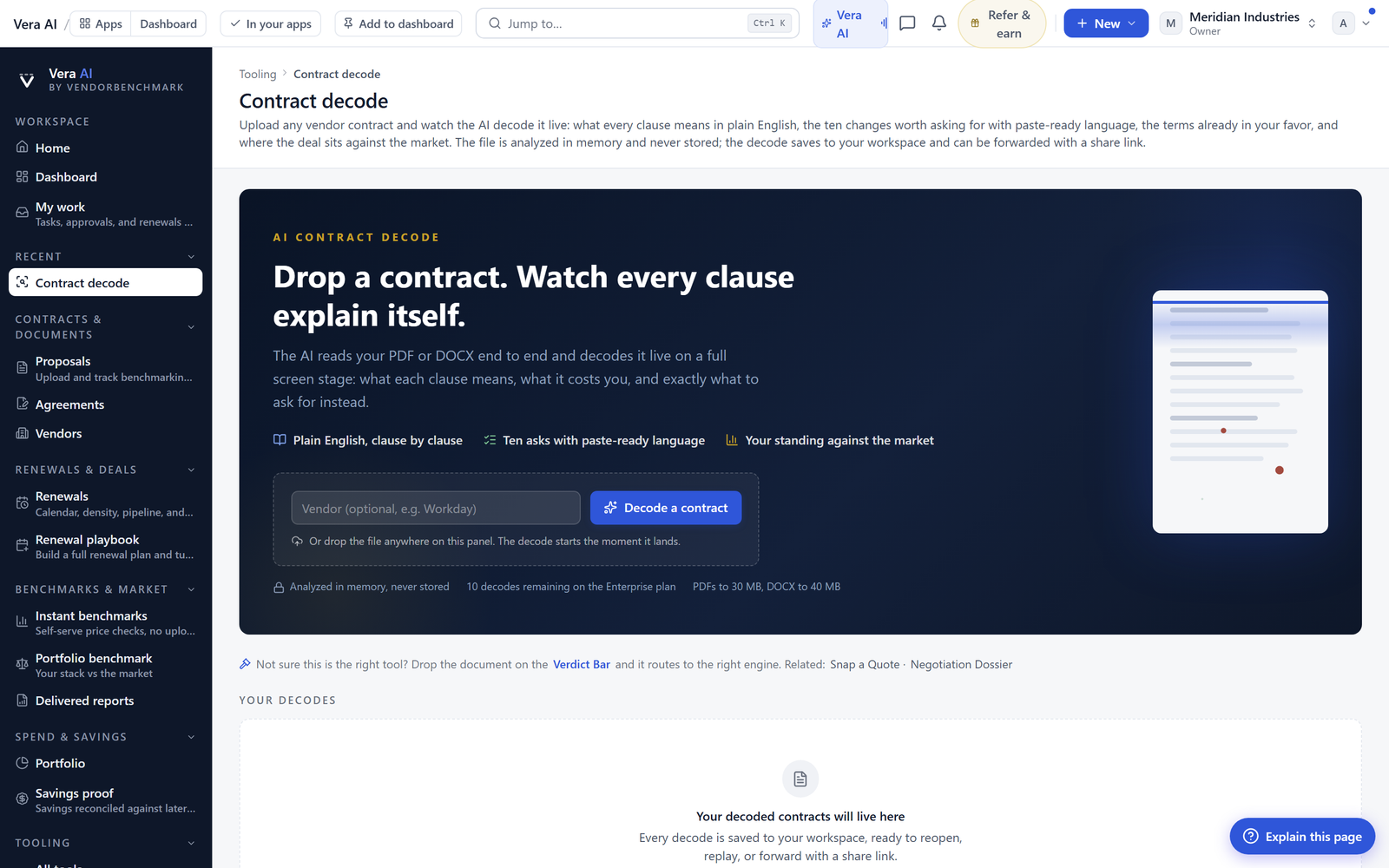
Contract decode, the SOW decoder and the MSA decoder, and the rate card benchmark now hold the vendor name you type before you drop the document. This is a small thing that used to cause a specific, annoying failure. You typed the vendor, dropped the file, and the name cleared, so the analysis attached to nothing recognisable. Now the name you type is the name the analysis carries. The report extract also keeps the layout you build, so the 25 plus report types you assemble do not reset their structure while you work. When you are comparing what shifted year over year, as we described in what the vendor quietly changed since last year, keeping the layout means your comparison view stays where you put it.
Email drafts in the workroom are genuinely editable
The guide always said email drafts in a workroom were editable. Now they genuinely are, and your edit is what the copy button, the mail handoff, and the negotiation log all carry. This closes a quiet trap where you edited a draft, felt satisfied, then discovered the copied version or the logged version was the original machine draft, not your revision. That is the sort of gap that undermines trust in the whole handoff. If you rely on the flow we described in the What Next desk, where every analysis ends with the emails drafted, the edit you make there is now authoritative through the entire chain.
For teams that use the ghost writer to turn a forwarded vendor email into a counter in your voice, this is the difference between a draft you can trust and one you have to double check every time. The version you edit is the version that ships.
Honest limits
This release is about persistence, not permanence, and the distinction matters. State is kept while you are working on a piece of work. It is not a version history, and it is not an undo tree. If you deliberately clear a field or overwrite a draft, the platform keeps the new value, not the old one, because it cannot read your intent. If two people open the same renewal wizard at the same time, the platform keeps state per person and per session, so it will not merge two people's edits into one coherent answer. Coordinate who is driving before you both start typing.
There are also boundaries at the edges. Very old sessions may expire for security reasons, in line with the tenant isolation we hold ourselves to, so this is not a promise that a draft abandoned for months will still be waiting. And keeping your work does not make it correct. A persisted goal for an agent is still only as good as the goal you wrote. The value here is narrow and real. The platform stops erasing your progress. What you do with the time you get back, whether that is a sharper counter offer document or a better prepared war room, is still your job to do well.
Want to be updated when major licensing and pricing changes land? One analyst brief a week: the price rises, metric changes and audit campaigns that move software costs. Work email only.
Morten brings two decades of enterprise and software procurement, with stints across Oracle, IBM, SAP, and Salesforce shaping how he reads a deal. He has led sourcing through hundreds of renewals, from mid market order forms to nine figure global agreements, and learned that the buyers who win are the ones who walk in knowing the market. He built VendorBenchmark to make that pattern recognition repeatable.


