The Contract Management Portal gets its settings, its views and its register
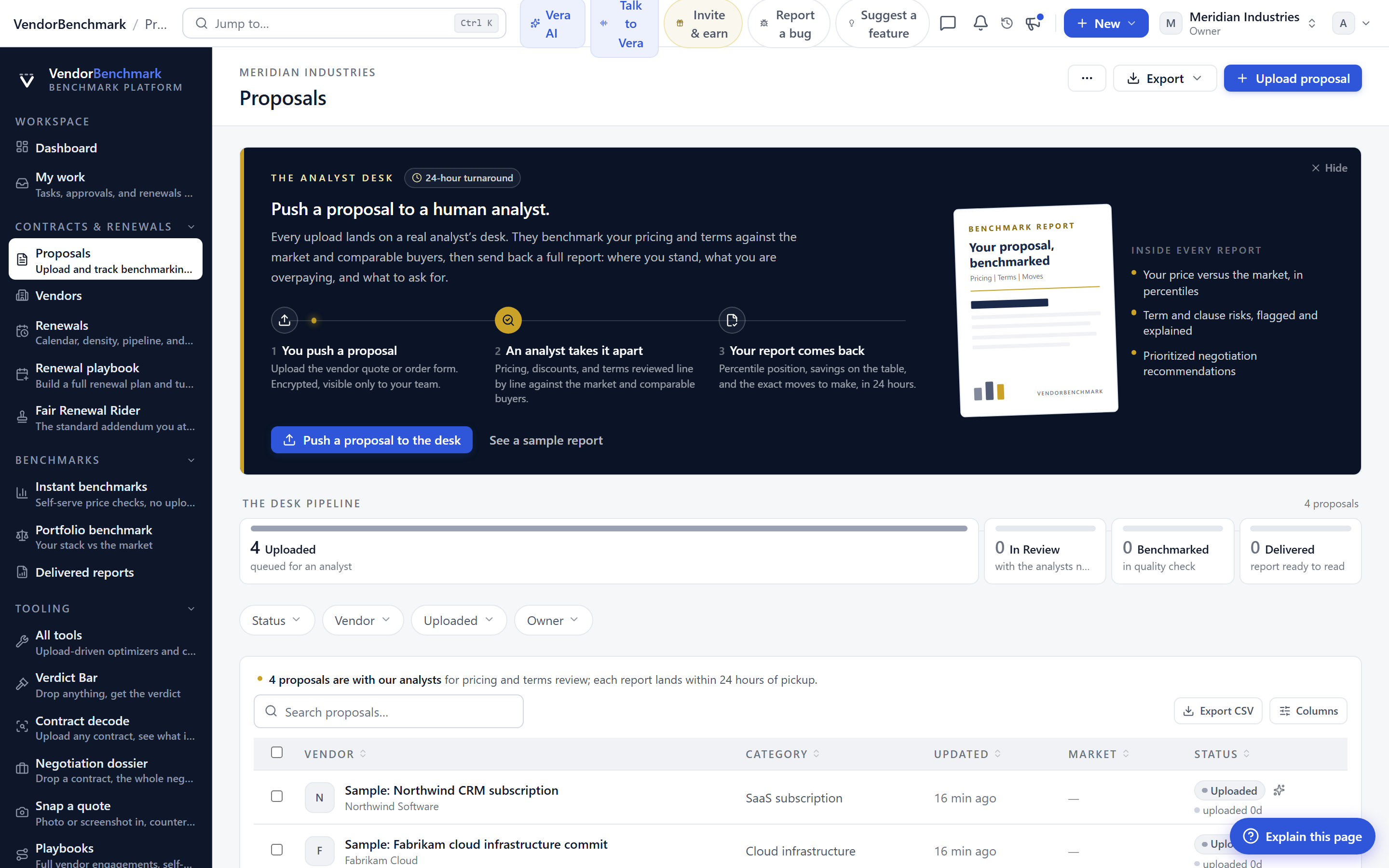
Wave 2 turns the Contract Management Portal from a place you read contracts into a place you run them. Here is what changes for a procurement buyer, and where the edges still are.
Every procurement team has the same quiet problem. The contracts exist, but the work around them lives everywhere else. The renewal date sits in someone's calendar, the approval waits in an email thread, the obligation to give notice ninety days before term is a line nobody reread, and the definition of what a Master Services Agreement even is changes depending on who filed it. You do not lack contracts. You lack a single surface where the contract and everything that hangs off it stay in one place. Wave 2 of Contract Office 2.0 is that surface, and this post walks through what it does and where it stops. If you want to see it live, it sits inside the Contract Office.
Views you build once, share, and export
The grid was always there. What was missing was memory. In Wave 2 you build a view with the columns you care about, the sort you prefer, and the filter that matters this quarter, then you save it and share it with the estate. A colleague opens the same view and sees exactly what you set up, not a blank grid they have to rebuild. When you need it outside the app, press Ctrl E and the grid on screen leaves as a spreadsheet carrying those same columns, in that same order. No reconstruction, no copy and paste drift between what you presented and what you sent.
For a buyer this ends a familiar tax. You stop maintaining a private spreadsheet that shadows the system, because the view you would have built by hand is now the view the system holds. This is the same instinct behind our work on the coverage grid, where the value is not the data but the fact that the whole team reads the same cut of it.
The master and everything that hangs off it
Contracts are not flat. A master agreement carries order forms, statements of work, riders, amendments, and renewals, and the meaning of any one of them depends on the parent above it. Wave 2 shows every master with its full family tree, so you read the master and see, in one place, everything that descends from it. When a supplier claims a term, you can trace whether it lives in the master or was overwritten by an amendment three levels down, without opening six files to find out.
This matters most when the estate is large and inherited. If you are working an Oracle ULA exit or any consolidation where the paper trail spans years, the family tree is the difference between reasoning about the contract and guessing at it. It pairs naturally with the estate map, which does the same job one level up at the vendor and stack layer.
Approvals that name the rule, the hand and the days
Approval is where contract work stalls, usually because nobody can say what is waiting on whom. The new inbox is blunt about it. Each item names the rule that triggered the approval, the hand it is sitting with, and the number of days it has waited. There is no ambiguity about whether an item is stuck on you or on someone else. And when you are away, you hand your queue to a colleague with a delegation, so nothing rots for a week because one person was out.
This is the inbox side of the same discipline we built into the deal sign-off chain, where approvals happen before signature with a brief for every approver. Here the focus is standing contract work rather than a single deal, but the honesty about the rule, the hand, and the clock is the same.
A register for every duty the estate owes
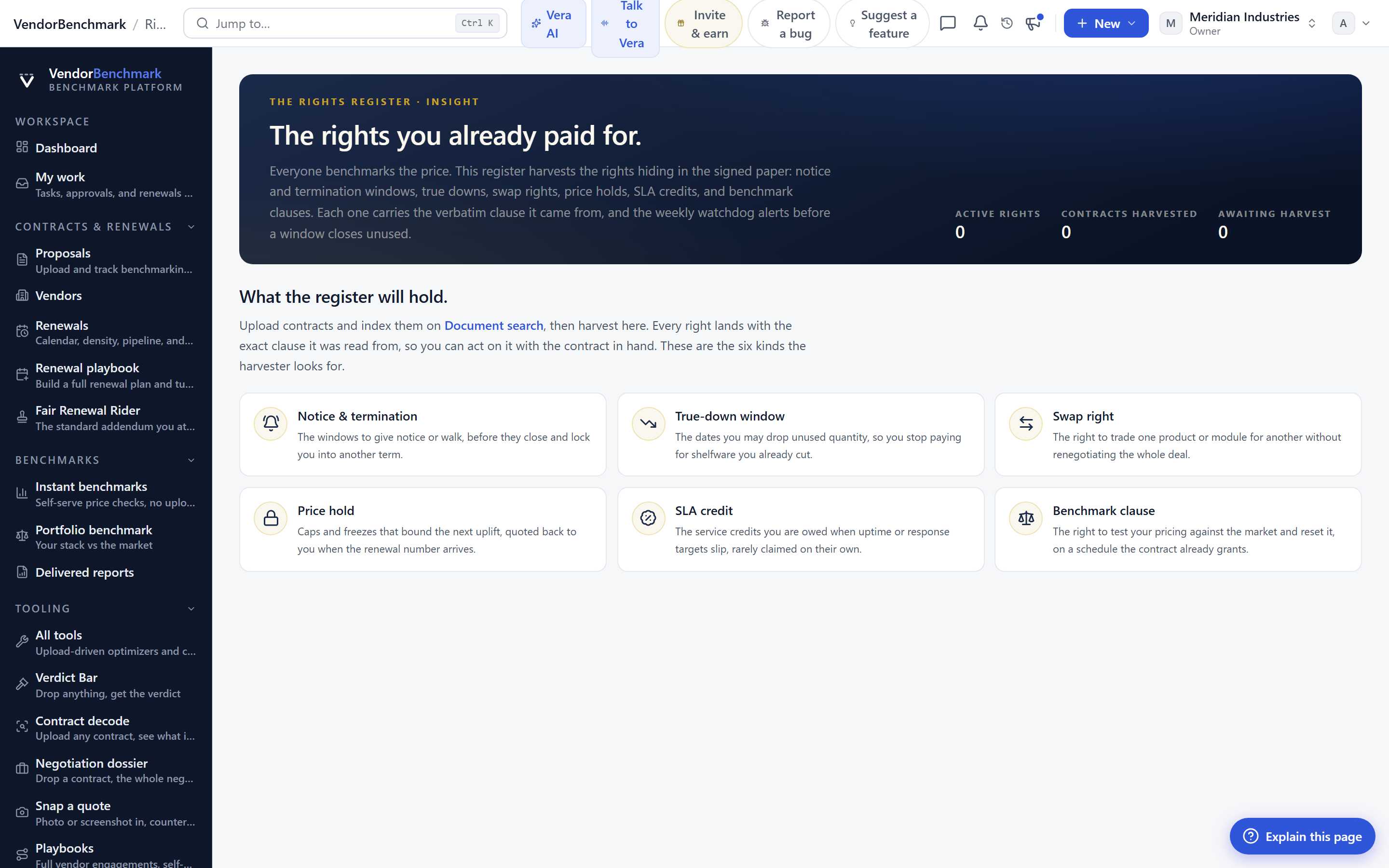
Contracts create obligations, and obligations are where money leaks. A notice window missed by a day auto renews a deal you meant to leave. A service credit never claimed. A report you were owed and never chased. Wave 2 keeps every duty the estate owes in one register, each with an owner, a due date, a recurrence for the ones that repeat, and the evidence that closes it. A duty is not done because someone remembers doing it. It is done because the evidence sits against it. Alongside the register runs the estate's audit trail, which you can read filtered by person, by kind of action, and by month, so the question of who changed what and when has a plain answer.
There is also a settings layer that most buyers will set up once and rarely touch again. You define the agreement types your organization actually files, and the fields each type must carry, so an MSA and a simple order form are not forced into the same shape. And when you need to correct the estate at scale, you can set one of those fields on many papers at once, for example thirty eight of them, with a single Undo if you got it wrong. Bulk edits without a safety net are how estates get corrupted. The single Undo is the safety net.
The honest limits
Be clear about what Wave 2 is not. The register is only as complete as the obligations that were captured from your contracts. If a duty was never extracted or entered, the register will not invent it, and it will not warn you about a notice window it does not know exists. The quality of the family tree depends on the parent and child links being set correctly, and for a messy inherited estate that first pass takes real effort before the view repays it. Saved views are shared with the estate, which is powerful and also means a poorly built view can propagate, so treat shared views with the same care you would a shared spreadsheet. The audit trail records what happened inside the portal, not decisions made in a hallway or a call, so it answers who changed the record, not why they wanted to. And the single Undo covers the last bulk action, not an unlimited history, so a mistake caught three edits later still needs a manual fix. None of this makes the release less useful. It means you should point it at your highest value contracts first, get the structure right there, and expand from a base you trust rather than importing chaos and expecting order.
Wave 2 does not replace judgement. It removes the busywork that stands between you and the moment judgement is needed, which is where a procurement buyer earns their keep. Open it in the Contract Office, build one view, and see how much of your week was reconciliation you no longer have to do.
Want to be updated when major licensing and pricing changes land? One analyst brief a week: the price rises, metric changes and audit campaigns that move software costs. Work email only.
Morten brings two decades of enterprise and software procurement, with stints across Oracle, IBM, SAP, and Salesforce shaping how he reads a deal. He has led sourcing through hundreds of renewals, from mid market order forms to nine figure global agreements, and learned that the buyers who win are the ones who walk in knowing the market. He built VendorBenchmark to make that pattern recognition repeatable.


