The SOW, Contract and MSA Agents now work like an application
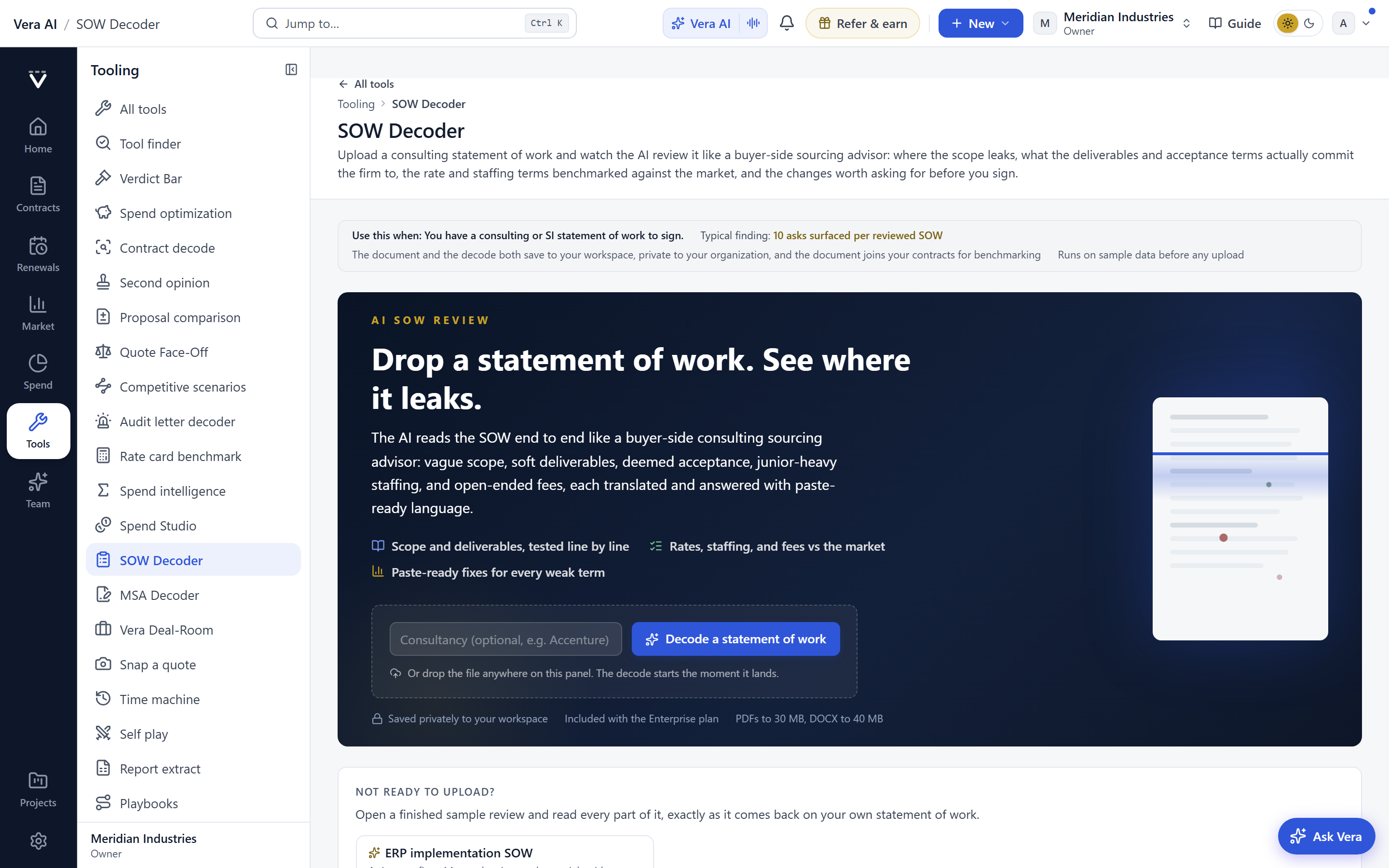
The decode stops being a report you scroll and becomes a desk you work. Four rooms, one command bar, and a key on every verb, so a buyer moves through the asks instead of hunting for them.
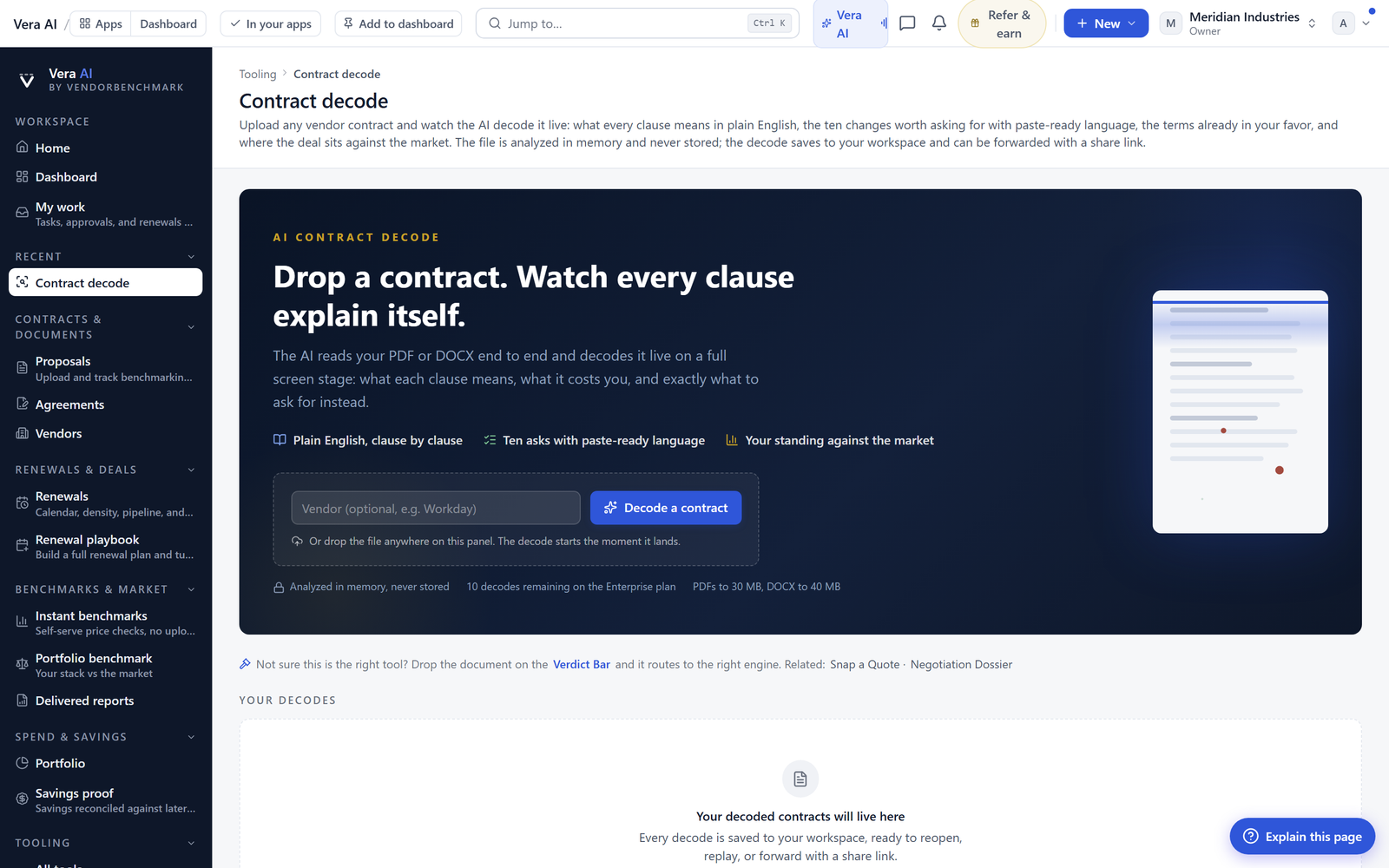
Here is a scene every procurement lead knows. A vendor sends a statement of work, an order form and a fresh master agreement in the same week, and each one arrives as a PDF that reads like a wall. You open the SOW, you scroll, you copy a clause into a spreadsheet, you flag another for legal, and by the time you reach the MSA you have lost the thread on what the SOW promised. The decode was never the problem. The problem was that the decode came back as a document to read, not a surface to work. We just shipped the fix. The SOW Agent, the Contract Agent and the MSA Agent now open as an application, the way the Entitlement Agent and the Agent Center already do.
The named problem, the read that goes nowhere
The old flow gave you an answer and then abandoned you. A decode landed, it listed the risky terms, and then every next move dropped back into your own tools. You retyped the ask into a tracker. You pasted the language into an email to counsel. You kept six browser tabs open because the market comparison sat in one place and the clause library sat in another. Nothing carried the run forward. If the read failed on a scanned page, you started the upload again from scratch. The intelligence was fine. The desk around it did not exist, so the buyer became the desk, moving paper between windows by hand.
This mirrors the shift we made when every vendor benchmark started opening as a window. A result you can act on inside its own frame is worth more than a result you have to export. The decode agents now follow the same rule.
Four rooms instead of six tabs
The window carries the whole job. Where you used to keep six tabs open, there are now four rooms, and you move between them with Ctrl 1 to 4. The decode holds the paper and the asks. The market puts your terms against comparable deals. The room is where the negotiation lives. The library holds the clause positions you reuse. Each room is a place, not a link, so the run does not reset when you switch context. The window also carries its own File, Asks, Paper, Market and View menus, and Ctrl K opens its own command palette, the same pattern buyers already use in Vera the command desk.
The stake sits in four figures at the top of the decode, so you see what the paper is worth before you read a line of it. Below that, the command bar gives you Redline the paper, Accept, Decline, Copy the language and Discuss. The asks run as a dense ledger down the side of the paper, with an inspector for the one you have selected, and a status foot that always states the run and the current selection. You are never guessing which document you are in or where the read stands.
A key on every verb
The part that changes a buyer's day the most is the quietest one. Every verb has a key. J and K walk the ledger. A accepts an ask, D declines it, C copies the language, and ? lists them all. You can read a forty ask SOW without your hand leaving the keyboard, deciding on each line as you go and letting the status foot track the tally. Every ask, keeper, paper and library row also has a right click menu, so the mouse path and the keyboard path both work. This is the same discipline that made research papers read as styled pages rather than embedded files. The content earns a real surface.
The desk remembers, and the read recovers
Two smaller changes matter over a quarter. Panes size by grip, and the layout is remembered, so the desk you set up for MSA work stays that way the next time you open one. Comments anchor to the ask rather than floating in a general thread, which means the note you left for counsel travels with the clause it belongs to. And a failed read runs again from the stored copy, so a scanned page or a slow parse no longer costs you a re upload. If you want the primer on how the underlying decode works, it lives at the SOW decoder, and the two minute read pattern behind every upload is covered in this post.
The honest limits
Be clear about what this does not do. The agents decode language and flag asks against comparable positions, but they do not replace legal review. Accepting an ask on the desk records your position, it does not bind the vendor, and the redline you export still needs a human to send it. The market room draws on comparable deals, and comparability has edges. A niche services SOW with no close peers gives a thinner read than a mainstream cloud renewal, and the desk will say so rather than invent confidence. The decode is only as good as the document you feed it. A vague scope of work produces vague asks, because the ambiguity is in the paper, not the agent. Treat the desk as the fastest way to get to a defensible position, then apply your own judgement and your counsel's before anything goes back to the vendor. Used that way, the three agents turn a week of document archaeology into an afternoon of decisions, which is the point.
Want to be updated when major licensing and pricing changes land? One analyst brief a week: the price rises, metric changes and audit campaigns that move software costs. Work email only.
Morten brings two decades of enterprise and software procurement, with stints across Oracle, IBM, SAP, and Salesforce shaping how he reads a deal. He has led sourcing through hundreds of renewals, from mid market order forms to nine figure global agreements, and learned that the buyers who win are the ones who walk in knowing the market. He built VendorBenchmark to make that pattern recognition repeatable.


