The Vera Academy Administrator path: ten courses on setup and governance
The training library now covers the person who stands the workspace up and keeps it healthy. Ten courses, an implementation half and a management half, each with an assignment and a two question check.
Most procurement teams do not fail at software because the tool was wrong. They fail because the workspace was never set up cleanly, and nobody could say who was responsible for keeping it that way. Contracts landed in three different places. The single sign on connection was half finished. The audit log existed but nobody read it. Six months in, the estate that was supposed to be one canvas is a set of guesses again. The Administrator path in Vera Academy exists to close that gap. It is ten narrated courses for the two people every rollout depends on: the one who brings the estate in, and the one who runs it after.
This is a training update, not a feature that changes what the platform does. What it changes is who can operate the platform confidently, and how fast. If you are the buyer who inherited an implementation with no runbook, or the owner who needs a defensible governance story before the next audit, this is the material that was missing. It sits alongside the first two weeks guide and picks up the responsibilities that guide leaves to the administrator.
The implementation half: getting the estate in
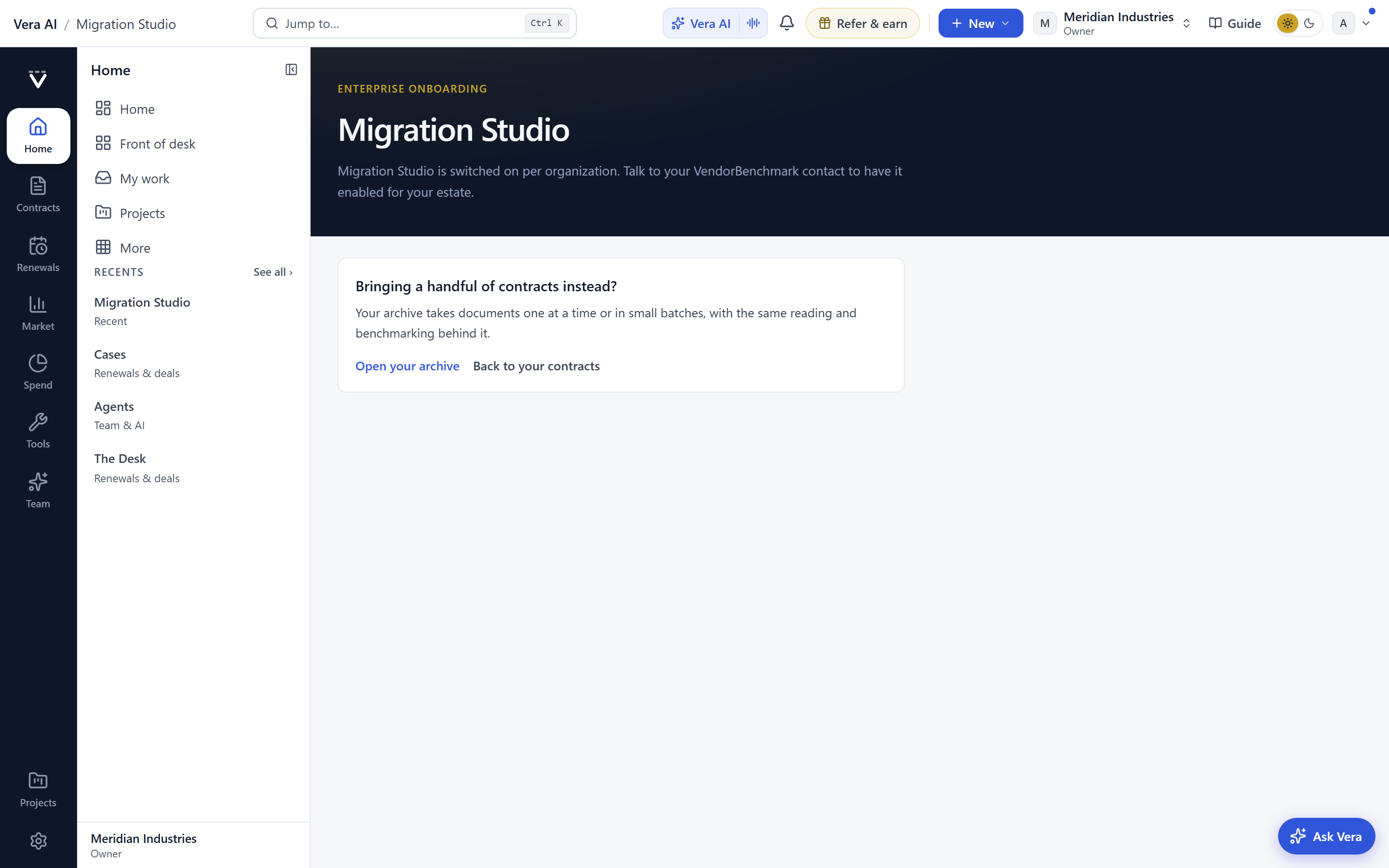
The first five courses are about intake, and intake is where most estates go wrong. The path opens by naming the four intake doors and, more usefully, how to choose between them. Uploading one contract at a time is right when you have a handful of high value agreements you want read carefully. Dropping a whole folder into the Archive is right when you have a shared drive of legacy paper you need indexed but not scrutinised yet. Migration Studio handles the case where your source of truth is a spreadsheet or another tool, and you want the structure to come across, not just the files. Connecting sources and single sign on is the door for teams who want the estate to stay current without manual uploading.
The course does not pretend one door is best. It gives you the decision. That matters, because the wrong door creates cleanup work that surfaces months later. A folder dumped into the Archive when it should have gone through Migration Studio means you lose the field structure you needed for review tables. The Administrator path teaches the choice before you make it, and closes with reading data health as the finish line, which is how you confirm the estate actually came in rather than assuming it did.
The management half: running it after go live
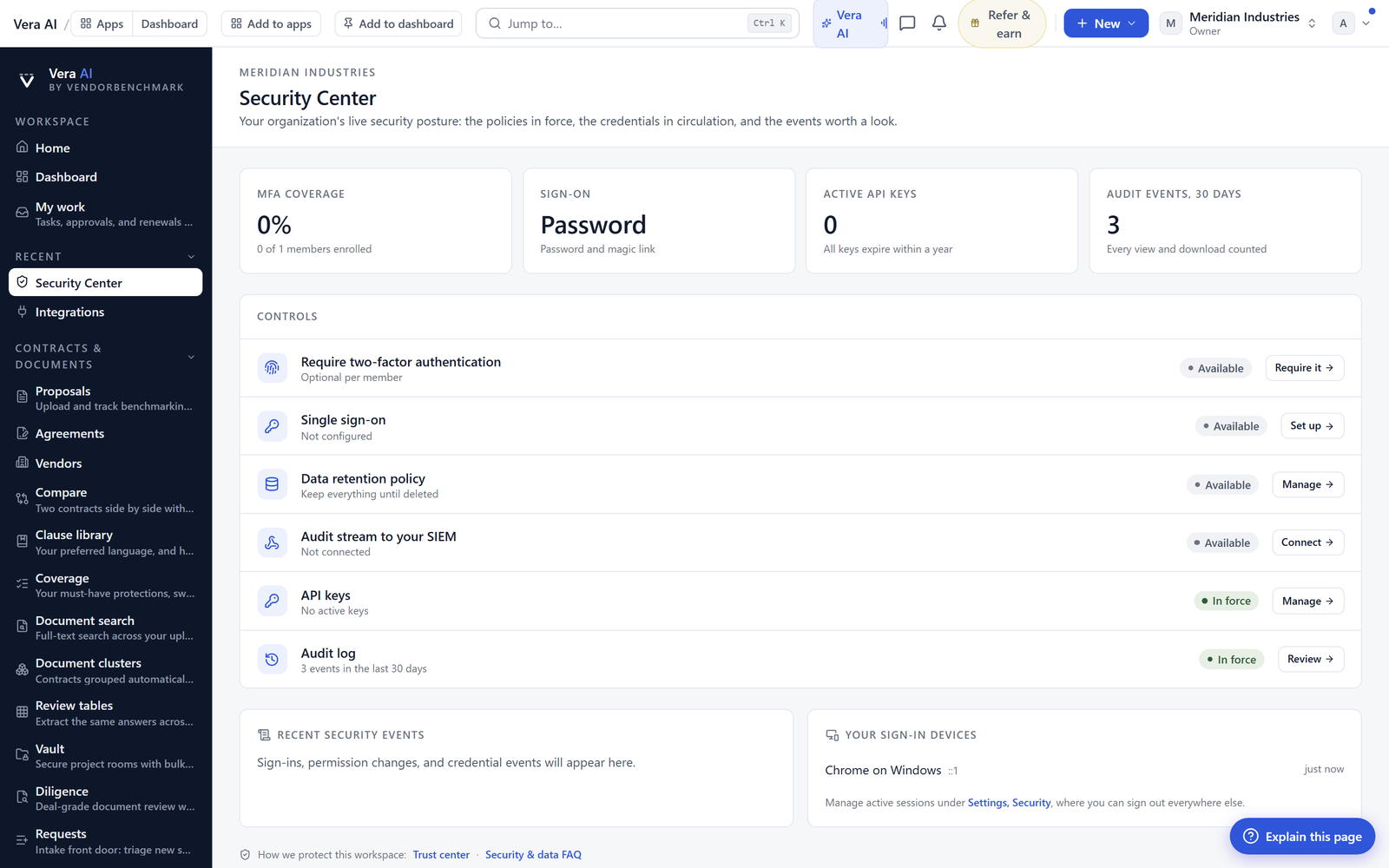
The second five courses are about keeping the workspace healthy once the estate is in. The path opens with the owner first hour: members and approvals, because the most common governance failure is over permissioning early and never revisiting it. From there it moves to security governance, which is the part buyers should care about most. The course walks the audit log and access reviews, the two mechanisms that let you answer who saw what, and why. If your organisation has to produce that answer under pressure, the audit trail is not optional, and this course teaches you to read it before you need to.
The remaining courses cover the operational surface: branding, currency, billing, and plans, so the workspace reflects your organisation rather than a default. And it closes on the quarterly cadence, which is the discipline that separates a workspace that stays healthy from one that decays. Access reviews every quarter. A pass over data health. A check that billing still matches your plan. None of this is glamorous, and that is precisely why it gets skipped without a course telling you it is the job.
How the courses actually teach
Each of the ten courses follows the same shape, which is the point of a path rather than a pile of videos. Lessons are chaptered, so you can return to the single step you needed instead of scrubbing through a long recording. Every course closes with an assignment, meaning you do the thing in your own workspace rather than just watching someone else do it. Then a two question check confirms the concept landed. And all ten are narrated by the one Academy instructor, so the voice and the assumptions stay consistent from the first intake course to the final cadence course. You can browse the full library at the video library.
This structure matters for handover. An administrator who leaves can point a successor at the exact courses that map to the responsibilities they held. The assignment and the check give you evidence the successor is actually ready, not just present. For a function that rotates staff, that is the difference between a workspace with an owner and a workspace with an orphan.
The honest limits
Be clear about what this is not. The Administrator path is training, not automation. It teaches you to run the workspace well, but it does not run it for you. The quarterly cadence still requires someone to actually do the quarterly work. Watching the governance course does not populate your audit log with meaning, it only teaches you to read what is there.
There are ten courses, and they cover setup and governance specifically. They do not teach the analyst work: how to read a benchmark, how to build a negotiation position, how to structure a dossier. If you came looking for how to decode a contract in a minute or how to argue a renewal, this is the wrong path, and that is by design. The Administrator path assumes you will hand the running workspace to buyers who do that work. It gets the stage built and lit. What happens on it is a different set of courses.
Finally, the two question check is a comprehension check, not a certification. It confirms the lesson landed. It does not audit your live configuration. Passing the security course does not mean your access reviews are current, it means you know how to run them. The gap between knowing and doing is still yours to close, and the quarterly cadence is the only thing that closes it.
Want to be updated when major licensing and pricing changes land? One analyst brief a week: the price rises, metric changes and audit campaigns that move software costs. Work email only.
Morten brings two decades of enterprise and software procurement, with stints across Oracle, IBM, SAP, and Salesforce shaping how he reads a deal. He has led sourcing through hundreds of renewals, from mid market order forms to nine figure global agreements, and learned that the buyers who win are the ones who walk in knowing the market. He built VendorBenchmark to make that pattern recognition repeatable.


