Every agent view now closes with its next moves
A view that tells you what it found but not what to do with it leaves the hardest work undone. Every agent view now ends with a short list of moves you can actually take.
There is a quiet gap at the end of every good analysis. You read a benchmark, you see the vendor sits eleven points above market, and then the view stops. It has told you what is true. It has not told you what to do next, and so the doing lands on you, usually as a note to self that turns into three tabs and a stalled thread. We have closed that gap. Every agent view now ends with What next, a short list of the moves that are real from where you stand. The Negotiation Agent, the Benchmark Agent and the renewal desk each declare their moves once and draw them once, grouped as this deal, around the desk, and beyond it.
The problem: analysis that ends without a verb
Procurement buyers do not lack findings. Between six specialist agents and ten inbox agents, the platform surfaces more than most teams can act on in a week. The scarce thing is the transition from a finding to a first step. A percentile bar is a noun. It describes a state. What you need at the end of reading it is a verb, and ideally the smallest correct verb, so you can move without re-deriving the whole situation from scratch.
Before this change, that verb lived in your head. You would finish a benchmark, remember that the counter offer needed drafting, and go find the tool that drafts it. The context you had just built, the exact vendor, the exact gap, the exact clause, did not travel with you. It leaked. What next is our answer to the leak. It keeps the context and hands it forward as a named move you can press.

How the moves are grouped: this deal, around the desk, beyond it
Not every next step lives at the same distance from where you are standing. So What next groups its moves into three rings. This deal holds the moves that act on the vendor in front of you, drafting the counter, opening the dossier, flagging the clause. Around the desk holds the moves that touch adjacent work, comparing this vendor against the rest of the portfolio, or routing to an approver. Beyond it holds the moves that widen the frame, benchmarking the whole estate or scheduling the renewals conversation.
The grouping matters because it lets you choose the correct scope without a menu. If you only have five minutes, you act inside this deal. If you have the afternoon, you reach for the wider rings. The portfolio benchmark and the negotiation disciplines both appear as beyond it moves when the view has earned them, so the wider work is one press away rather than a fresh project.
Each move does what the head, the rail and the keys do
We were strict about consistency here. A move in What next does exactly what the corresponding control does elsewhere in the app, the header action, the side rail, the keyboard shortcut. There is no second, subtly different behaviour hiding behind the same words. If a move is titled the same as a rail action, it is the same action. This is deliberate. Buyers should never have to learn whether the button at the top and the move at the bottom disagree.
Because the moves are declared once per agent and drawn once, you also do not get the same suggestion three times in one view. The Benchmark Agent, which now answers the moment you press, presents its moves at the foot of its own view and nowhere else. Each agent owns its own What next. That keeps the list honest and short.
Vera can press one by its title
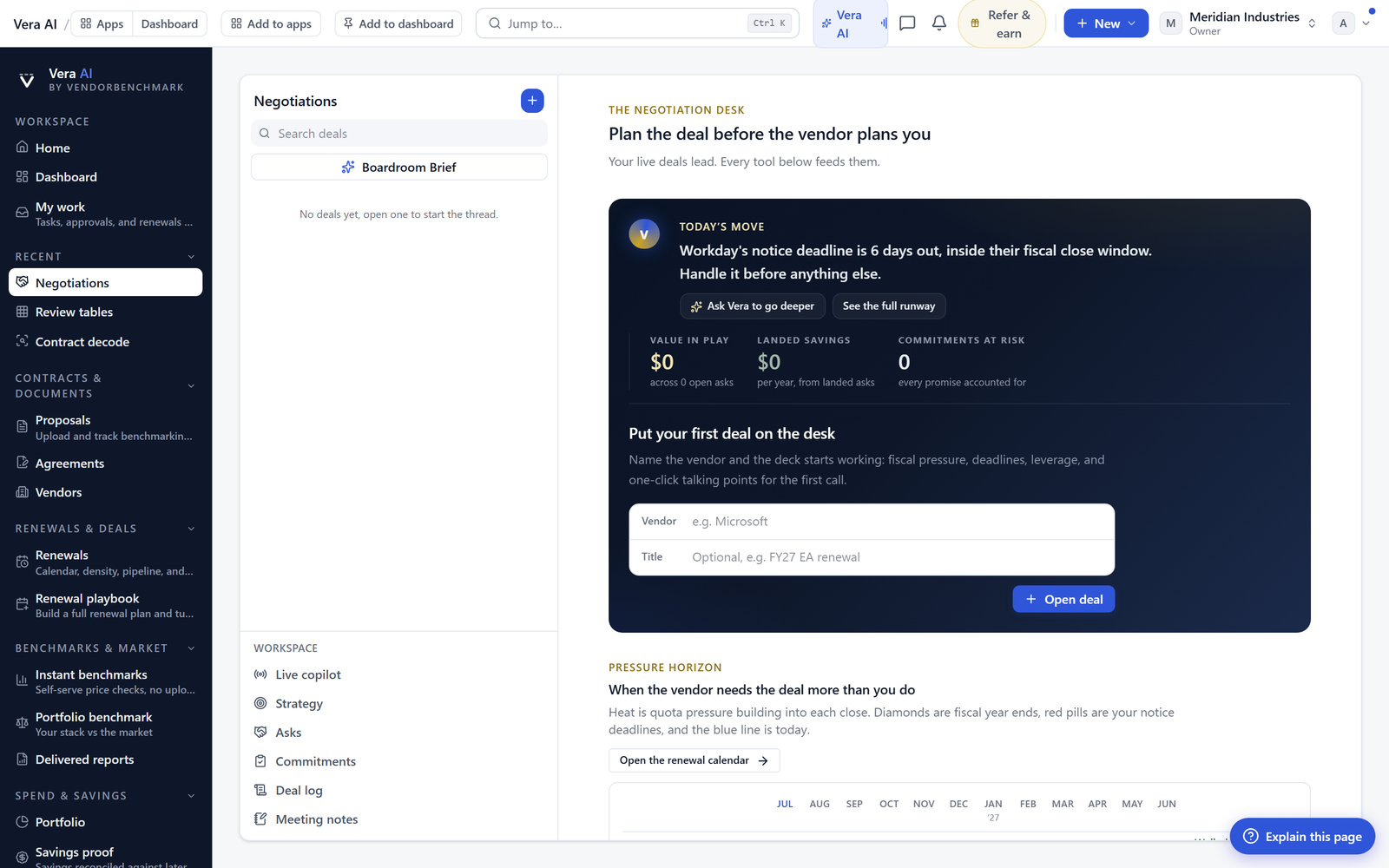
The last piece is the one that turns the list into work. When you ask Vera, she can press any move by its title. You do not need to describe the underlying action or find the tool. You say press the counter offer draft, and she opens the Negotiation Dossier exactly as the move promised. The title is the interface. This keeps the seam between reading and acting narrow, which is the whole point of shipping What next in the first place.
For the renewal desk specifically, this closes a loop we have been building toward. You can read the density of the quarter ahead, see the moves at the foot of the view, and ask Vera to start the renewal plan without leaving the calendar. The plan still asks you to approve each step. The move is a start, not a signature.
The honest limits
What next suggests moves. It does not decide them. The list is drawn from where the view stands, not from your negotiation strategy, your budget cycle, or the politics of the account. A move that is technically correct can still be the wrong thing to do this quarter, and the platform will not know that. The judgement stays yours.
The moves are also only as good as the state they read. If a benchmark is thin because the vendor is niche, the beyond it moves will reflect that thinness. We would rather show you three real moves than pad the list to five, so on quiet views the list is short by design. And pressing a move by title through Vera still runs the same action with the same approvals, which means a renewal plan step or a sign-off chain still waits for the people it always waited for. Nothing here shortens an approval. It only shortens the distance to starting one.
Finally, What next does not replace reading the view. It is the last line, not a summary you can skim in place of the analysis. The moves make more sense, and you choose better among them, when you have read what sits above them. Treat the list as the exit from a room you have walked through, not a way to skip the room entirely.
Want to be updated when major licensing and pricing changes land? One analyst brief a week: the price rises, metric changes and audit campaigns that move software costs. Work email only.
Morten brings two decades of enterprise and software procurement, with stints across Oracle, IBM, SAP, and Salesforce shaping how he reads a deal. He has led sourcing through hundreds of renewals, from mid market order forms to nine figure global agreements, and learned that the buyers who win are the ones who walk in knowing the market. He built VendorBenchmark to make that pattern recognition repeatable.


