Ask Vera what to read: the library button that hands you the right paper first
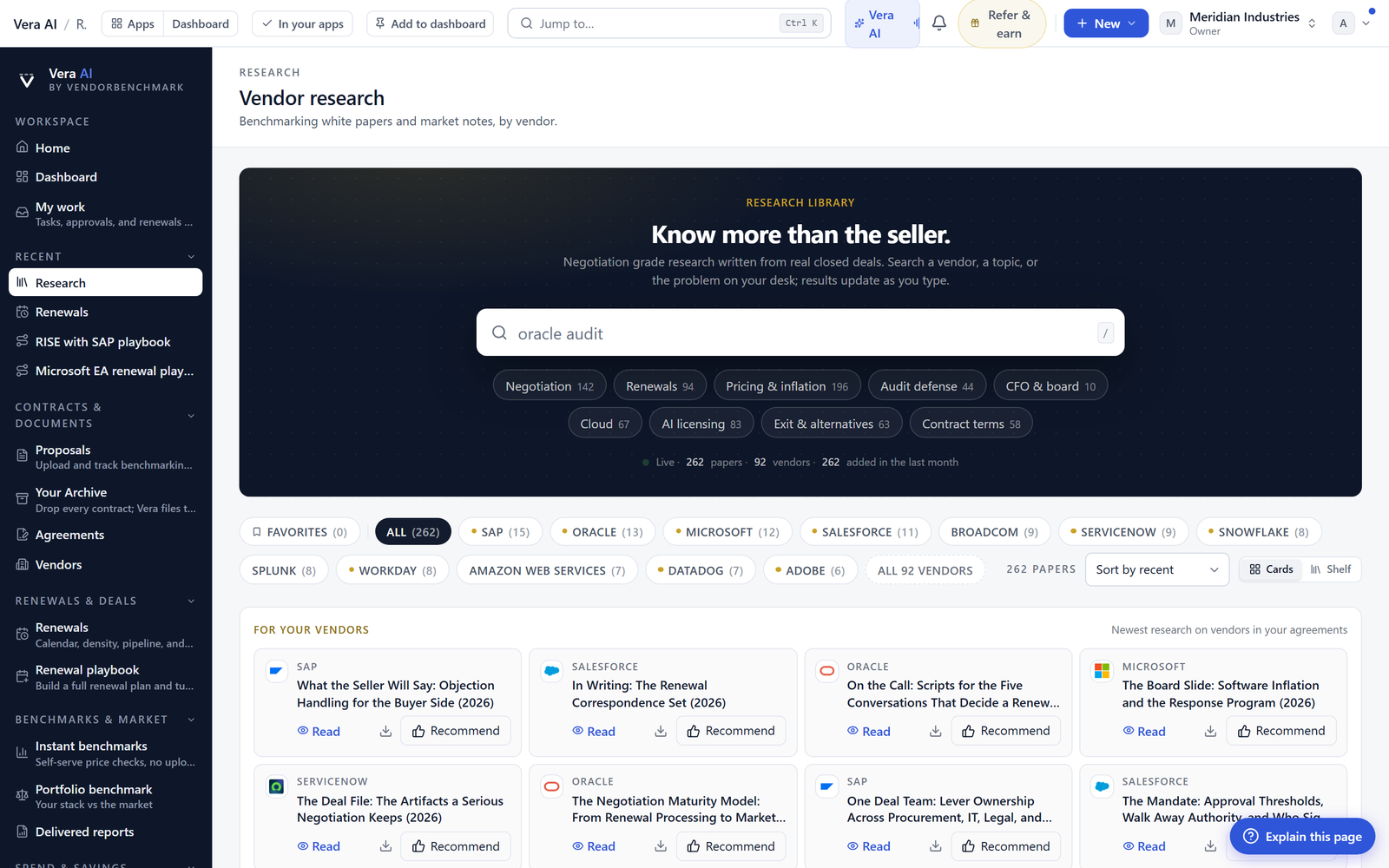
A shelf full of research is only useful when you can find the one paper that answers your question. There is now a button that asks Vera, and she can only name papers the library really holds.
Here is a problem every buyer recognises. You are three weeks out from a renewal, you know somewhere in the research library there is a paper that tells you how this vendor behaves at the table, and you cannot find it. The library covers 1,471 vendors across 25+ report types. That breadth is the point, but it is also the friction. A shelf of thousands of papers is only useful if you can put your hand on the one that is yours. We just shipped a fix for that. There is now a button on the wall that asks Vera what to read.
The named problem: too many papers, no map
The failure mode is not that the answer is missing. It is that the answer is buried. A buyer opening the library ahead of an Oracle renewal does not want a browse. They want the two or three papers that speak to Oracle, ranked so the most useful sits first. What happened instead was a scroll, a guess, and often the wrong open. You would read something adjacent, decide it was close enough, and walk into the call with the second best briefing. When we moved papers to styled pages instead of embedded files, reading got faster. Finding did not. This update closes that gap.
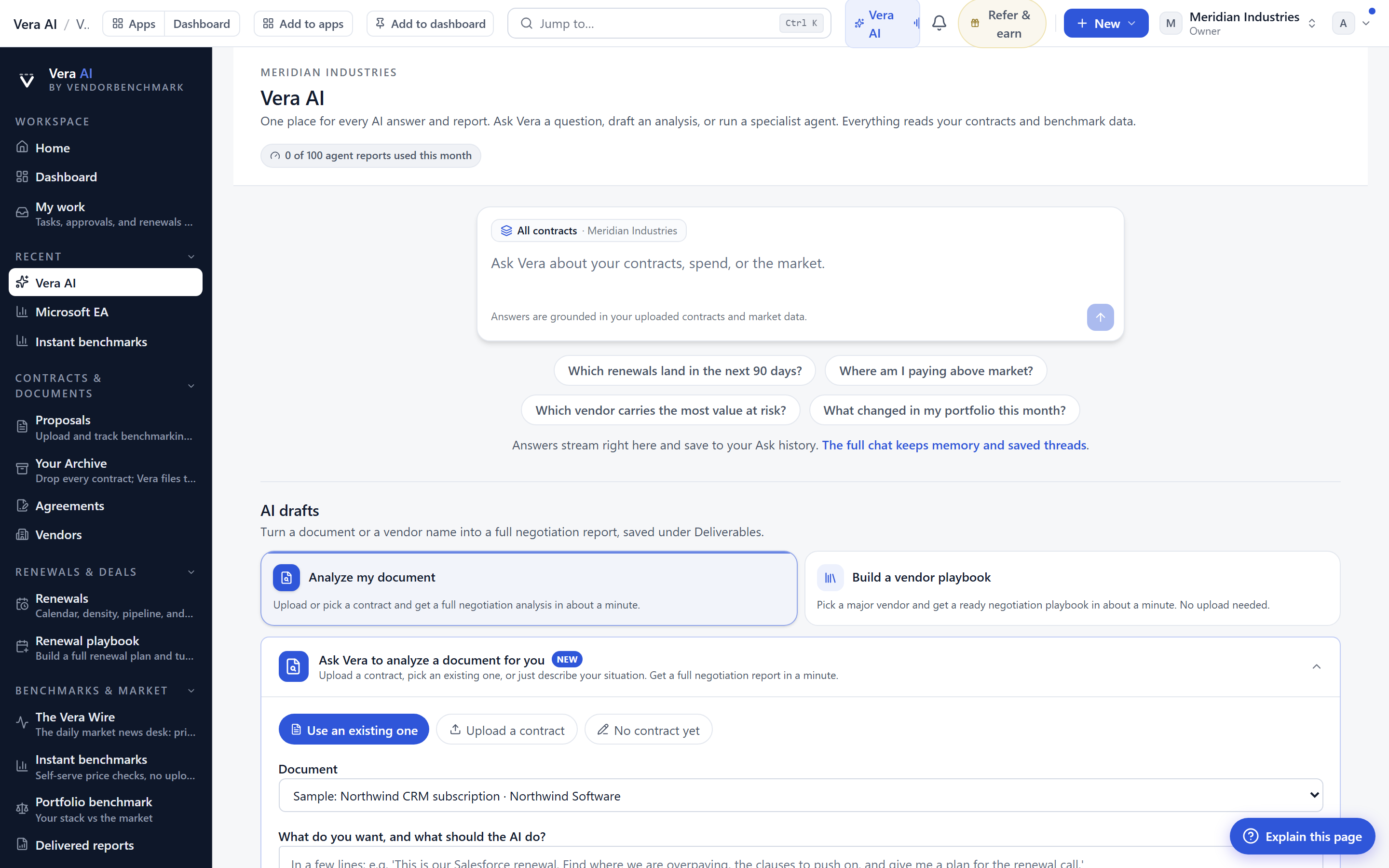
What the button actually does
You press the button and you say what you are working on. Name a vendor, a renewal, or a question. Vera hands back two to five papers, best first. Each one carries a short line: what the paper gives you, and what you will be able to do once you have read it. That second half matters. It is the difference between a title and a reason. You are not told "here is a paper on Oracle", you are told "read this and you will know which line items they inflate before the discount conversation starts".
The ranking has a rule that favours you. A paper on a vendor you actually hold outranks a technically better paper on a vendor you do not. If you hold Oracle and not SAP, the Oracle paper comes first even when the SAP one is more polished, because relevance to your estate beats abstract quality. This is the same logic that drives the Renewal Library, where two pages on how a vendor's renewal behaves are worth more than fifty on one you will never sign.
Nothing named is a paper you cannot read
This is the constraint we care most about, so we will say it plainly. Vera can only choose from papers the library really holds. She does not summarise a paper that might exist, she does not invent a title that sounds plausible, and she does not point you at a shelf that is empty. If Vera names it, it is there, and it opens on the spot. That rule is what separates a reading assistant from a chatbot that guesses. It is the same discipline behind our view that AI reports beat AI answers: a deliverable you can open and check is worth more than a confident sentence you have to trust.
Keep talking to narrow it
The first shortlist is a start, not a verdict. You keep the conversation going to tighten it. Ask for only the Oracle ones. Ask for something shorter because you have ten minutes before the call. Ask for the paper that covers audit exposure rather than pricing. Each follow up re ranks against what you just said, and the list narrows to fit the reason you came. It behaves the way the rest of the platform does now, where the report is a workspace and the paper opens beside every answer. You are steering, not searching.
This fits the workflow you already have. Vera is one of the six specialist agents, and she also shows up where the work happens. She will read up before a meeting and she will come on the call. The ask button is the same analyst, now sitting on the library wall so you can pull the right paper the moment a renewal lands on the calendar.
The honest limits
Be clear about what this is not. It is a reading assistant, not a research author. If the library does not hold a paper on your vendor, Vera will say so rather than fabricate one, which is correct behaviour but not always the answer you wanted in the moment. The ranking leans on what she can see about your estate, so if your holdings are not loaded, the relevance rule has less to work with and the shortlist reads more generic. And the line under each suggestion is a pointer, not a substitute for reading the paper. It tells you why to open it, not what it concludes. For the concluding, you still read. That is the whole point of a library.
Used the way it is meant to be used, the button turns a shelf of thousands into a shortlist of two to five you can act on before a call. Name the vendor, read the reason, open the paper, narrow if you need to. Then walk into the renewal with the right briefing instead of the nearest one.
Want to be updated when major licensing and pricing changes land? One analyst brief a week: the price rises, metric changes and audit campaigns that move software costs. Work email only.
Morten brings two decades of enterprise and software procurement, with stints across Oracle, IBM, SAP, and Salesforce shaping how he reads a deal. He has led sourcing through hundreds of renewals, from mid market order forms to nine figure global agreements, and learned that the buyers who win are the ones who walk in knowing the market. He built VendorBenchmark to make that pattern recognition repeatable.


