Your agents now have names, jobs and a conversation that never ends
We turned scattered agent launchers into a desk you come back to. Each agent has a face, a job, a leash you set, and a history that stays put.
For most of the last year, our AI agents worked but did not live anywhere. You clicked a launcher, an agent did one thing, and the answer scrolled off. Ask the same agent tomorrow and it had no idea you had ever spoken. It was, in plain terms, a signpost to three unrelated places, and none of them was somewhere you came back to. That is a real cost for a buyer. Context is the expensive part of procurement, and we were making you rebuild it every session. This update fixes the architecture, not the marketing. Agents now sit on a desk with names, jobs, a leash you control, and a single conversation that does not reset. If you have read Six agents and a ghost writer, this is the room those agents finally moved into.
The problem: agents with amnesia
A procurement buyer does not work in single questions. You work in threads that stretch across weeks. A renewal you flagged in March becomes a benchmark request in April becomes a redline in May. The old agent model treated each of those as a stranger meeting you for the first time. You pasted the vendor name again, re-explained the contract again, re-uploaded the price list again. Multiply that by the number of active vendors on a real desk and the tax is enormous. The fix is not a smarter model. It is memory, identity, and a place to return to.

Hire one agent, from a catalogue of seventeen
You do not spin up a generic assistant. You hire an agent for one job from seventeen on the catalogue, and you call it whatever you like. Name it after the vendor, the workstream, or the person who owns it. The point of the name is not cosmetics. A named agent is one you can find on the left tomorrow, and one you build a track record with. Behind the catalogue sit our six specialist agents and the thirteen inbox agents described in Ask by email, now surfaced as roles you can assign rather than launchers you hunt for.
Each hire carries a leash you set, and this is the part buyers should read twice. Watch means the agent observes and reports and does nothing else. Draft means it prepares documents and redlines but stops short of sending. Act means it runs its chain to completion. You choose per agent, and you can change the setting without starting over. This is the same discipline we wrote about in What we will not let the AI do on your deals, made into a switch on every row.
Ask in writing, or tell it to go and work
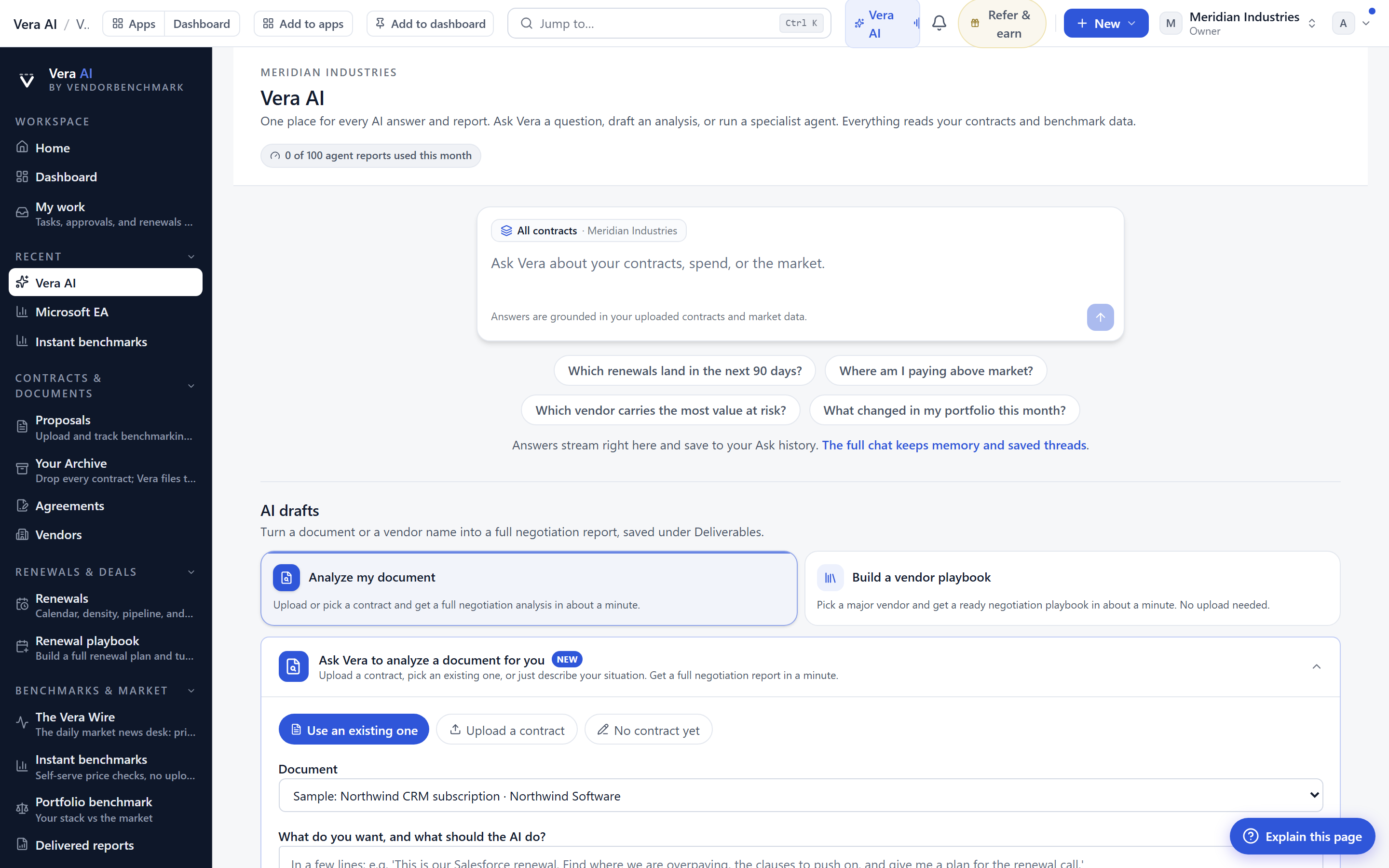
There are two ways to use an agent on the desk. Ask it anything in writing and it answers from your own agreements and spend, cited, in the thread. That is the analyst-in-the-chat behaviour familiar from the call copilot, now permanent and per-agent. Or tell it to go and work. It runs its chain, and a card appears in the thread that follows the run live and links every document it wrote. You are not staring at a spinner wondering what happened. You watch the steps land, and when it finishes, the outputs are hyperlinked in place. With 99 background jobs available to the chain, a single instruction can produce a fully sourced package without you shepherding each step.
One thread, even when the job changes
The quiet feature that matters most: you can give an agent a different job without losing the thread you already have with it. The vendor whose renewal you watched in Q1 can become the vendor whose contract you decode in Q2, in the same conversation, with the same history intact. The desk does not force you to abandon context every time your task shifts. This is the same principle behind every screen keeping your work, applied to the agents themselves. Picking up where you left off is not a feature you invoke. It is simply what the screen does.
Honest limits
Three things this does not do, stated plainly. First, an agent set to Act is only as safe as the leash you gave it, and it will do exactly what you authorised, which means a careless Act setting on a live deal is your risk, not ours. Read the leash before you delegate. Second, the answers are only as good as the data behind them. An agent reasons from your loaded agreements, your spend, and the benchmark library. If a contract is not in the archive or a price list has not been ingested, the agent will tell you what it can see, but it cannot see what you have not given it. Third, memory persists per agent, not across your whole tenant. The thread you built with one agent does not silently leak into another, which is deliberate for isolation but means context does not travel between agents automatically. You move it, or you reassign the agent that already holds it. None of this is a limitation we are hiding. It is the boundary that makes delegation safe. Explore the roster at /ai-agents and set the leashes before you set anything loose.
Want to be updated when major licensing and pricing changes land? One analyst brief a week: the price rises, metric changes and audit campaigns that move software costs. Work email only.
Morten brings two decades of enterprise and software procurement, with stints across Oracle, IBM, SAP, and Salesforce shaping how he reads a deal. He has led sourcing through hundreds of renewals, from mid market order forms to nine figure global agreements, and learned that the buyers who win are the ones who walk in knowing the market. He built VendorBenchmark to make that pattern recognition repeatable.


