Your Archive now works like a real file manager
The moves you already know from your desktop now work across every archive view, so filing a contract stops being a separate skill you have to learn.
Every procurement team has an archive that is technically complete and practically unusable. The renewal is in there. The order form amendment is in there. The one email where the vendor conceded a cap is in there. The problem is not storage, it is retrieval, and more precisely it is the small friction of every retrieval multiplied across a quarter. When the archive does not behave the way your desktop behaves, you stop trusting it, and a distrusted archive quietly becomes a shadow folder on someone's laptop. This update closes that gap. The archive now works like a real file manager. If you have used Box, or Finder, or your own file explorer, you already know how to use it. Explore it live at /archive?view=explorer.
The muscle memory finally transfers
The core change is that the Explorer now answers to the gestures you use without thinking. A single click selects a paper. A double click opens it. Folders come from the toolbar, and they survive while empty, which matters more than it sounds, because a folder structure you build ahead of the filing is a folder structure that gets used. You can select several papers with the checkboxes and act on them as a set, move them, copy them, download them, or delete them together. You can drag a selection from one vendor folder to another. And crucially the Agreements and Renewals views carry the same moves, so you are not learning three different tools inside one product. This is the natural extension of the work we described when we introduced the Explorer as a way to browse your contract estate like a file library.

The Document Desk is the reading window
A double click does not download the file and hand you off to a viewer. It opens the paper on the Document Desk, the reading window with your whole archive down the left side, searchable and grouped by vendor. Arrow keys step from paper to paper, which means a diligence pass across a vendor's full set of agreements is a matter of holding the down arrow and reading, not of opening and closing twelve tabs. This is the same reading surface we detailed in the Document Desk write up, and it pairs with the shift to rendering research papers as styled pages rather than embedded files. The point is continuity. You select in the Explorer, you read on the Desk, and you never lose the context of where the paper sits in the estate.
Right click is the whole grammar
Every row and every folder answers a right click with the full menu of moves it can make, which means you do not have to remember where a function lives. If a folder can be renamed, copied, or deleted, the right click says so. Renaming happens in place, on both folders and documents, so you are not navigating into a settings panel to fix a typo in a filename. On the flat Agreements and Renewals views, where there is no folder tree on screen, a tray of folders floats up while you drag a selection, so the destinations come to you rather than forcing you back to the Explorer. This is the same design instinct behind simplifying the app window to one titlebar and the whole page. Fewer places to look, more of the surface doing work.
One note per paper, where you will actually see it
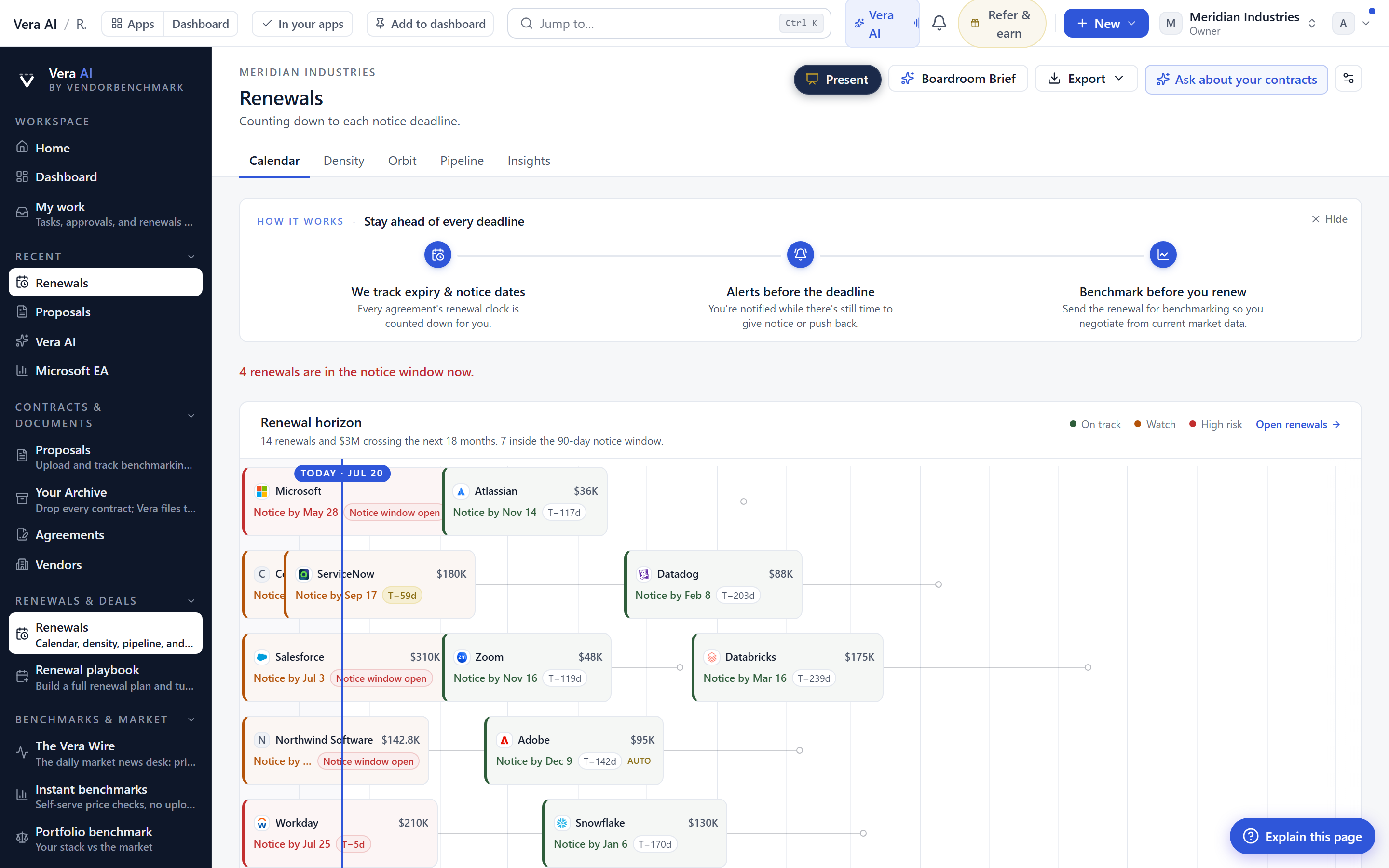
The Comments column carries one note per paper across all three views. This is deliberately constrained. It is not a threaded discussion and it is not a version log. It is the single line that tells the next reader what they need to know before they open the file, the note that says this is the executed copy, or ignore, superseded by the March amendment. That note travels with the paper wherever it appears, in the Explorer, in Agreements, and in Renewals, so the judgement you recorded once shows up at every point you might need it. When you are timing a renewal against a vendor's fiscal calendar, as we covered in timing is leverage, having the authoritative version flagged in place removes one of the small delays that push a conversation past the useful window.
The honest limits
Be clear about what this does not do. The Comments column is one note, not a conversation. If your team needs threaded review with attributions and timestamps, that lives elsewhere in the product, not in this column. Deletes are permanent by design, and the deletion certificate is your only recovery artefact, so there is no undo and no trash you can fish a file back out of. Treat the delete action with the same care you would treat a shredder. Copies are full duplicates, which is a feature until it is storage you did not intend, so copy when you need an independent version and move when you simply need the paper somewhere else. The signed download links are short lived on purpose, which means a link you paste into a document today will not work next week, so share access, not URLs. And this update makes filing fast, it does not make filing decisions for you. The structure of your vendor folders is still your call, and a clean estate map, which we discuss in the estate map write up, is still built by a human who knows which vendors matter. What has changed is only the friction. The archive now behaves, and a well behaved archive is the one your team actually keeps current.
Fredrik has spent more than twenty years in enterprise software, with time at Oracle, IBM, SAP, and Salesforce before moving to the buy side. He structured and priced the kind of large agreements most buyers only see once or twice in a career, which taught him where the leverage sits and how far a vendor will actually move. He started VendorBenchmark to hand that knowledge to every sourcing team.


